
Crevano · Templates · Poster Templates
Poster Templates
Posters at every trim a print shop publishes a price for: 8.5 × 11 for the home printer, 11 × 17 for a shop window, 12 × 18 and 18 × 24 for gigs and galleries, 24 × 36 for the full sheet. All 25 carry 0.125 inch of bleed and a resolution target chosen for how far away the poster is read from, not a blanket 300.
| Trim sizes | 36 × 48 in · 48 × 36 in · 27 × 40 in · 24 × 36 in · 18 × 24 in · 12 × 18 in · 11 × 17 in · 8.5 × 11 in |
|---|---|
| Bleed | none · 0.125 in · 0.25 in |
| Resolution target | 150 DPI · 200 DPI · 300 DPI |
| Templates | 25 |
| Pages | 25 |
No templates match that.
Poster templates (25)
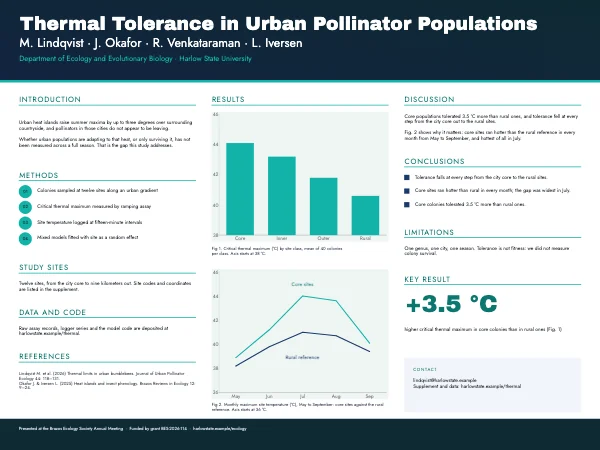 Research Academic PosterPro
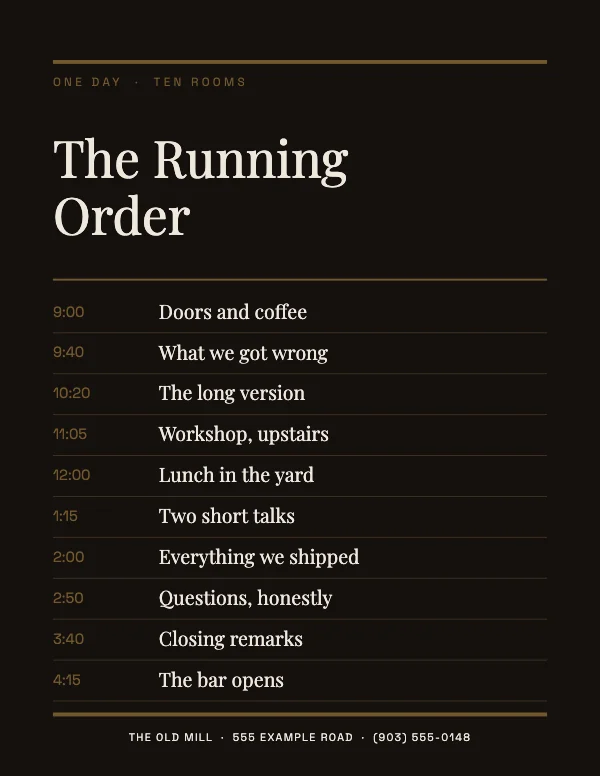 Classic Event Schedule Poster
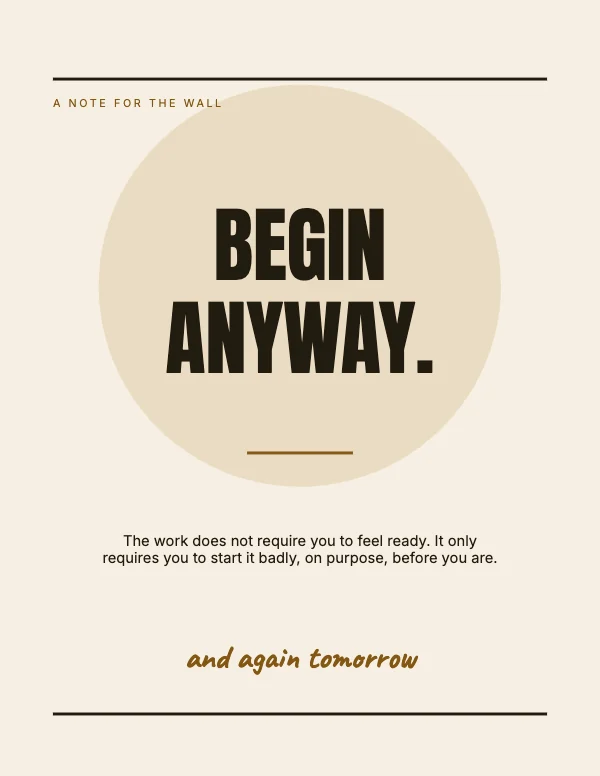 Typographic Quote PosterPro
 Modern Announcement PosterPro
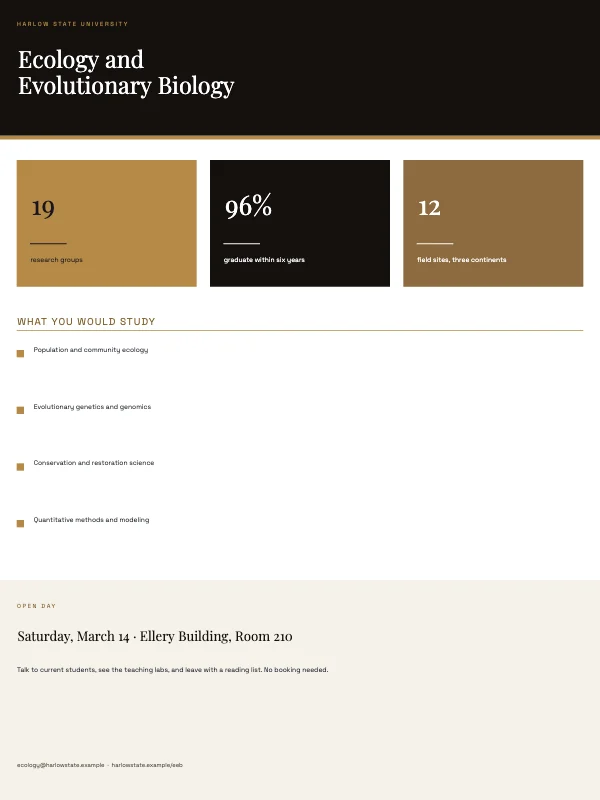 Departmental Academic PosterPro
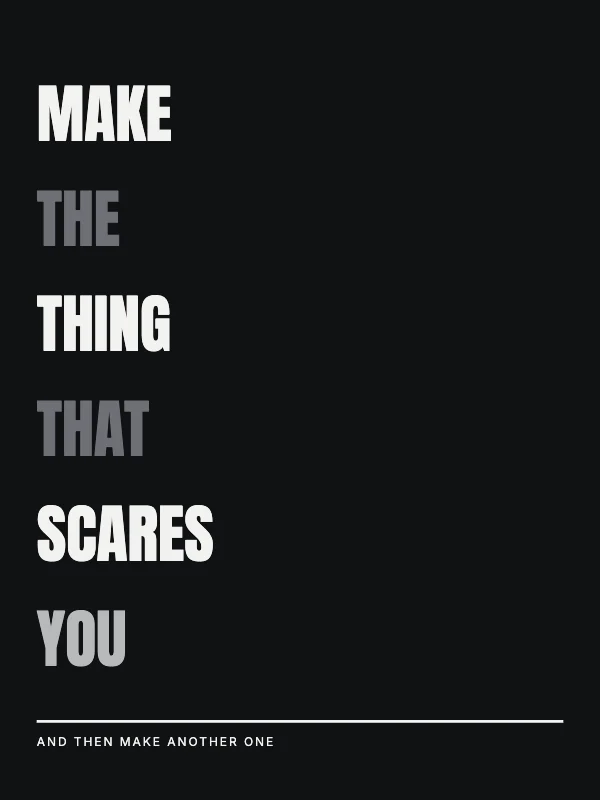 Bold Typographic PosterPro
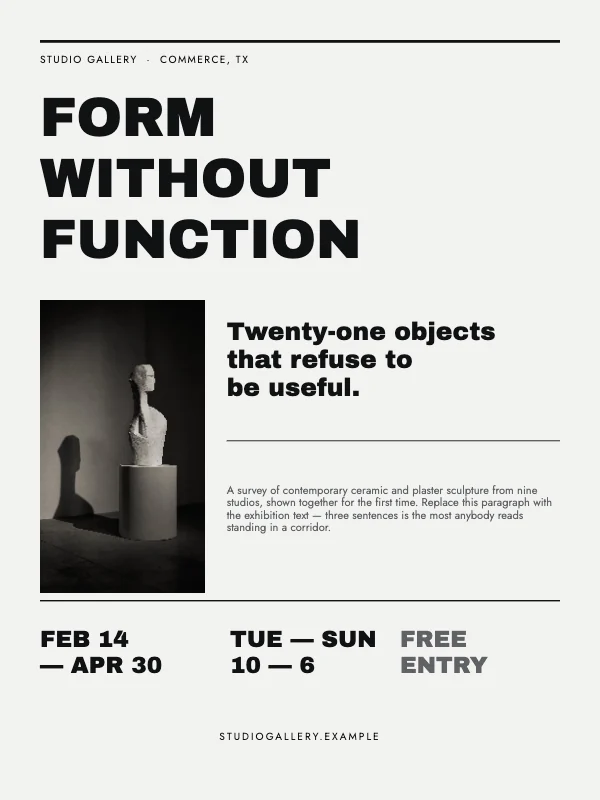 Minimalist Art Exhibition PosterPro
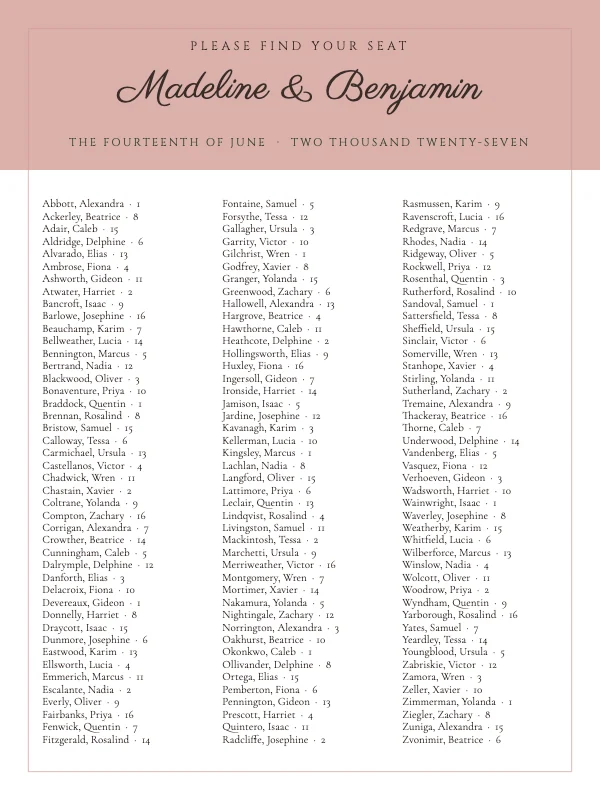 Elegant Wedding Seating ChartPro
 Minimalist Botanical PosterPro
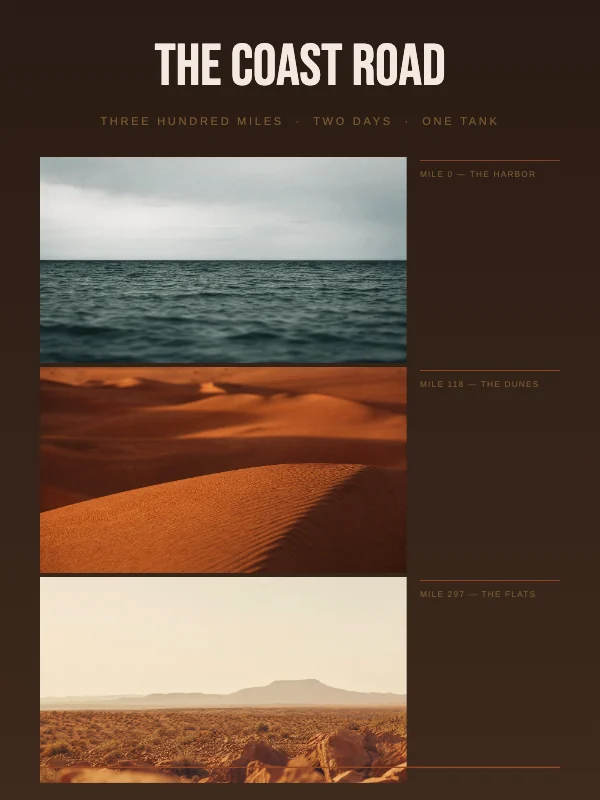 Vintage Coast Road Travel Poster
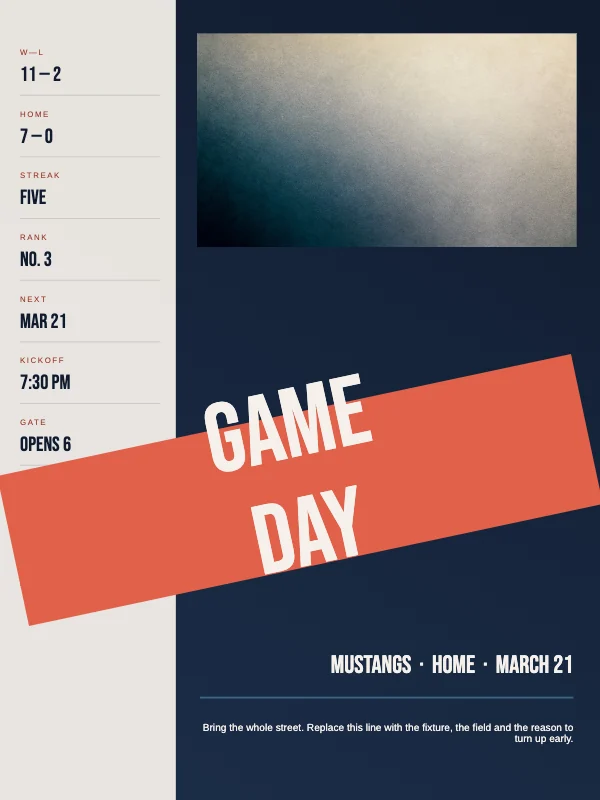 Bold Game Day PosterPro
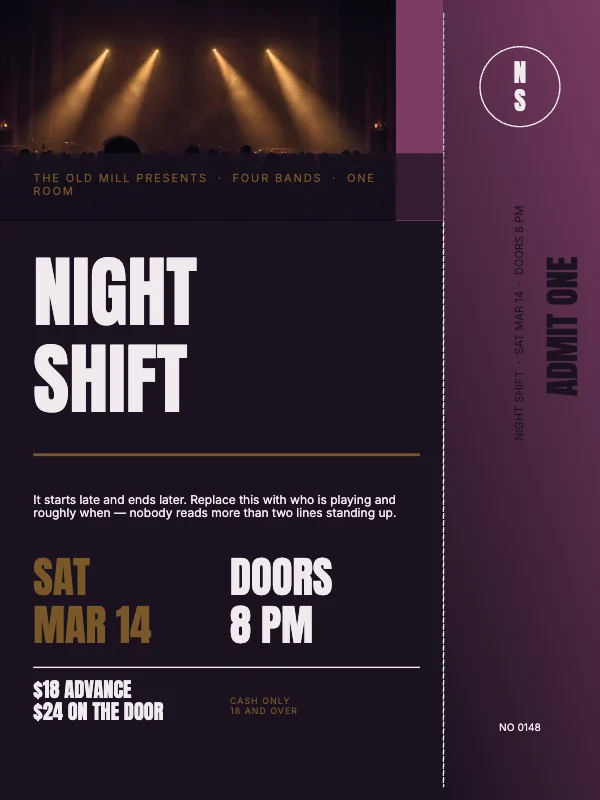 Bold Concert PosterPro
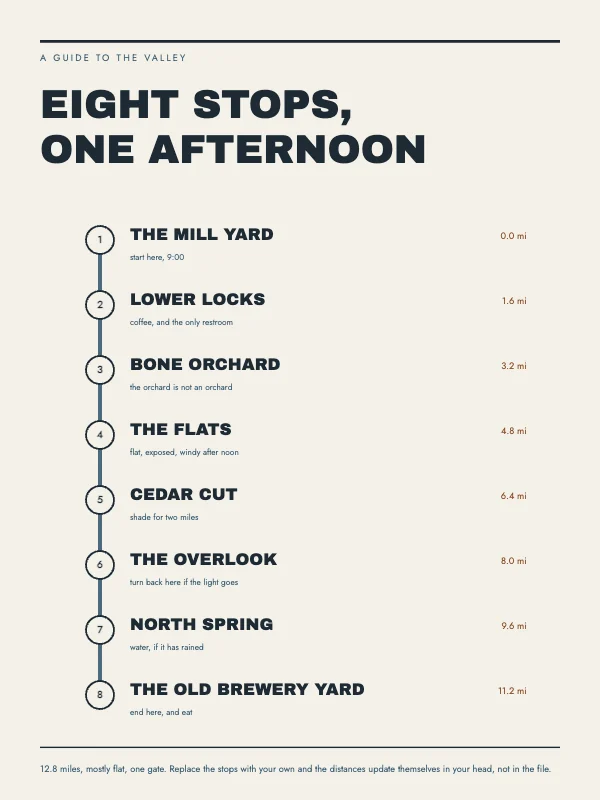 Modern Trail Map PosterPro
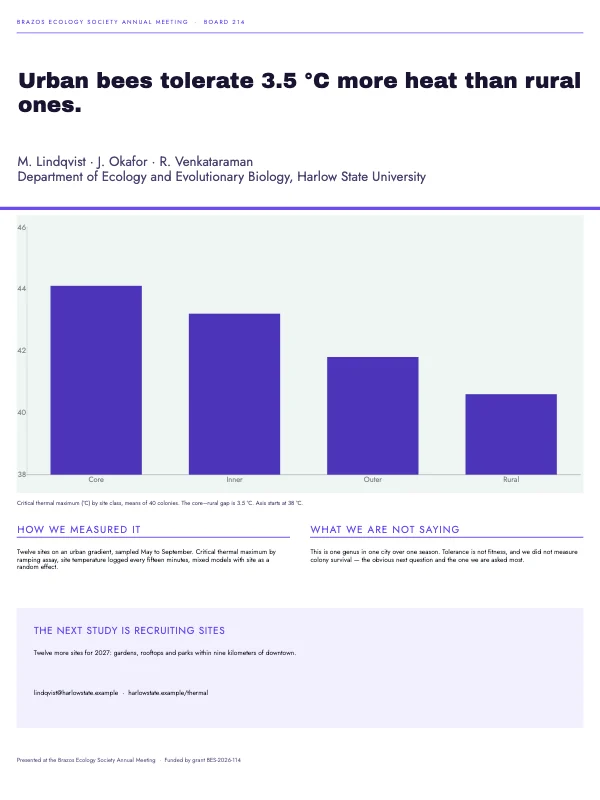 Conference Academic Poster
 Cinematic Film PosterPro
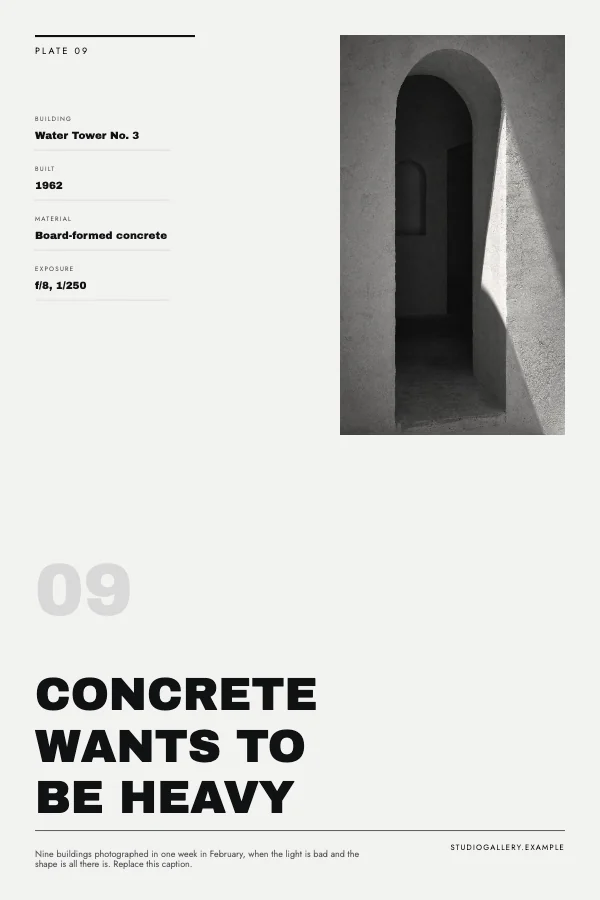 Minimalist Architecture Poster
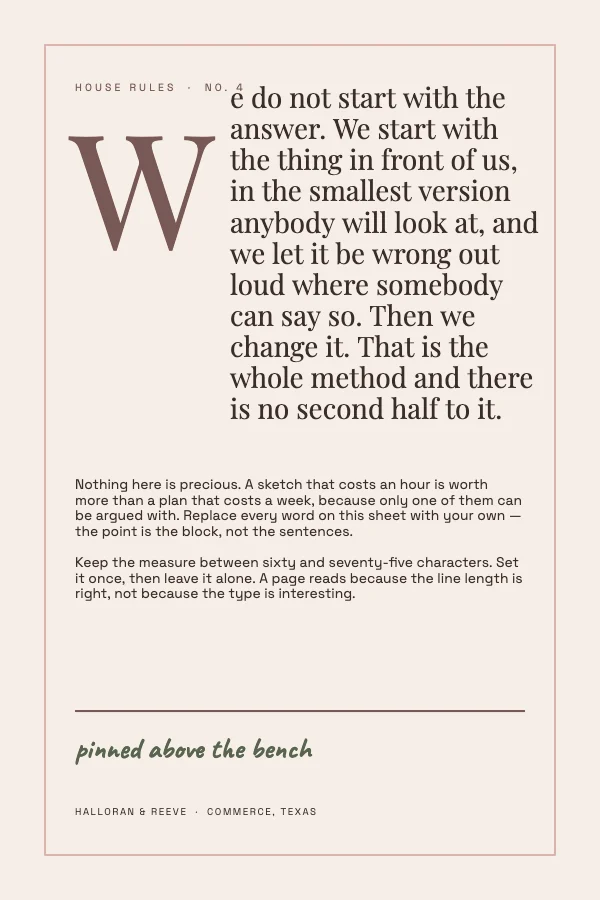 Editorial Manifesto Poster
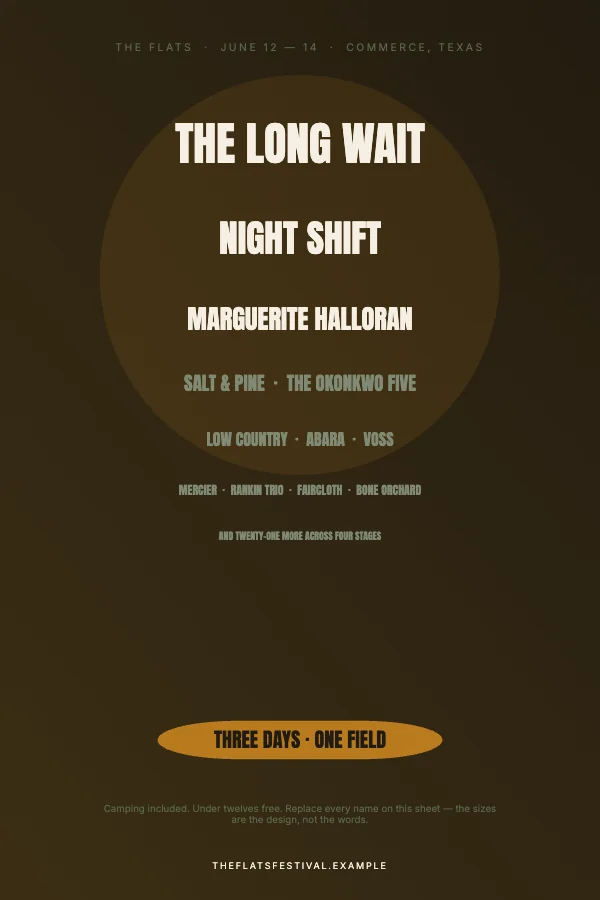 Bold Music Festival PosterPro
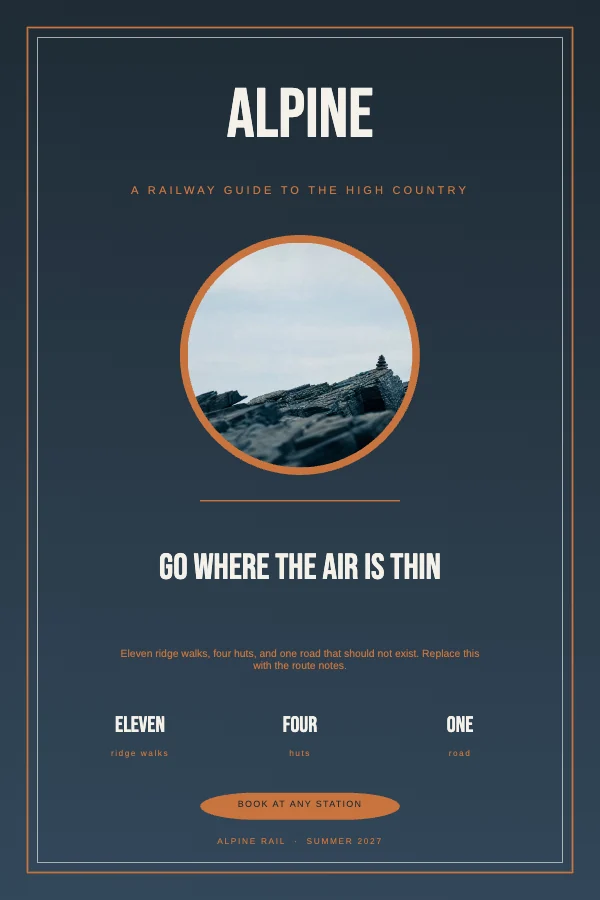 Vintage Mountain Travel PosterPro
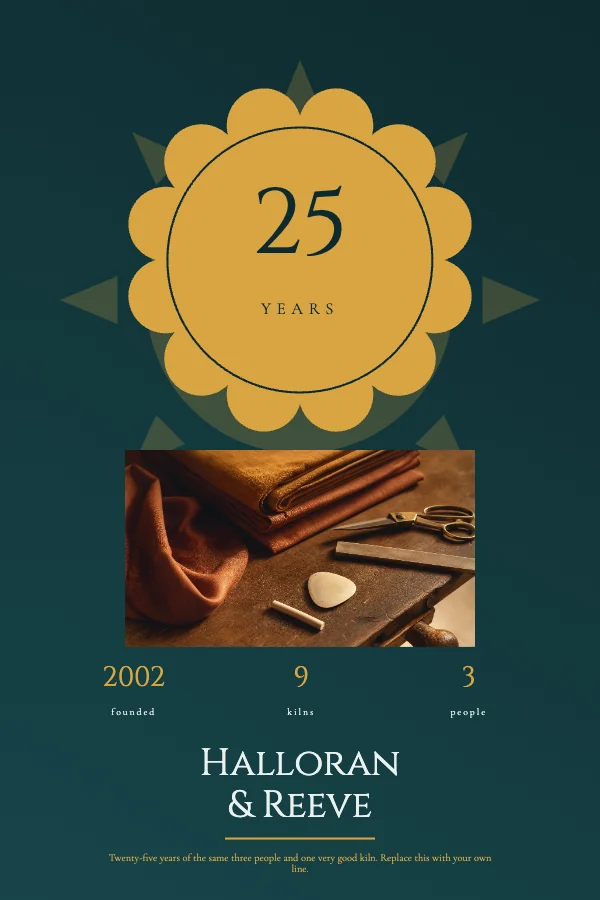 Classic Anniversary PosterPro
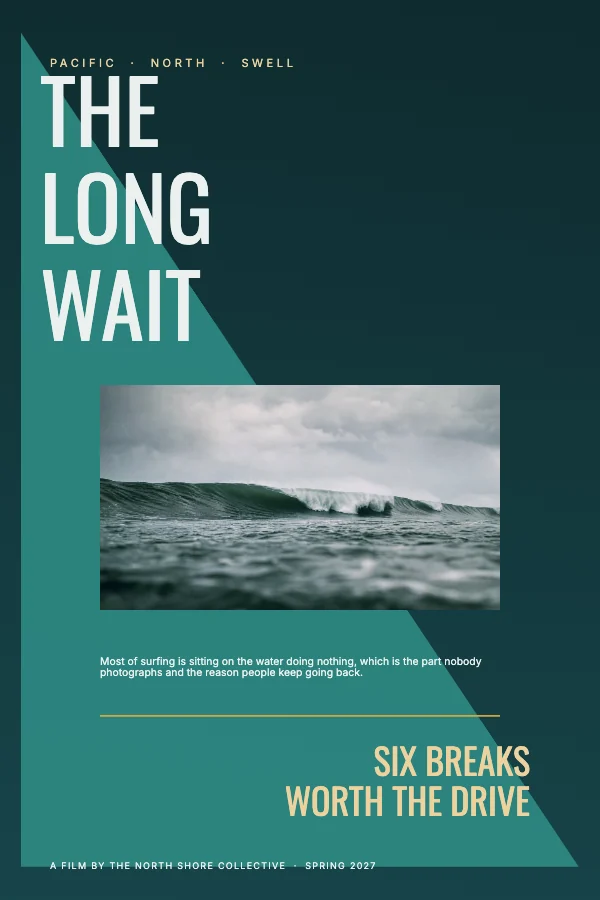 Minimalist Surf PosterPro
 Rustic Farmers Market PosterPro
 Modern Event Poster
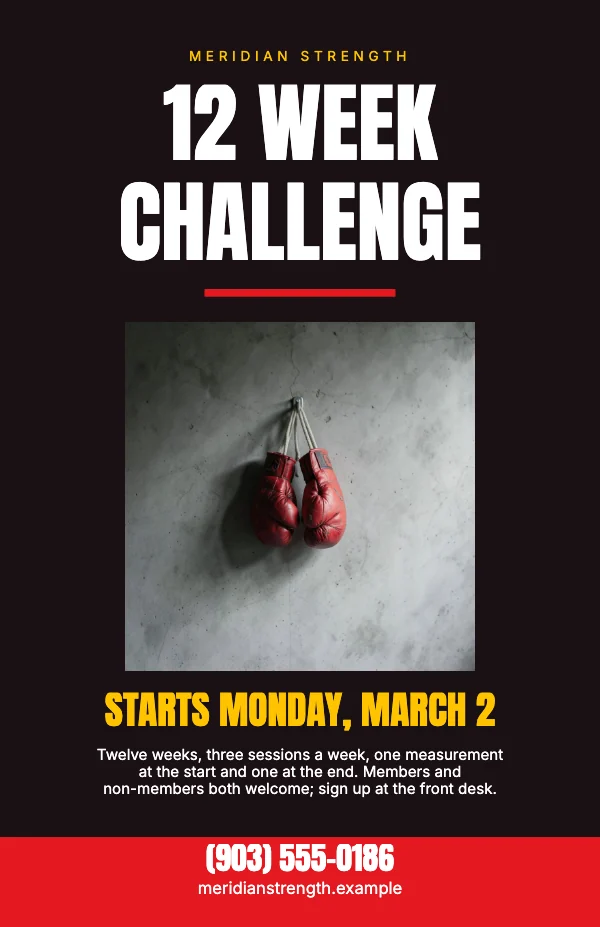 Fitness Challenge PosterPro
 Modern Open Studio PosterPro
Pick the size by distance, not by taste
A poster size is a distance decision before it is a design decision. Choose it by where the poster hangs and how far away the reader stands, then set the largest thing on it to be legible from there. Everything else follows from that one choice.
| Size | Read from | What it is for |
|---|---|---|
| 8.5 × 11 in | arm's length | A notice, a quote print, anything you run off yourself |
| 11 × 17 in (tabloid) | 3–6 feet | Shop windows, noticeboards, a café wall. The largest size most copy shops print without a conversation |
| 12 × 18 in | 5–10 feet | The screen-print and gig-poster size. Also the standard art-print size, which is why frames for it are easy to find |
| 18 × 24 in | 6–12 feet | Concert, exhibition and event posters. The default gig size |
| 24 × 36 in | 10+ feet | The full sheet. Travel posters, cinema-style prints, anything read down a corridor |
If you are between two sizes, go up. A poster that is slightly too big is read; a poster that is slightly too small is walked past.
Why a 24 × 36 does not need 300 DPI and a 5 × 7 card does
This is the piece of print knowledge that saves the most money and the most disappointment, and it is why the templates on this page are not all set to the same number.
Resolution is a function of viewing distance. Three hundred pixels per inch is right for something in the hand, because at arm's length the eye resolves roughly that much detail. A poster on the far wall is not in the hand, and the same eye cannot resolve anything close to that at ten feet. A true 300 DPI 24 × 36 is a 7,200 × 10,800 pixel image — 78 megapixels — indistinguishable at the distance it is actually read from, from one at half the size.
| Template size | Target in the file | Pixels at that target |
|---|---|---|
| 8.5 × 11 in | 300 DPI | 2,550 × 3,300 |
| 11 × 17 in | 300 DPI | 3,300 × 5,100 |
| 12 × 18 in | 200 DPI | 2,400 × 3,600 |
| 18 × 24 in | 200 DPI | 3,600 × 4,800 |
| 24 × 36 in | 150 DPI | 3,600 × 5,400 |
Crevano judges every photograph against the target the document is set to. A picture flagged as too soft on an 8.5 × 11 quote print passes on a 24 × 36 travel poster, because on a 24 × 36 travel poster it genuinely is fine. The badge on a selected photo reads the measured number, the inches it is being used at, and which axis ran out first.
If your print shop insists on 300 DPI at 24 × 36, they are asking for a file four times larger than the job needs. Some of them do, and it is easier to give them what they ask for than to have the argument — change the target in Page Setup and the app holds every photograph to the new number.
Bleed, and the mistake that eats the title
Every poster here carries 0.125 inch on all four sides. Turn bleed on in the export and the 18 × 24 file comes out 18.25 × 24.25; the outer eighth of an inch is meant to be cut off.
The mistake that costs a reprint is not forgetting bleed. It is putting something you care about too close to the trim. The blade moves, so anything within about a quarter inch of the edge is in play — and on a large-format poster, where the sheet is bigger and the stack is thicker, it moves more, not less. Keep the title, the date, the venue and anything with a phone number in it at least 0.25 inch inside the trim on tabloid and smaller, and 0.5 inch on 18 × 24 and up. The templates already do this; the margin guides show you where it is.
The second version of the same mistake is the one nobody catches on screen: a photograph that fills the poster but only just. If it lands exactly on the trim, the bleed area behind it is empty, and what prints is a hairline of white along one edge on some copies and not others. Drag the picture out past the bleed line, not up to it.
Type on something read from ten feet
A rough guide that has survived a lot of jobs: the headline wants about one inch of cap height for every ten feet of viewing distance. At 18 × 24, read from ten feet, that is roughly 72 pt as a floor and it usually wants to be bigger. Body text below about 24 pt on a large poster is decoration — it will not be read standing up, and it competes with the thing that will be.
Three things to check before it goes out, all of which are invisible at screen size:
- Squint at the thumbnail. If the top line is not legible at postage-stamp size, it is not legible across a room either. This test is unreasonably reliable.
- Print one page at 8.5 × 11 first. A quarter-size proof on office paper catches wrong colors, a typo in the date and a photograph that turns out to be soft, for the price of one sheet.
- Read the date and the address out loud from the proof at arm's length. The single most common poster defect is a correct-looking wrong number.
What to send the printer
A PDF at the trim size with bleed included, and the trim size stated in the message. Crevano writes each page as a lossless 300 DPI image inside the PDF, which is what a print shop is happy to receive. If they ask for crop marks or for a vector file, have that conversation before you send — those are two specific things worth agreeing on rather than assuming.
Ask for the paper too, because it changes the design more than people expect. A matte or uncoated stock eats saturation and closes up fine detail; a gloss stock holds both and throws glare under the venue's lights. Large-format posters are often printed on a satin or semi-gloss for exactly that reason.
Questions
What size should a poster be?
Whatever matches the distance it is read from: 11 × 17 for a window, 18 × 24 for a gig, 24 × 36 for a wall you see down a corridor. If a venue or a printer has given you a size, use theirs — a poster that does not fit the frame or the light box is a poster that does not go up.
How much bleed does a poster need?
0.125 inch on each side, which is what every template here carries. You only need it if something runs to the edge; a poster with a white border all the way around does not need bleed at all. Never place text in the bleed area — it is designed to be cut off.
Does a poster really need 300 DPI?
No, and on anything 18 × 24 or larger it is a waste of file size. 200 DPI is generous at 18 × 24 and 150 is fine at 24 × 36, because the viewing distance does the work. Cards and anything held in the hand are the case that genuinely wants 300.
Can I print an 18x24 poster at home?
No. Home printers stop at 8.5 × 11, or 11 × 17 on the models that take tabloid. Anything larger goes to a copy shop, an office-supply print counter or an online printer. Use the 8.5 × 11 template for a proof, then send the large one out.
What file should I send the print shop?
A PDF at the trim size with bleed included, and say the trim size in the message. If they ask for crop marks or a vector file, ask first — Crevano's PDF carries the bleed and holds each page as a lossless 300 DPI image, which is not the same as vector type.
My photo says it is too low resolution. What do I do?
Three options, in order of how well they work: use a bigger version of the same picture; make the picture smaller on the page; or, if the poster is large, check that the document target is not set higher than the size needs — a 24 × 36 does not need 300, and lowering the target to 150 makes the same photograph pass honestly rather than by pretending.
What is the difference between 18x24 and 24x36?
Twice the area, roughly twice the print cost, and about twice the viewing distance. 18 × 24 is the standard gig and gallery size and fits ready-made frames easily. 24 × 36 is the full sheet — more presence, harder to hang, and fewer off-the-shelf frames.
Will the colors on my screen match the print?
Not exactly, and nobody's do. Screens emit light and paper reflects it, so bright saturated blues and greens are the ones that shift most. Expect a print to come back slightly darker and slightly less saturated than the screen. Proof one small copy before committing to a run of anything.
Can I sell posters I make from these?
Yes. Posters you make are yours to sell — at a show, in a shop, on Etsy, print-on-demand. No royalty, no credit, no expiry, and there is no watermark on anything you export. That is true on the free plan as well as the paid one, and it stays true if you cancel.
What is not allowed is reselling our photographs and clip art as things in themselves — as packs, files or stock. You may sell what you designed; you may not sell what we drew.
Where to go next
Sizes in this category
Put together an occasion
Every category
How printing works
Open any of these and it is already the right size. Bleed, margins and trim are set, and there is no watermark on anything you export — on any plan, ever.