
Crevano · Templates · Social Media · Instagram Post Templates
Instagram Post Templates
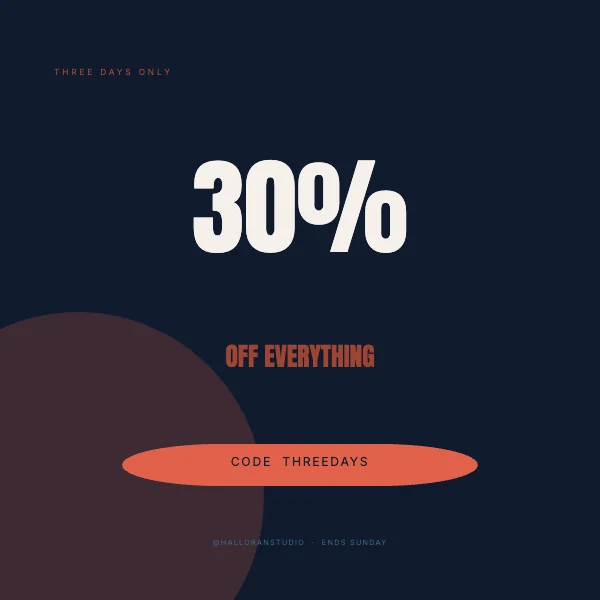
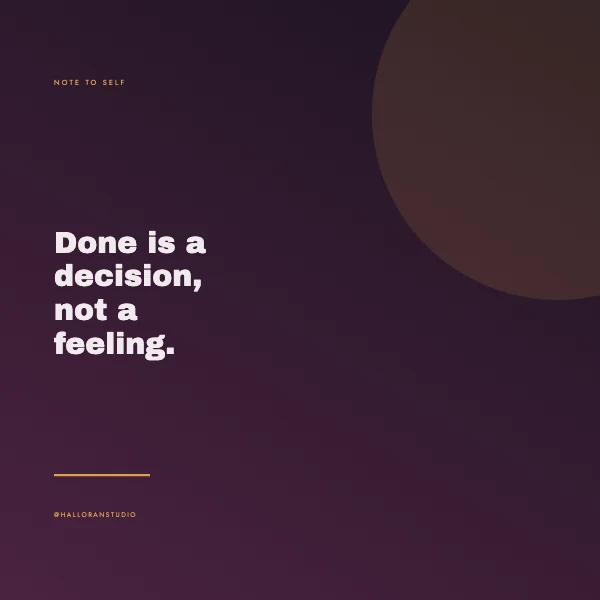
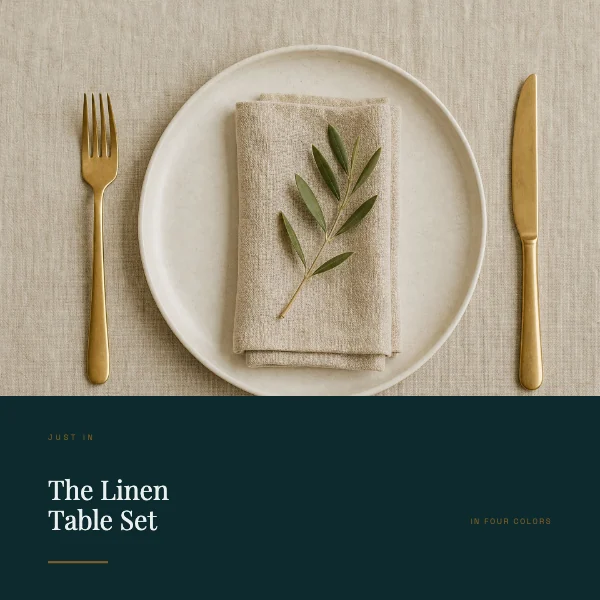
Square posts at 1080 × 1080 pixels — the size Instagram publishes, built for the two places a post is actually looked at: a scrolling feed, and the profile grid where it is about a third of this size and sitting next to eight others.
No templates match that.
The grid is the second audience, and it is the one people forget
A post is designed for the feed and then lives forever in your profile grid. Those are different viewing conditions and the grid is the harsher one.
In a grid, a post is roughly 360 pixels wide, cropped to a square, and judged against its neighbors rather than on its own. Fine type disappears, low-contrast photographs turn to mush, and — the one that catches everybody — a design that reaches the edges gets its edges cut by the grid's own spacing on some layouts.
The practical rule is a margin. Keep meaningful content off the outer edge, and the post survives both views without a second version.
Eight words, and a caption for the rest
The recurring failure on square posts is a second and third line of supporting text. It is almost always wrong: no more than about eight words at the largest size, and nothing below roughly 3% of the image height — on a 1080-pixel square, that is around 32 pixels, and anything under it is decoration rather than information.
The supporting text belongs in the caption, which is free, unlimited, searchable, and can be edited after posting. The image cannot.
Square, portrait, or both
Instagram accepts 1080 × 1080 square and 1080 × 1350 portrait. Portrait takes more vertical space in a feed, which is an advantage while scrolling; square is safer in the grid and easier to reuse elsewhere. If you are making one thing to use in several places, square travels further.
The carousel templates are at 1080 × 1350 — that page is Instagram carousel templates.
Questions
What size is an Instagram post?
1080 × 1080 pixels for a square post. Portrait posts are 1080 × 1350 and landscape 1080 × 566.
Should I post square or portrait?
Portrait occupies more of a phone screen while scrolling. Square is more predictable in the profile grid and reuses more easily on other platforms. Both are correct; square is the safer default.
Why does my post look worse on my profile than in the feed?
Because the grid shows it at about a third of the size, cropped square and next to eight others. Judge a post at grid size before you publish it.
How much text should be on the image?
About eight words at the largest size, and nothing below roughly 3% of the image height. Everything else goes in the caption.
Does Instagram compress my image?
Yes. Export at exactly 1080 × 1080 so the platform does not resample it as well as recompress it — uploading something larger makes the result worse, not better.
Can I use these commercially?
Yes, including for clients and for a business account. No royalty, no credit, and the permission does not expire. That is true on the free plan as well as the paid one.
Where to go next
Other sizes
Put together an occasion
Every category
How printing works
Open any of these and it is already the right size. Bleed, margins and trim are set, and there is no watermark on anything you export — on any plan, ever.