
Design it once.
Print it true.
A design studio in your browser that exports at the exact size you asked for.
Free to start, no watermark No card to start Made for a computer or tabletFull studio on a laptop or tablet
Straight from the studio
Real designs, and the files they live in.
Each of these was laid out in Crevano and rendered by the same exporter that makes your print file. Download the project and every element is yours to move.
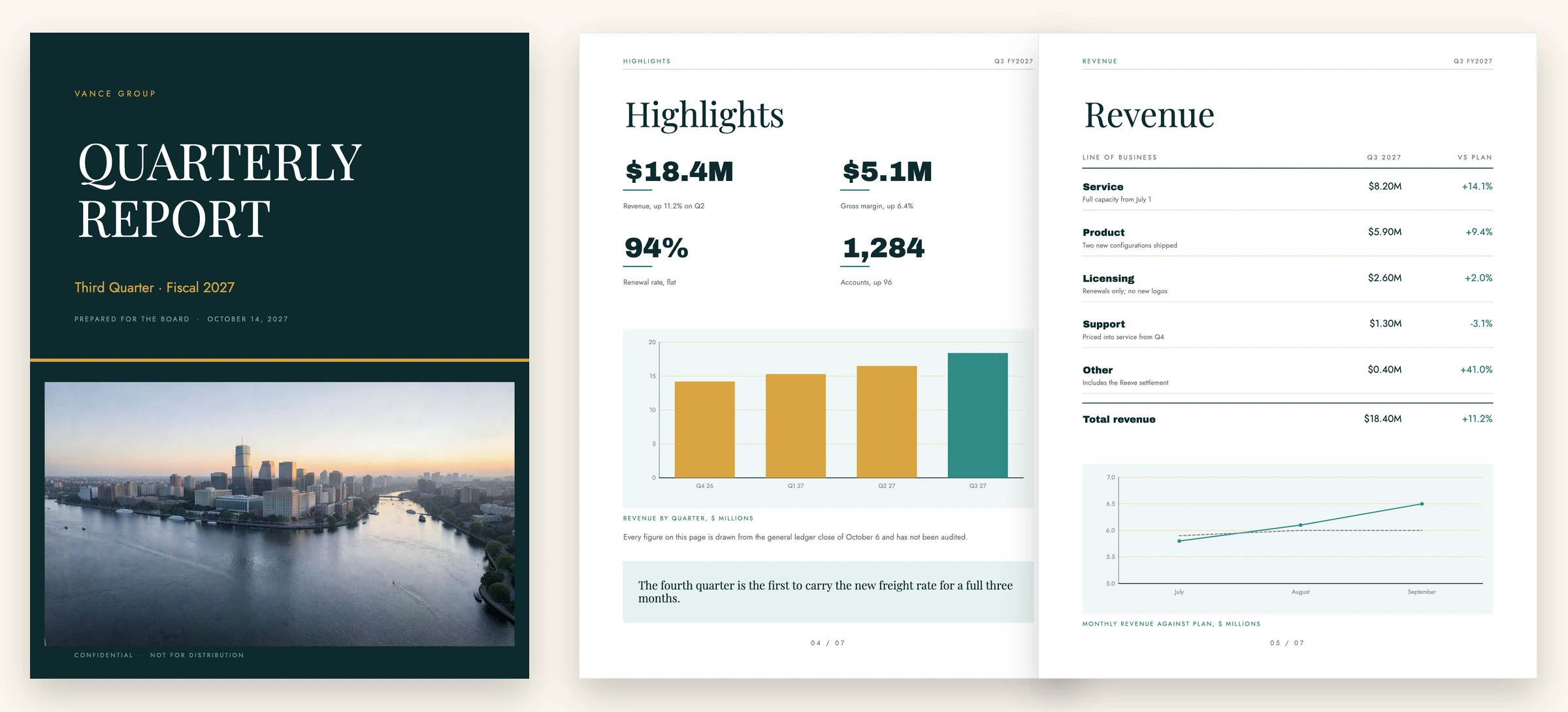
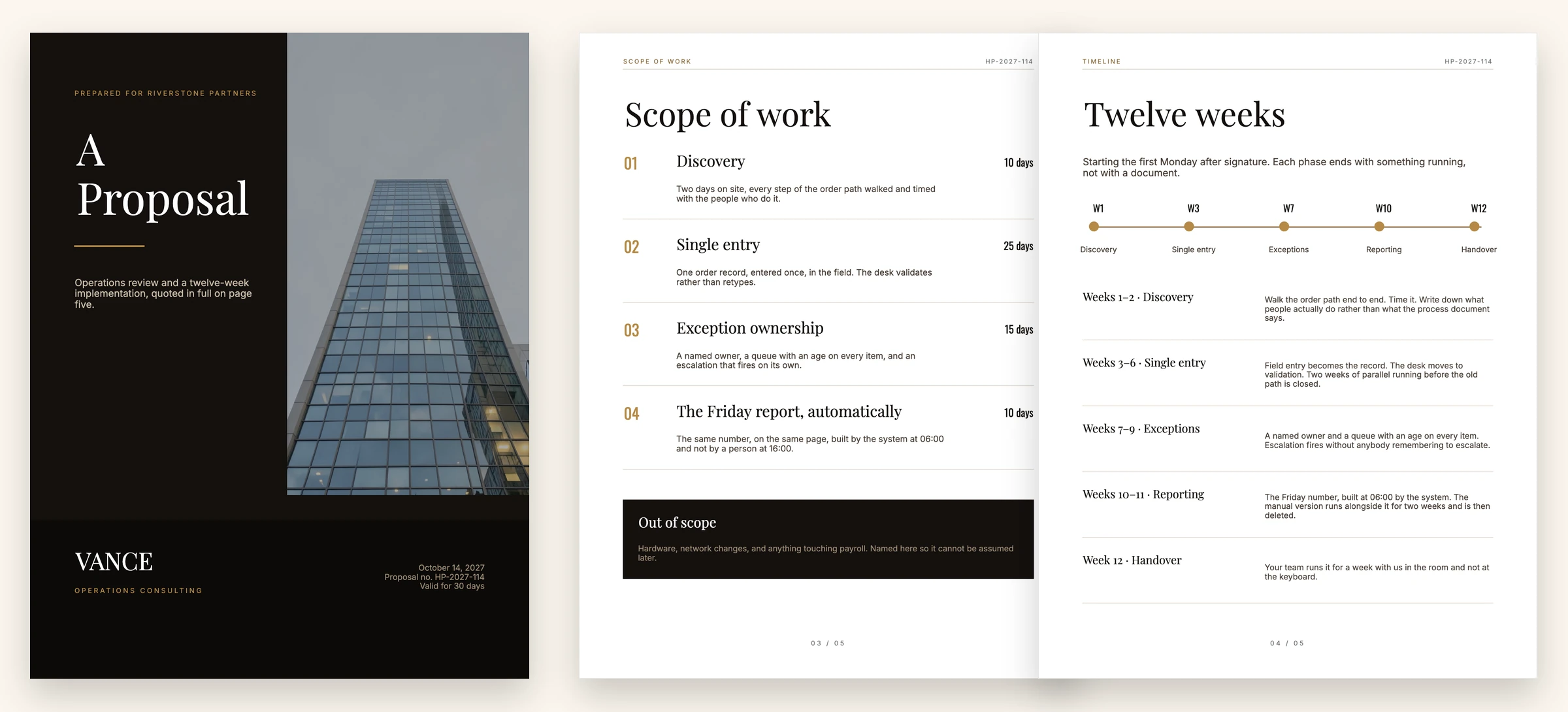
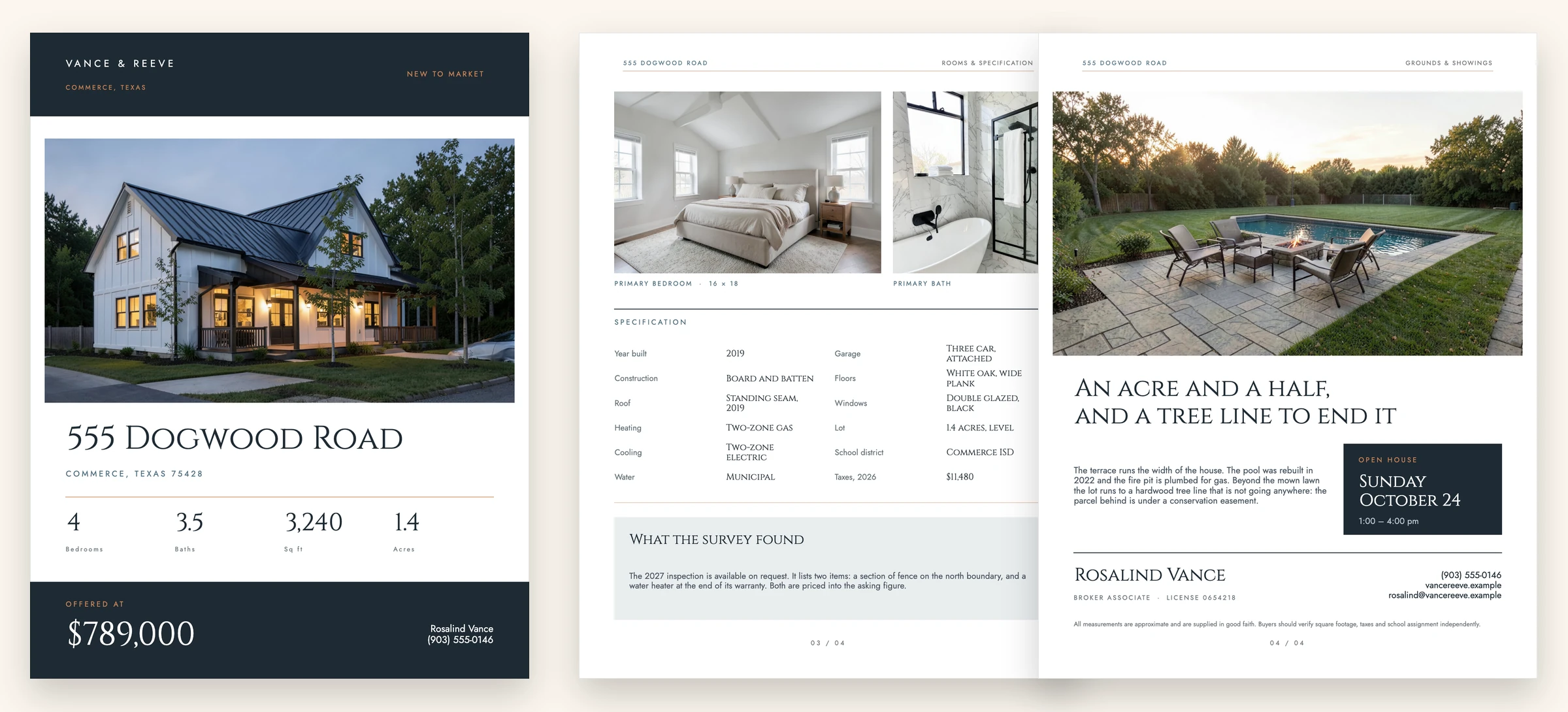
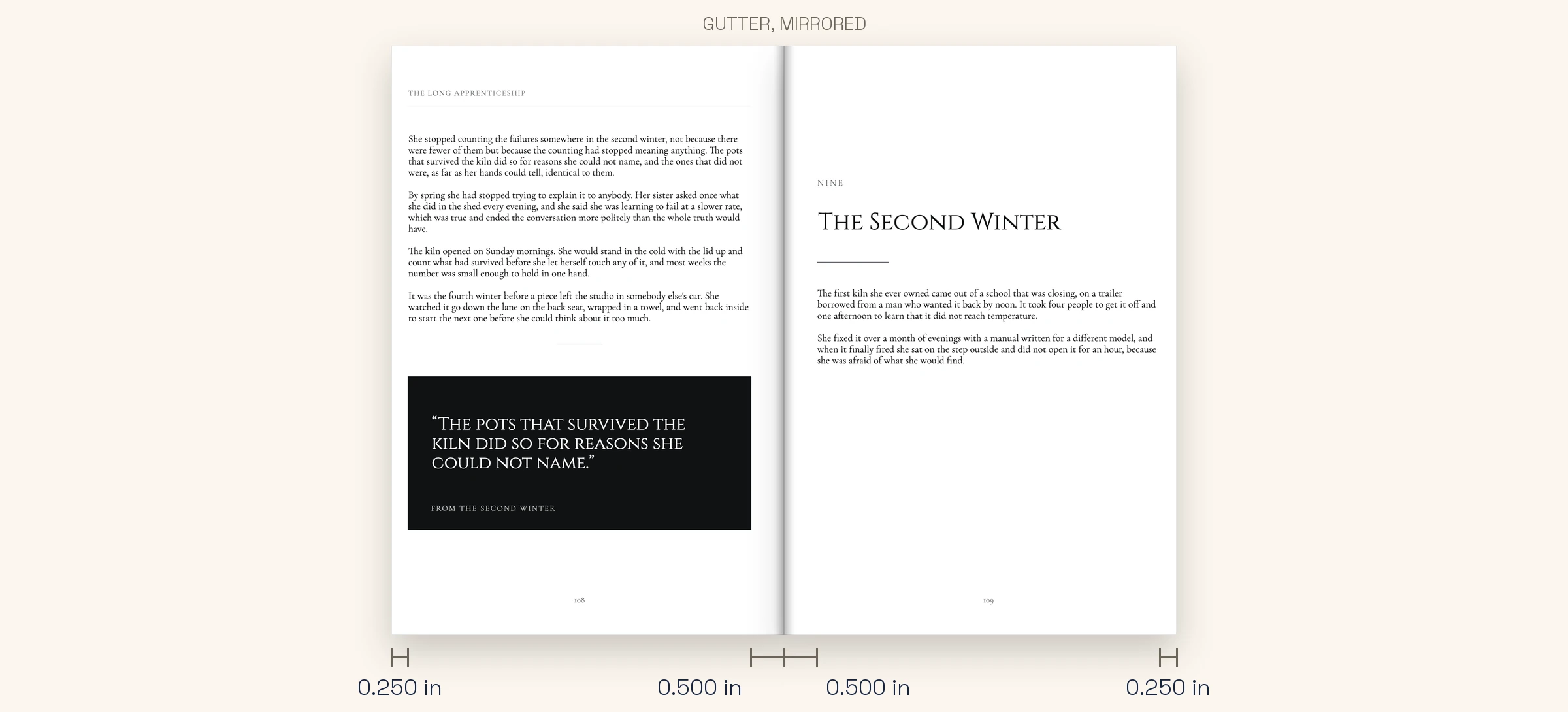
To open one: download it, open the studio, and choose Open project… — or just drop the file on the page.
Get inspired
Where your next design could go.

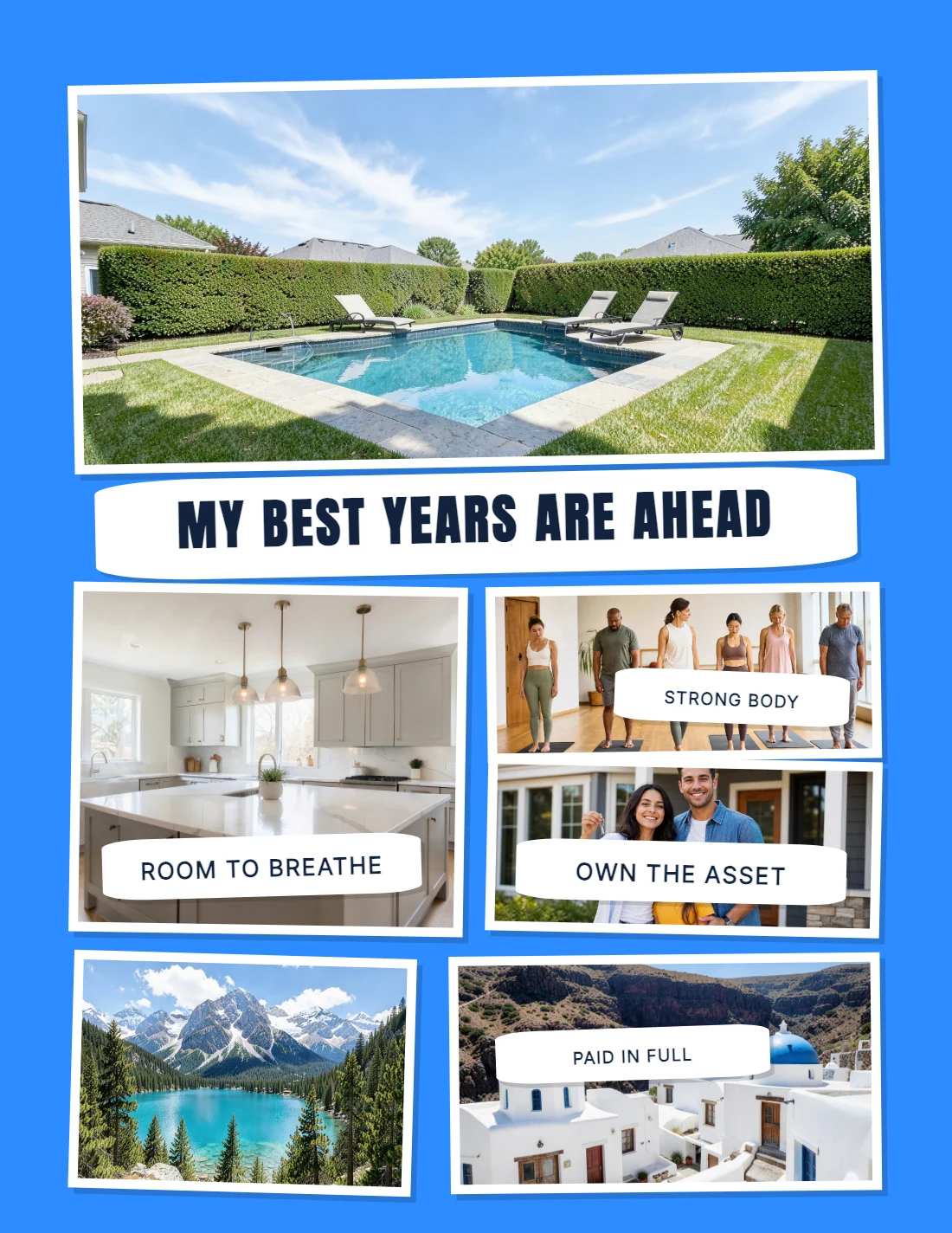
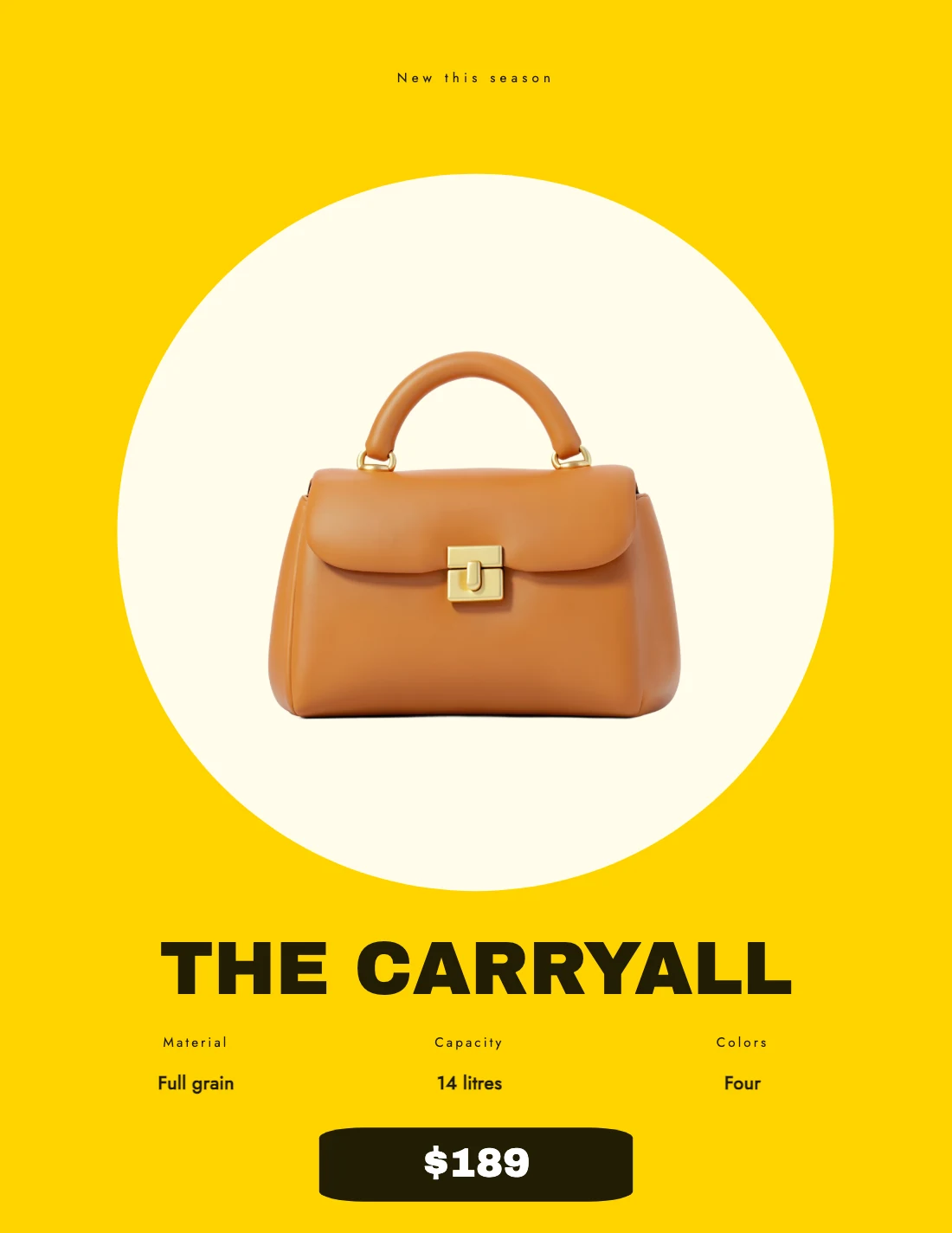
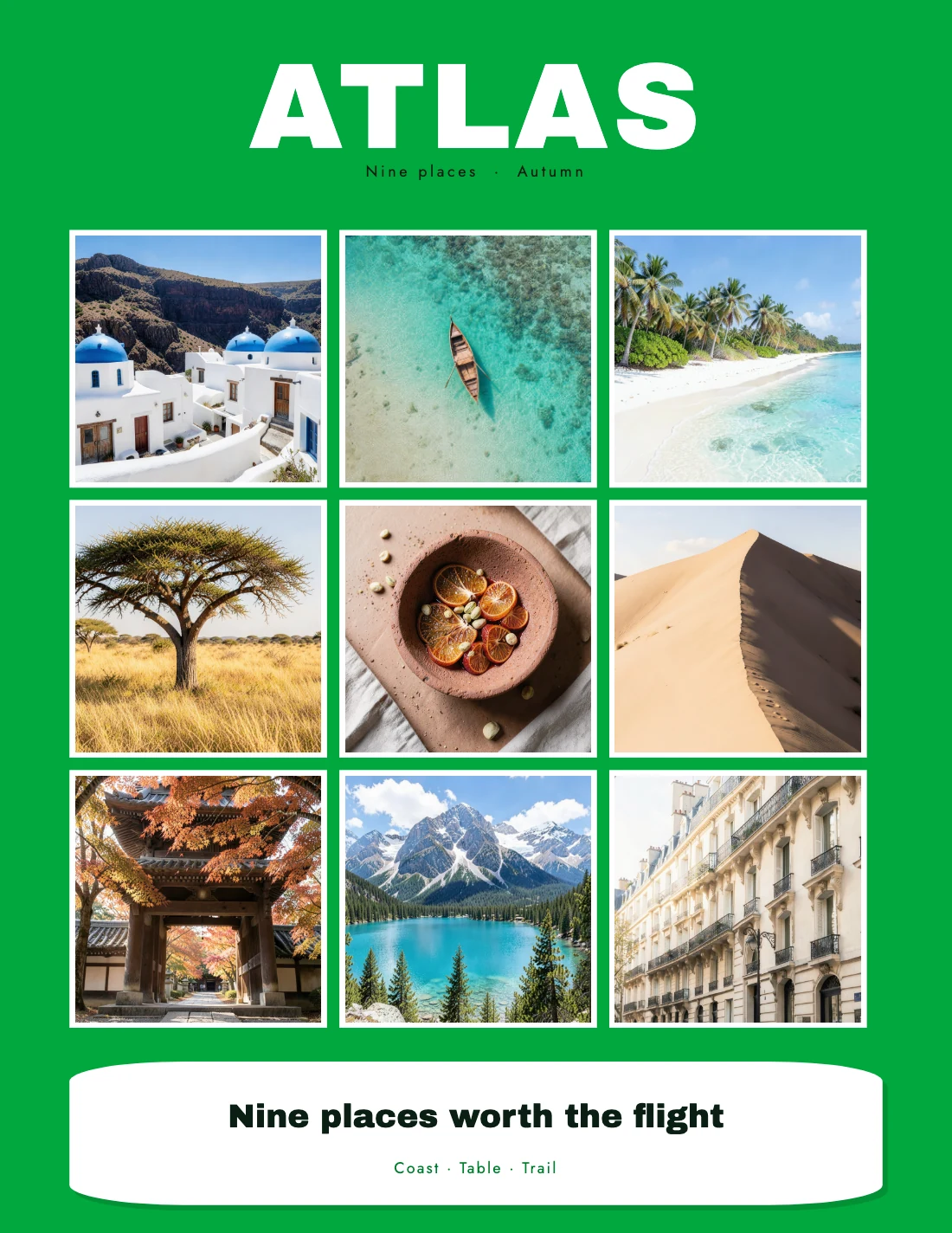
Four more real designs, made the same way — a magazine cover, a vision board, a product poster and a photo-mosaic cover. The templates shelf is live, with every trim on this page already in it.
What comes with it
You never start from an empty page.
A library of type, shapes, frames and ready-made print templates, with cut-out word art that prints with a real sticker edge. It is all in the app the moment you open it, and yours to use in anything you make.
Everything is already in the box.
Cut-out phrases with a printed sticker edge. Shapes, frames, grids and backgrounds. Templates already set at a real trim size. You open the app and start arranging — there is nothing to install and nothing to buy before you can put something on the page.
- Word art sorted by theme and searchable by tag
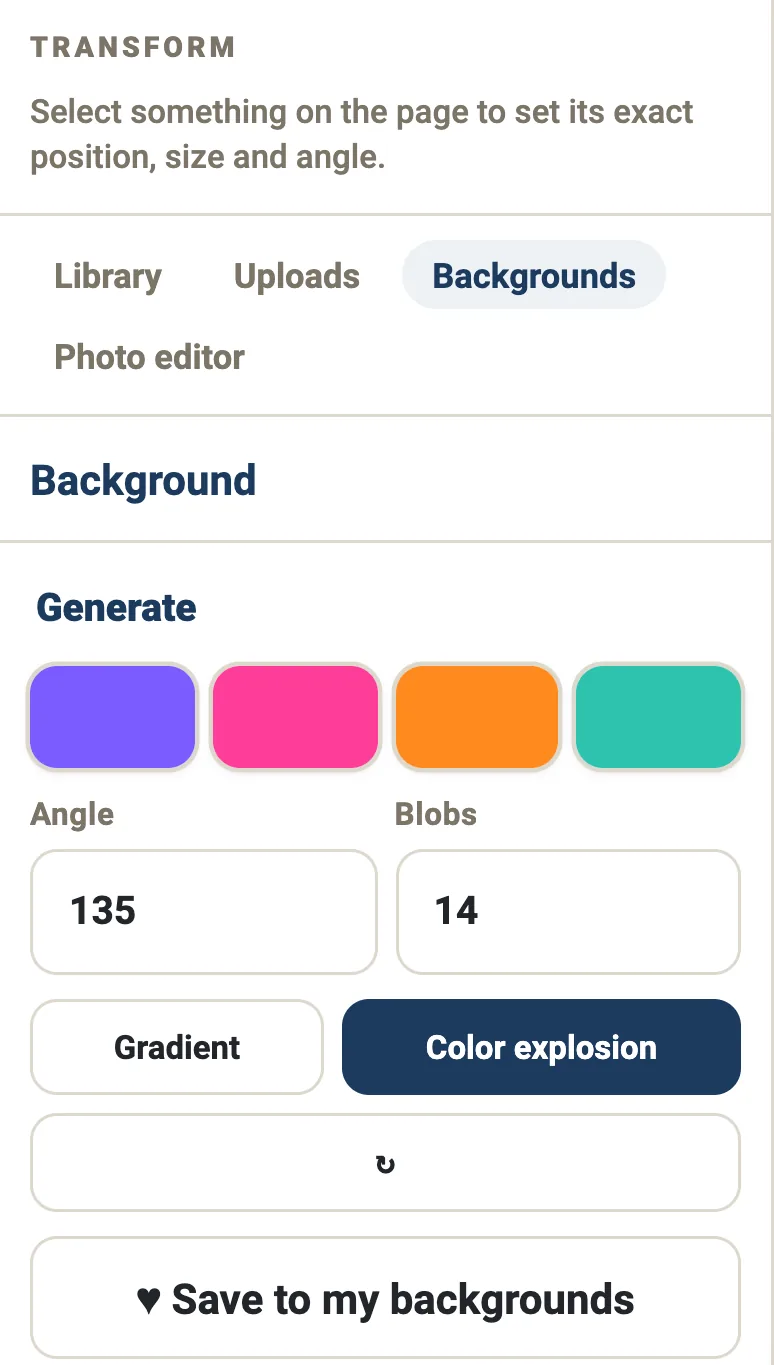
- Shapes, frames, grids and backgrounds, all resizable
- Upload your own photographs and mix them straight in
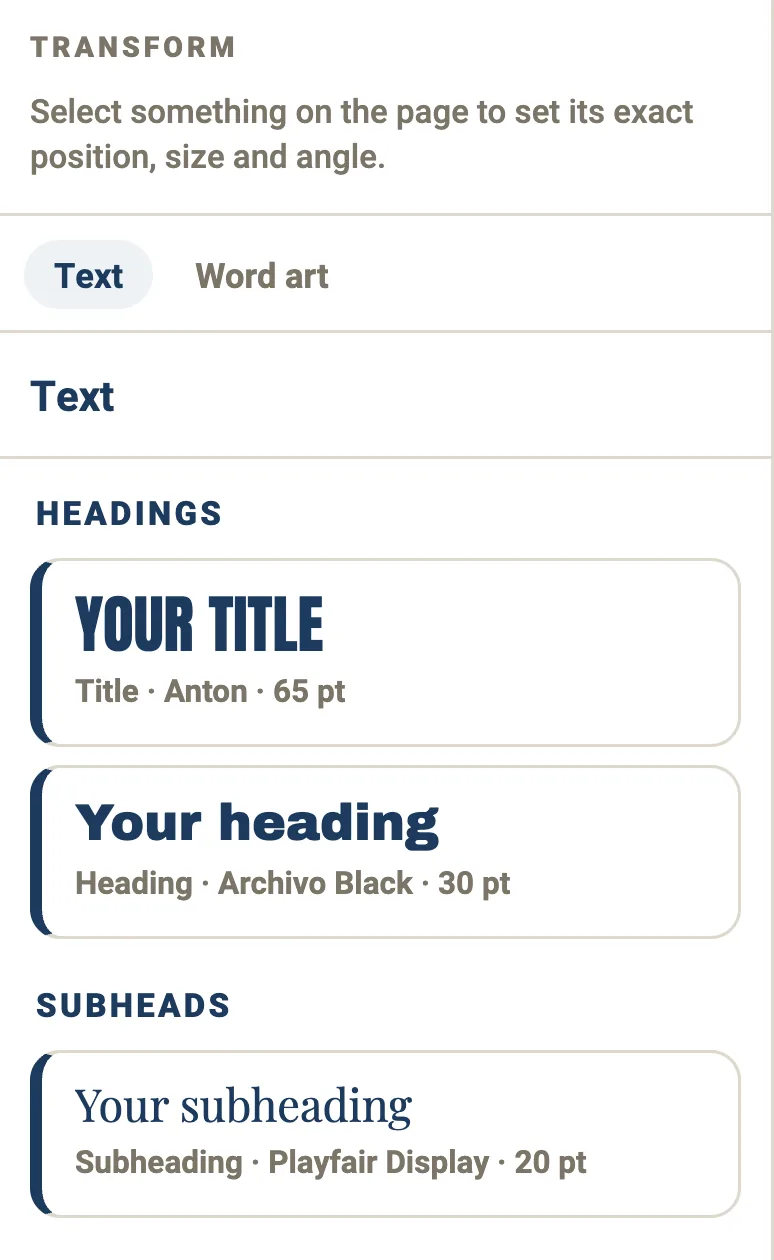
Your words, set properly.
Type anything and set it in a real typeface — poster faces, editorial serifs, scripts, monospace. Then give it a drop shadow, an outer or inner glow, a gradient, or the same sticker cut the built-in phrases use, so your own words sit on the page looking like they belong there.
- Typefaces from Anton and Bebas to Playfair and Cormorant
- Drop shadow, glows, gradient and the sticker cut
- Color, outline, angle and spacing, nudged until it’s right
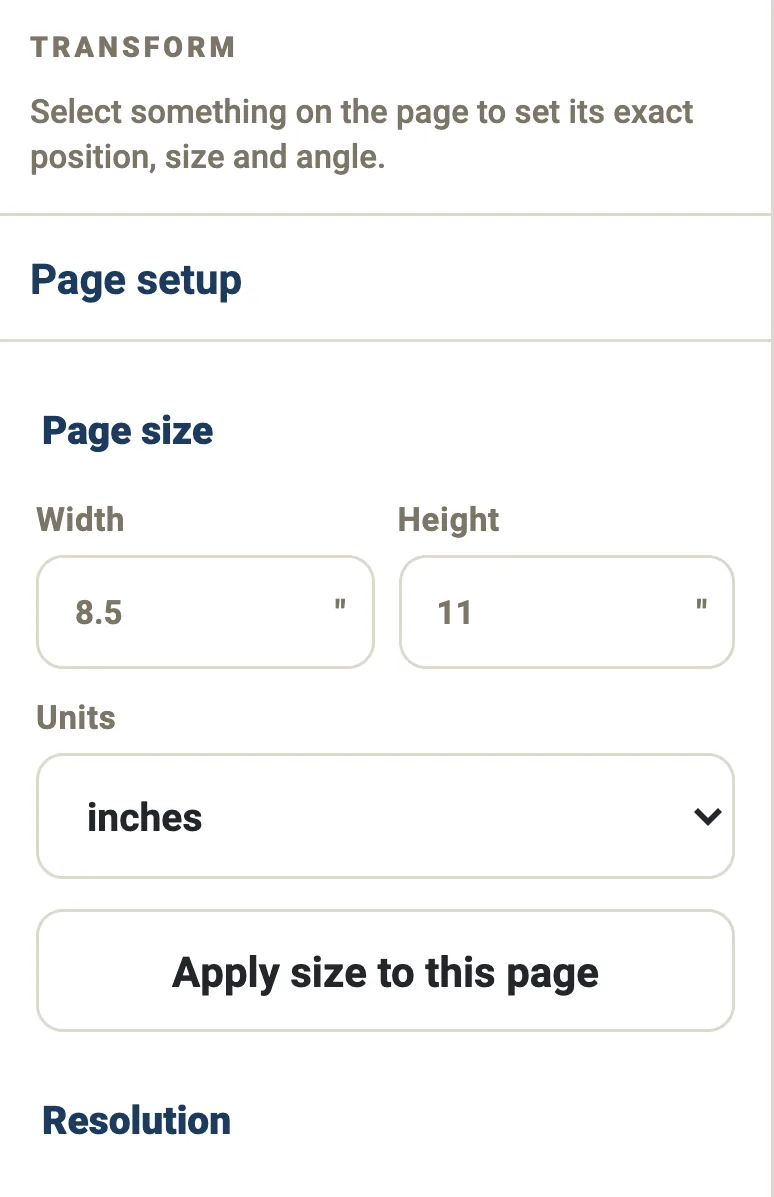
Print-true, not screen-true.
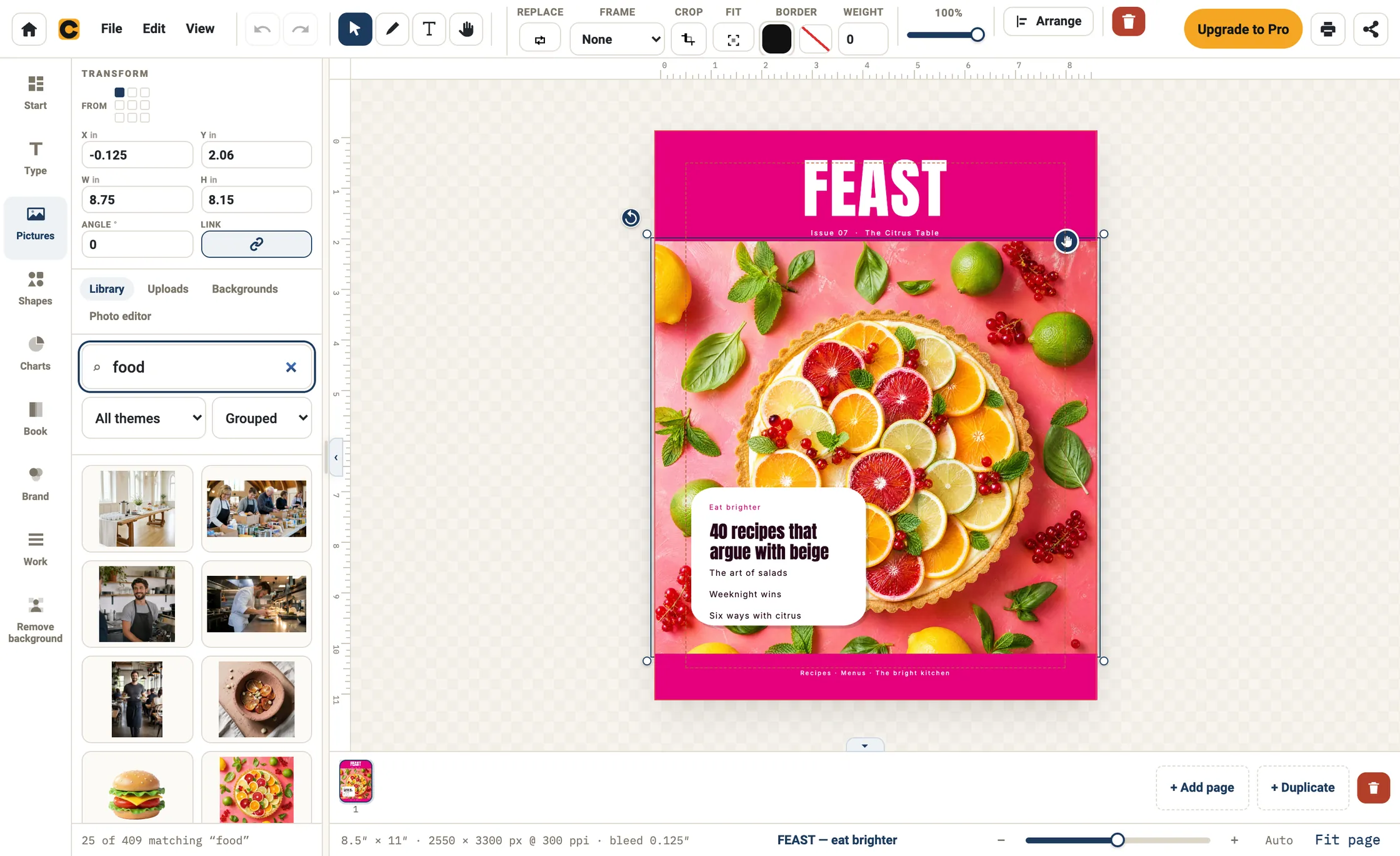
Set the page in inches, millimeters or pixels. Set margins and a print bleed, and the app tells you the resolution you are actually working at as you go — so a photograph that would print soft says so before you send the file, not after it comes back.

The live readout from the project in the screenshot above — a real page size, its real pixel size, and the resolution that follows from both.
What it costs
Free to start. $12 when you need the print file.
Free
$0
Free account, no card, no watermark.
- The studio, at any real trim size
- Your own photographs, and the element library
- A starter set of templates, across every section
- PNG and JPEG export — never watermarked
- 5 GB of cloud storage, and a project file you can save to your own device
Pro
Not on sale yet$12a month, or $99 a year
Everything in Free, and the parts that go to a printer.
- The full template library, when the plan opens
- Print PDF with bleed and crop marks
- The KDP export
The price is published now so nobody starts a project without knowing what finishing it costs.
See what is in each plan →Anything you make is yours to publish and sell, on either plan, with no watermark on anything you export — see the full comparison.
The point of the exercise
A design you can only see when the laptop is open isn’t doing its job.
Export it, print it, pin it up. Or send the picture to whoever needs to see it, or set it as the wallpaper you look at forty times a day. What you make is a file you own, at a size that survives a printer.
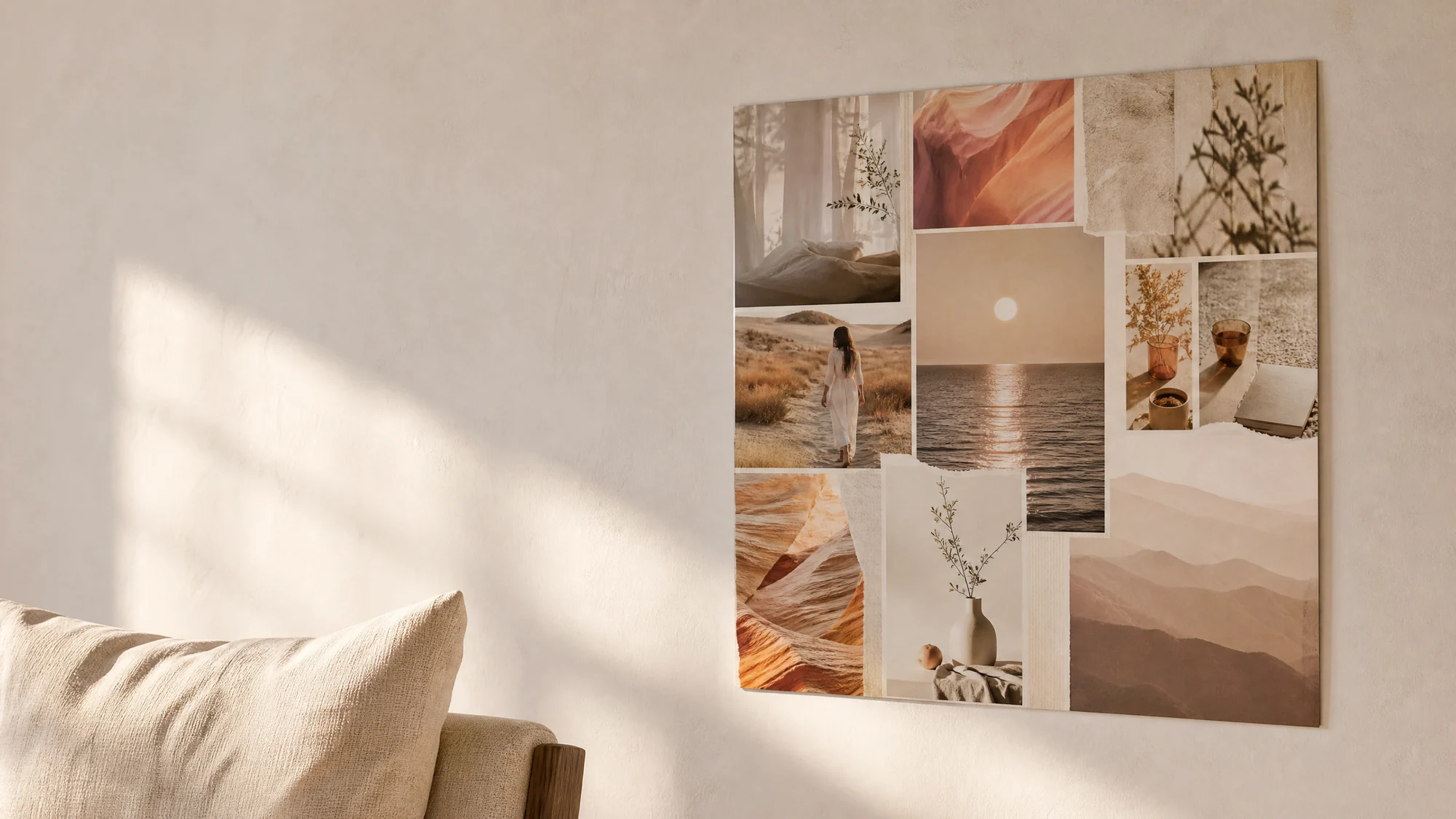
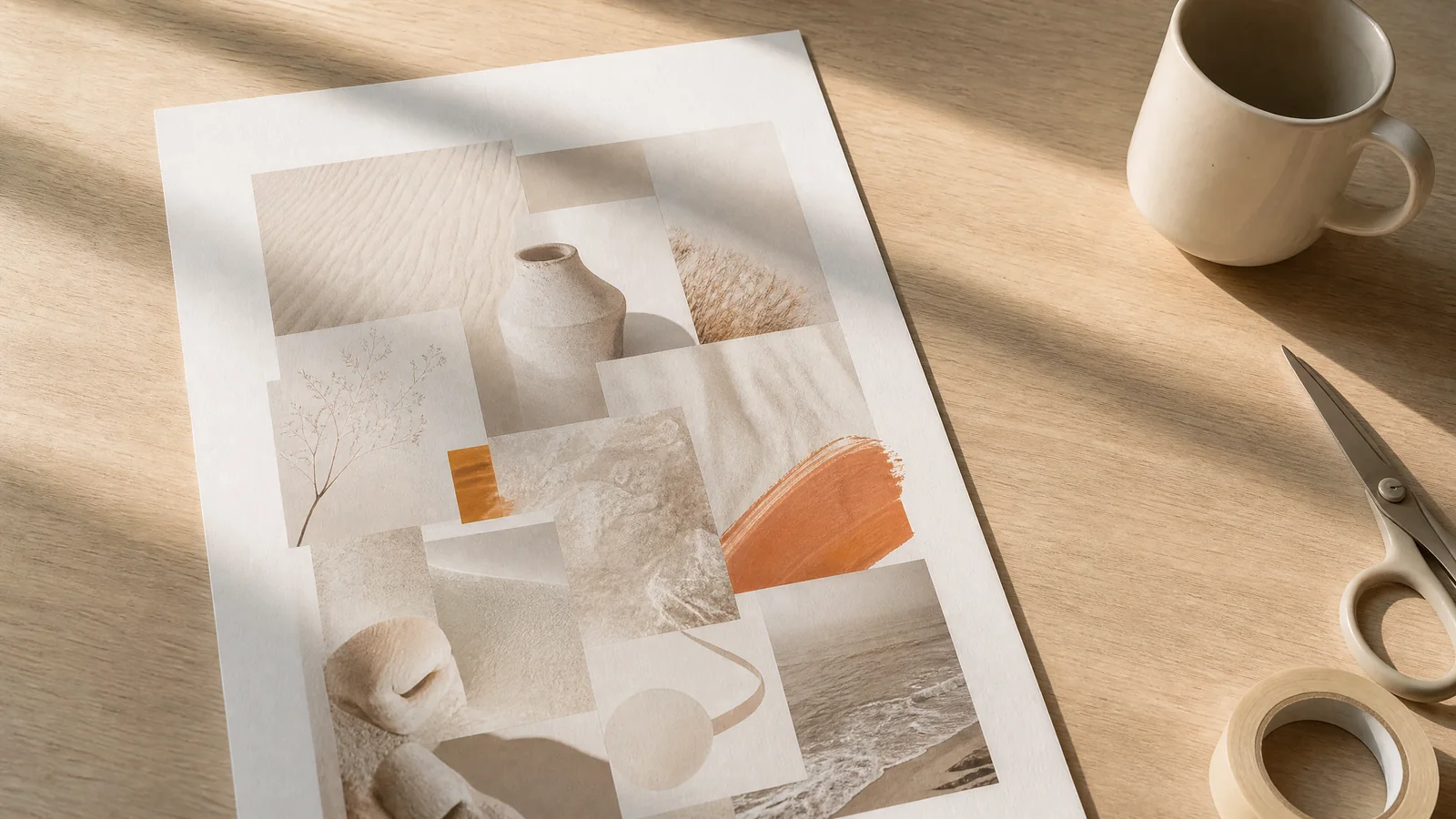
Illustrations, generated — they show what a printed piece looks like on a wall, not a customer’s home.
Nothing hidden
It works the way it looks like it works.
Your work is yours, wherever you keep it
Your projects save to your Crevano account as you work, so they are waiting on every computer you sign in on — 5 GB on the free plan, and nothing you store is deleted to make room. Whatever you make is yours to publish and sell, and we never train anything on it.
Your work is a file you own
Save a project as a .crev file and it is yours — back it up, move it to another computer, open it again in a year. Your project file is not locked inside an account.
Install it from the browser
On a Mac or PC — Chrome, Edge or Safari — Crevano installs straight from the page it is running on. No app store, no approval, no fee. It opens in its own window with its own icon, and it keeps working when the connection doesn’t.
Before you start
The questions people actually ask.
What does it cost?
Crevano is free to start. The studio, your own photographs, the element library and a starter set of templates cost nothing, and there is no watermark on anything, ever.
The paid plan is where the rest of it lives: the full template library, a print PDF with bleed and crop marks, and the KDP export. It is not open for sign-ups yet — when it opens it will be $12 a month, or $99 a year, with a 14-day trial.
Cloud saving is on the free plan too, with 5 GB of storage; the paid plan raises it to 100 GB. Sign in and your projects save to the cloud automatically, so they are waiting on your other devices.
Do I need to sign up?
Yes — the studio opens once you are signed in. It takes one step: continue with Google, or have us email you a six-digit code. There is no password and no card, and the free account is what gives you 5 GB of cloud storage so a project you start on one computer is waiting on the next.
We use the email address to send that code, and occasionally a new pack of elements — you can unsubscribe from the packs without losing your account.
Can I use the photographs and stickers in things I make?
Yes — including commercially, and including on the free plan. Anything you finish in Crevano is yours to publish and sell: a book on Amazon KDP, a listing on Etsy, print-on-demand, or work you hand to a client. You owe us no royalty and no credit, and that permission is perpetual — it does not end if you cancel, or if we do.
What is not allowed is reselling our photographs and clip art as things in themselves — as packs, files, stock, or posters and mugs of our images. The short version: you may sell what you designed; you may not sell what we drew. Your own photographs and words are always entirely yours, and we take no rights in them at all. The Terms of Use set it out in full.
Will it print properly, or just look right on screen?
It prints properly. You set the page size in real units, add margins and a print bleed if you need one, and the app shows the resolution you are working at as you go. Exports come out at the true size you asked for, and the PDF holds each page as a lossless image at the document's own resolution.
Which browser should I use?
Everything works in any modern browser. On a computer, Chrome and Edge can save a project straight into a folder and reopen it later, which is smoother — but nothing is missing anywhere else.
Start something.
It opens in your browser and saves to your own device — nothing to install unless you want to.