
Crevano · Templates · Book Covers · 1600x2560 Kindle eBook Cover Templates
1600x2560 Kindle eBook Cover Templates
1600 × 2560 pixels is the size Amazon asks for on a Kindle cover, and 1:1.6 is the ratio every ebook store displays. 2 templates at exactly that, designed for the size the cover is actually decided at — about 160 pixels tall, in a list of twelve others.
| Trim size | 1600 × 2560 px |
|---|---|
| Bleed | none |
| Resolution target | 72 DPI |
| Templates | 2 |
| Pages | 2 |
No templates match that.
Kindle cover templates (2)
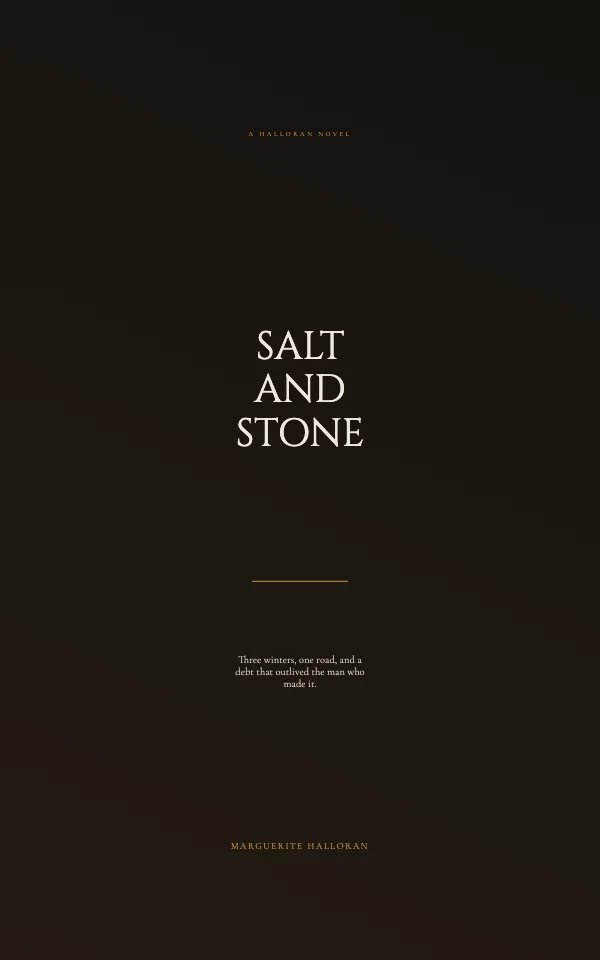
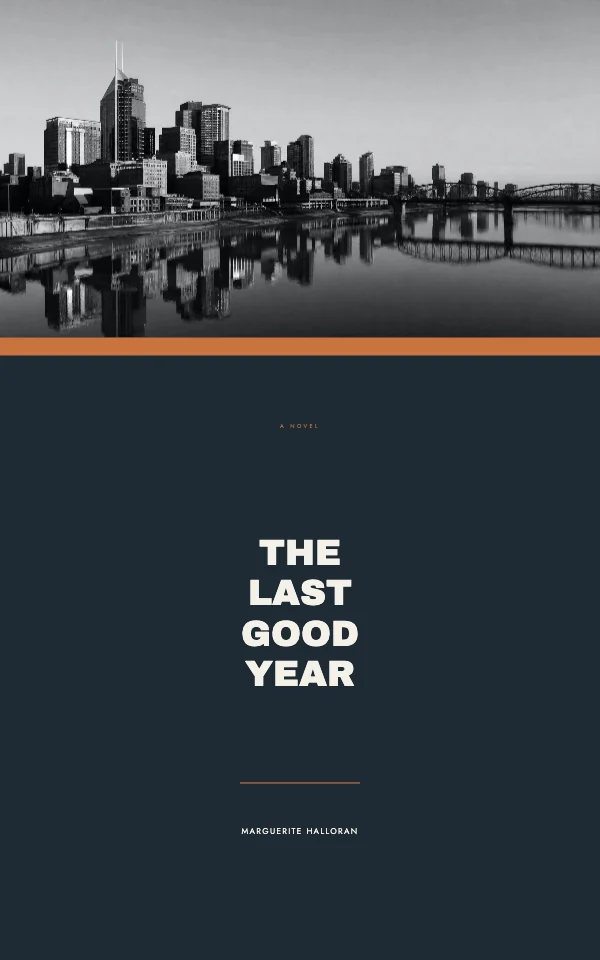
An ebook cover is not a print cover made smaller
There is no trim, no bleed, no spine, no barcode and no paper. There is a pixel size, an aspect ratio, and one hard fact: the cover is chosen at thumbnail size.
That single fact should drive every decision on the page. A print cover is picked up; an ebook cover is scanned past. It competes at roughly a fingernail's height in a search result, on a phone, against eleven others, in under a second.
| Recommended size | 1600 × 2560 px |
|---|---|
| Ratio | 1:1.6 — the same shape at any size |
| Minimum that still looks good | 1000 px on the short side |
| Color | RGB. There is no ink here |
| Format | JPEG for photographic covers, PNG for flat color and type |
The thumbnail test, which is the only test
Shrink your cover until it is about an inch and a half tall and look at it honestly. Better: look at it in the grid above, which is roughly the size a store shows.
At that size three things are visible and nothing else is: the title, the dominant shape, and the color. Not the subtitle. Not the author name, usually. Not the texture you spent an hour on.
What that means in practice, and it is uncomfortable the first time:
- The title is much larger than feels right on a full screen. If it looks slightly too big at 100%, it is probably about right at thumbnail.
- Fewer words. A long title has to be set in a size that vanishes. If the title is long, break it so the memorable half is the large half.
- Higher contrast than a print cover. Light gray on white is elegant at full size and invisible at 160 pixels.
- One idea in the image. Detail turns to noise. A single strong silhouette survives; a detailed scene becomes a smudge.
Genre is read before the title is
Readers identify the category of a book from a cover before they read a word of it, from type and color alone — and they do it in the fraction of a second before deciding whether to look at all. A cover that does not signal its genre is not neutral; it is filtered out.
So the useful research step is not looking for inspiration. It is opening the store's list for your category, looking at the top forty covers as a group, and writing down what they have in common: the type style, the palette, the amount of image, whether the author name is large. Then design inside that with one distinctive move, rather than outside it entirely.
Questions
What size should a Kindle cover be?
1600 × 2560 pixels. The ratio is what matters — 1:1.6 — and 1600 × 2560 is the size Amazon recommends. Do not go below about 1000 pixels on the short side; it shows on tablets.
Does a Kindle cover need bleed?
No. There is no trim and no blade, so there is nothing for bleed to protect. Design to the pixel edge.
Does a Kindle cover need a spine or a barcode?
No to both. Those exist because a print book is a physical object. If you are also publishing in paperback, that is a separate file at the print trim.
Should I use JPEG or PNG for an ebook cover?
JPEG for covers that are mostly photographic, PNG for flat color and heavy type — JPEG compression damages exactly the high-contrast edges letters are made of. Either way, upload the highest-quality version you have; the store will compress it again.
Why does my cover look bad in search results?
Almost always because it was designed at full screen and is being judged at 160 pixels. Shrink it and look: if the title is not legible, make it much larger, cut words, and raise the contrast. Fine detail in the image turns to noise at that size and is worth removing.
Can I use the same cover for the paperback?
The artwork, yes; the file, no. A paperback needs a print file at the real trim with bleed and, for a full wrap, a spine calculated from the page count. Start from a 6x9 or 8.5x11 template for that.
Where to go next
Put together an occasion
Every category
How printing works
Open any of these and it is already the right size. Bleed, margins and trim are set, and there is no watermark on anything you export — on any plan, ever.