
Crevano · Templates · Certificate Templates
Certificate Templates
8 certificates at 11 × 8.5 landscape — the orientation certificates are almost always printed in, and the one that fits a standard certificate frame. 300 DPI, printable at home, with the signature and seal areas laid out where they are actually used.
| Trim size | 11 × 8.5 in |
|---|---|
| Bleed | 0.125 in |
| Resolution target | 300 DPI |
| Templates | 8 |
| Pages | 8 |
No templates match that.
Certificate templates (8)
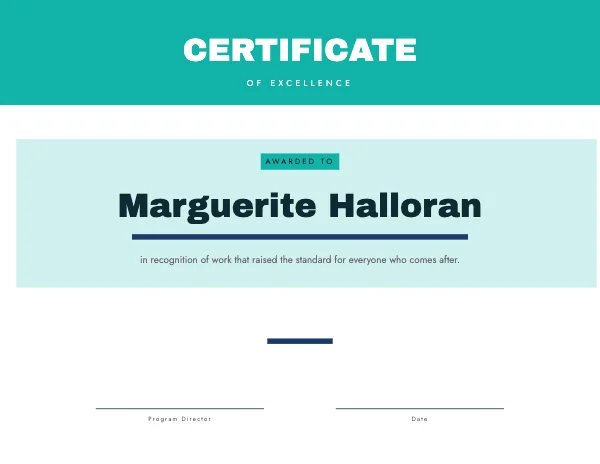
 Award of ExcellencePro
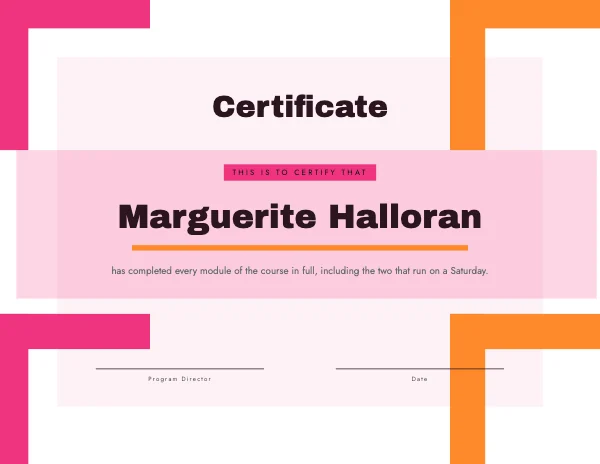
 Certificate of CompletionPro
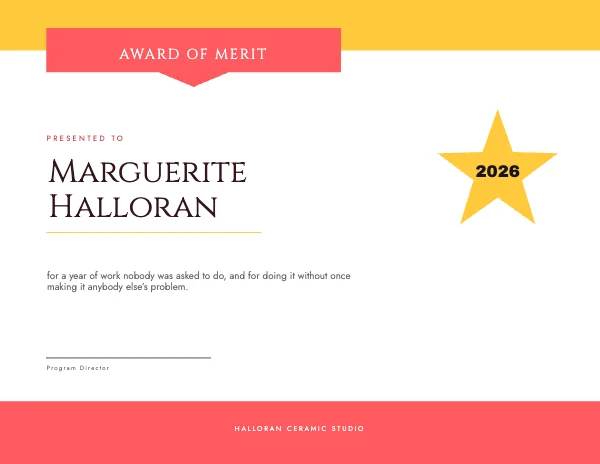
 Award of Merit
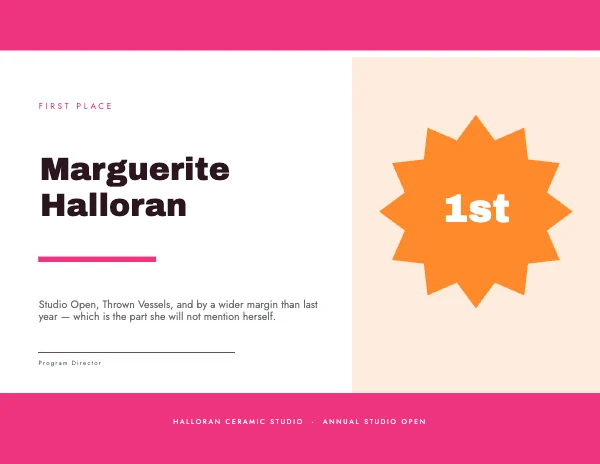 First Place Award
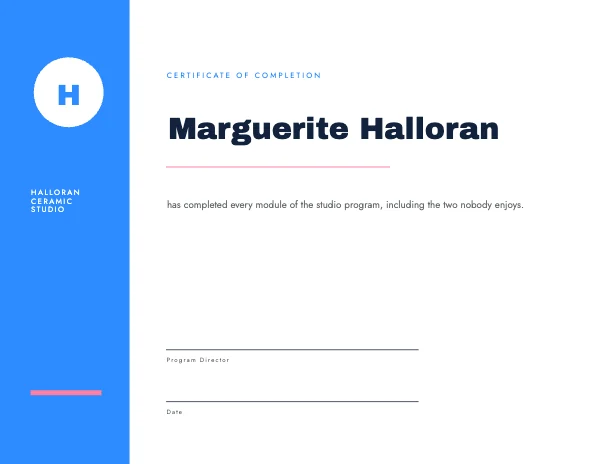 Certificate of TrainingPro
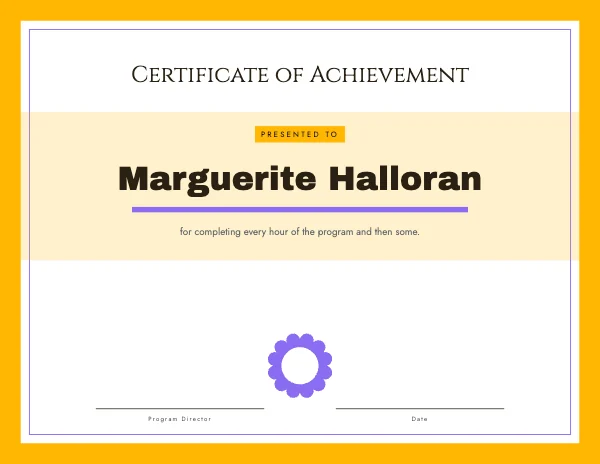 Certificate of Achievement
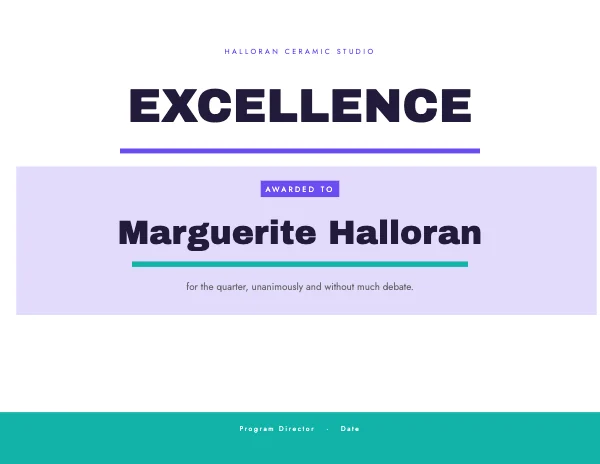 Certificate of RecognitionPro
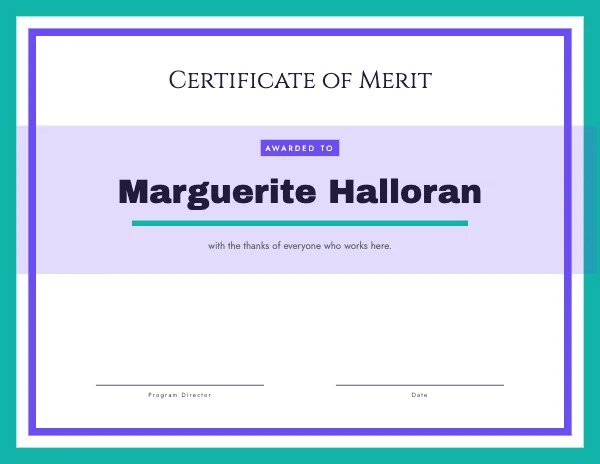 Diploma Certificate
Landscape, because the frame is landscape
A certificate is one of very few documents that is conventionally landscape, and the convention is worth keeping for a practical reason rather than a traditional one: certificate frames, document frames and the plastic sleeves in awards folders are all made for 11 × 8.5.
It also suits the content. A certificate's most important line is a name, set large and centered, and a name has more room to be large on a wide page than a tall one. On a portrait sheet a long name either wraps or shrinks, and neither looks like an award.
| Size | 11 × 8.5 in, landscape |
|---|---|
| Bleed | 0.125 in if a border or color runs to the edge; not needed for a white-margin design |
| File at 300 DPI | 3,300 × 2,550 px |
| Safe margin | 0.5 in — more if it is going in a frame, where the rebate takes an eighth to a quarter |
| Paper | 65–110 lb cover, or a light parchment |
The lines a certificate has to carry, in order
The structure is conventional, and departing from it makes a certificate look like a poster about an award rather than the award.
- What it is — "Certificate of Completion", "Certificate of Achievement". Small caps, spaced, above the name
- The recipient's name — the largest thing on the page, by a wide margin
- What they did — one line, or two. "for completing the Advanced Ceramics course"
- When
- Who says so — one or two signature lines, with the printed name and role under the rule
- The seal or logo, if there is one
The mistake worth naming: the name should be much larger than feels comfortable. It is the whole point of the object. If the heading and the name are the same size, the certificate is about the organization rather than the person.
Leave room for a real signature
A certificate that is signed by hand needs the space to be signed by hand, and the space is bigger than a signature line suggests.
- At least 0.4 inch of clear height above the rule. People sign large, and a signature that collides with the line above it looks like a mistake on a document meant to be kept.
- Print the name and role below the rule, not on it. The rule is for the ink.
- Uncoated or matte paper only, if it is being signed. A gloss or coated stock rejects ballpoint and smears fountain pen ink for a long time. This is the most common practical failure with certificates: a beautiful glossy stock that cannot be signed.
If they are being signed digitally, that constraint disappears and gloss is back on the table — but decide before you order the paper.
Printing certificates
11 × 8.5 fits a letter sheet turned landscape, so any home printer can do it. Export without bleed, choose actual size rather than fit-to-page, and use a heavier stock: 65 lb cover is a sensible minimum and 100 to 110 lb feels like an award.
Two things worth knowing:
- A home printer's unprintable margin kills full-bleed borders. The classic ornate certificate border that runs close to the edge will be clipped unevenly. Either keep the border half an inch in, or have it printed properly.
- Parchment and specialty stocks behave differently. Textured and parchment papers take toner unevenly on some laser printers and can jam. Print one before printing forty.
Questions
What size is a certificate?
11 × 8.5 inches, landscape, in the US — a letter sheet turned sideways. That is what certificate frames and document sleeves are made for. A4 landscape is the international equivalent.
Should a certificate be portrait or landscape?
Landscape, in nearly every case. Frames are made for it, and the recipient's name — which should be the largest element on the page — has more room to be large on a wide sheet.
Can I print certificates at home?
Yes. It is a letter sheet turned landscape, so any printer handles it. Export without bleed, print at actual size, and use 65 lb cover or heavier. Keep decorative borders half an inch in, because home printers cannot reach the edge.
What paper should a certificate be printed on?
65 to 110 lb cover, uncoated or matte if it will be signed by hand. Avoid gloss on anything that takes a pen — ballpoint skips on it and fountain ink stays wet. Parchment looks the part but test one sheet through your printer first.
How much space does a signature need?
At least 0.4 inch of clear height above the signature rule, and print the name and role below the rule rather than on it. People sign larger than a design suggests, and a collision on a document meant to be framed is permanent.
What should be on a certificate?
The type of certificate, the recipient's name large, what they did, the date, one or two signatures with names and roles, and a seal or logo if there is one. The name should be far larger than the heading — otherwise the certificate is about the issuer.
Do certificates need bleed?
Only if a border or a color field runs to the edge and a shop is printing it. A white-margin design needs none, and a home print cannot use bleed anyway.
Can I add my organization's logo and seal?
Yes. Use the largest version of the logo you have rather than one pulled off a website — an enlarged low-resolution logo is the most visible defect on a printed certificate, and the app will show you the effective resolution at the size you place it.
Can I use these commercially?
Yes, including commercially — schools, clubs, courses and businesses. Free plan included, no watermark, no royalty, no credit.
Where to go next
Put together an occasion
Every category
How printing works
Open any of these and it is already the right size. Bleed, margins and trim are set, and there is no watermark on anything you export — on any plan, ever.