
Crevano · Templates · Social Media · Pinterest Pin Templates
Pinterest Pin Templates
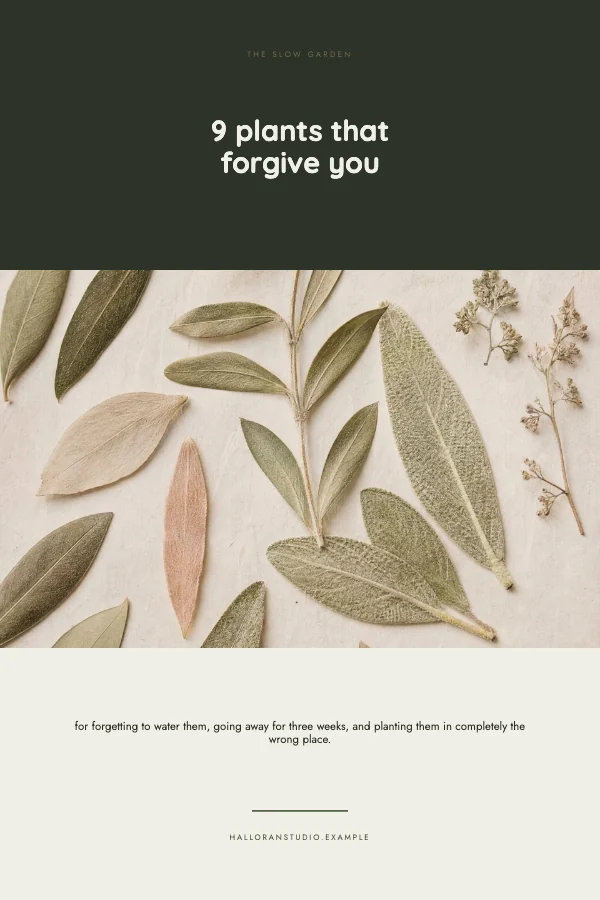
Pins at 1000 × 1500 pixels — the 2:3 ratio Pinterest recommends — built tall on purpose, because height is the one free advantage a pin has in a scrolling feed.
No templates match that.
The tall pin, and when it is worth it
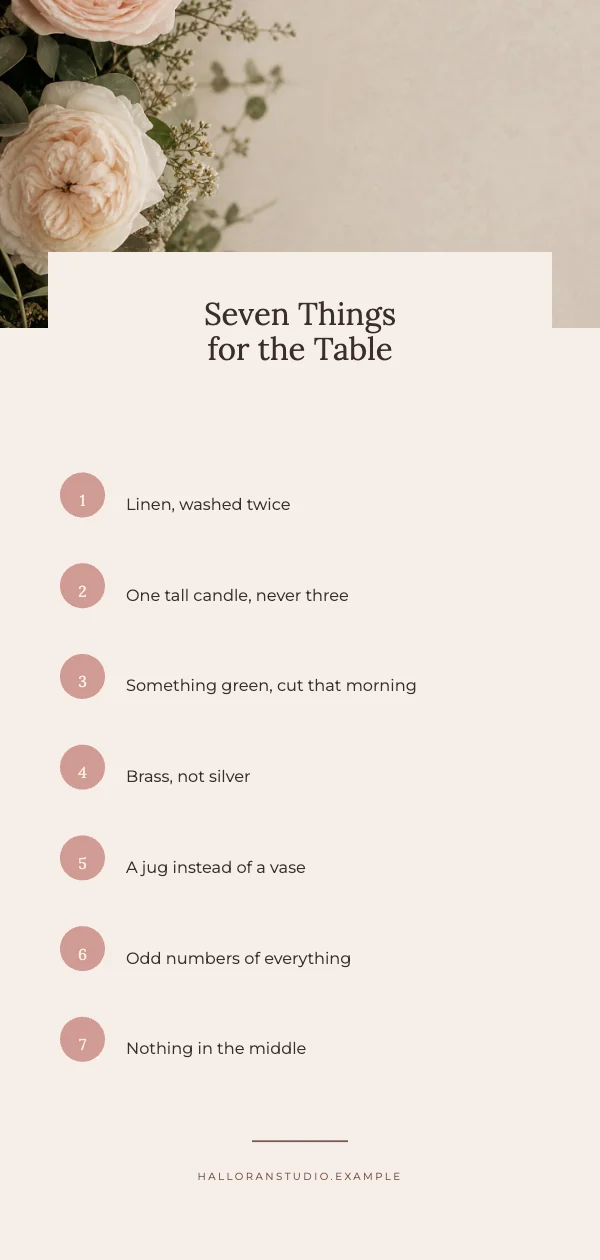
There is a second pin here at 1000 × 2100 — a 1:2.1 ratio, taller than the recommended maximum. It is included because it genuinely works in one situation and fails in every other.
It works when the pin is a list or a step sequence that a reader will stop and look at: a five-step recipe, a before-and-after, a numbered list. Pinterest truncates it in the feed, so what you are trading is feed visibility for depth once somebody taps through.
It fails as a general-purpose pin, because the part cut off in the feed is usually the part carrying your call to action. If in doubt, use the 2:3.
Why 2:3 and not taller
A taller pin takes more of the screen, which is why longer ratios keep getting recommended around the internet. The limit is that Pinterest truncates pins longer than about 2:3 in the feed, so past that point the extra height is not shown — it is just cropped, and usually the bottom of your design goes with it.
2:3 is the tallest shape that is reliably shown whole. That is the whole argument for it.
A pin is read while moving
Pinterest is scrolled fast and mostly on a phone, so a pin has to be legible at a fraction of its made size and has to say what it is without being clicked.
Practically: put the subject in the top third, where the eye lands first and where a truncated pin still shows. Use a text overlay that states the thing plainly rather than teasing it — pins that say what they are outperform pins that are intriguing, because a pin is a search result, not a post.
Text on a pin is a search result
This is the part that is genuinely different from other social sizes. Pinterest behaves like a search engine, and the words on your pin image are read as part of what the pin is about.
So the overlay is worth writing carefully, in the same words somebody would type. A pin that reads "Vision Board Ideas for 2027" is findable; one that reads "Dream It" is not, however good it looks.
Questions
What size is a Pinterest pin?
1000 × 1500 pixels, a 2:3 ratio. Larger multiples of 2:3 also work — 1200 × 1800 is common — but the ratio is what matters.
Why is my pin cut off?
It is taller than about 2:3. Pinterest truncates longer pins in the feed, so anything below that point is not seen. Build at 2:3 and nothing is lost.
Should I put text on the pin image?
Yes. Pinterest reads pins as search results, and the words on the image are part of what it is understood to be. Write them the way somebody would search for the thing.
Where should the subject go?
The top third. It is where the eye lands and it is what survives if a pin is truncated.
Can I print a pin?
Not usefully at this size — 1000 × 1500 px is a screen image, about 3.3 × 5 inches at 300 DPI. If you want the same design as a print, rebuild it at a print trim rather than scaling this up.
Can I use these commercially?
Yes, including for a shop, a blog or a client. No royalty, no credit, and the permission does not expire. That is true on the free plan as well as the paid one.
Where to go next
Other sizes
Put together an occasion
Every category
How printing works
Open any of these and it is already the right size. Bleed, margins and trim are set, and there is no watermark on anything you export — on any plan, ever.