
Crevano · Templates · Label and Sticker Templates
Label and Sticker Templates
Product labels, hang tags, bag labels and kiss-cut sticker sheets, with the die line drawn as a real element rather than implied. 6 templates at 300 DPI with bleed, so the shape you send is the shape that gets cut.
| Trim sizes | 8.5 × 11 in · 5 × 8 in · 4 × 3 in · 2 × 3.5 in · 2.5 × 2.5 in |
|---|---|
| Bleed | none · 0.125 in |
| Resolution target | 300 DPI |
| Templates | 6 |
| Pages | 6 |
No templates match that.
Label and sticker templates (6)
 Botanical Product LabelPro
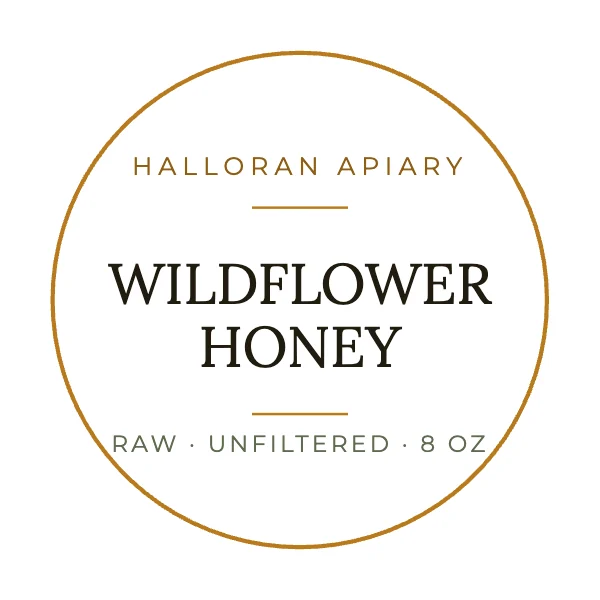 Round Jar LabelPro
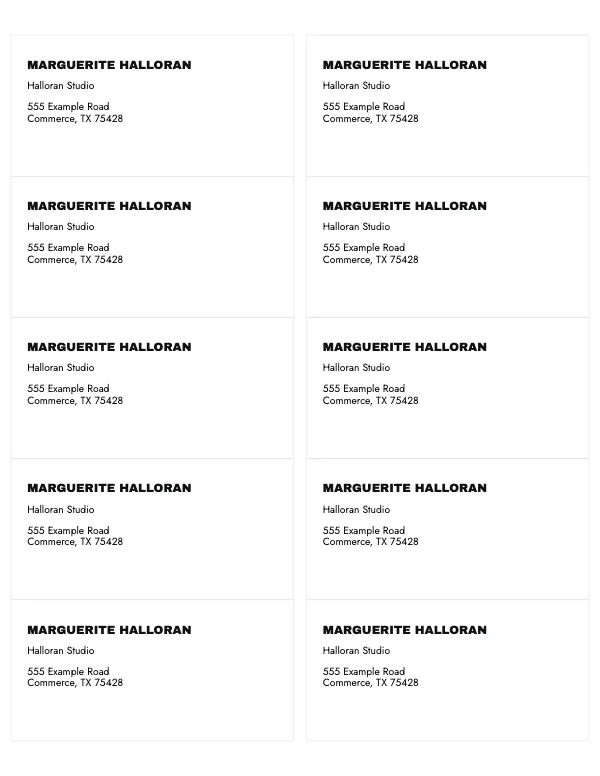 Address Label Sheet
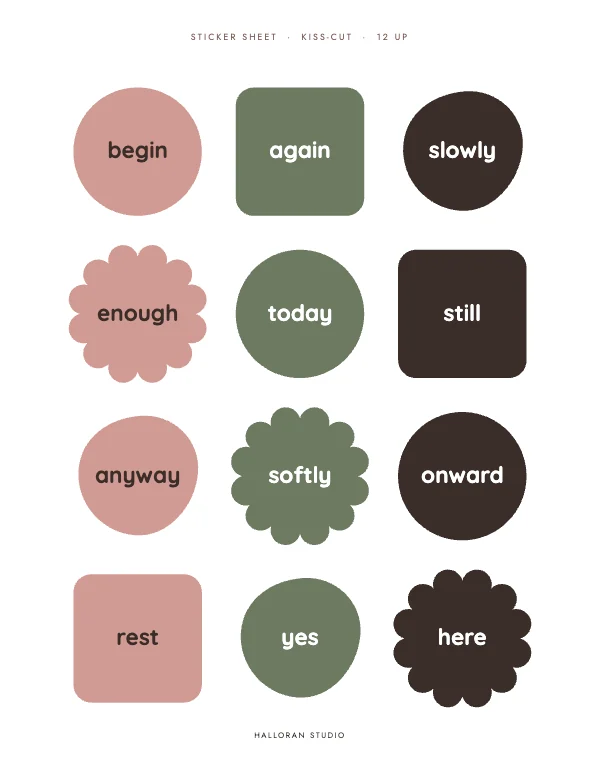 Playful Sticker Sheet
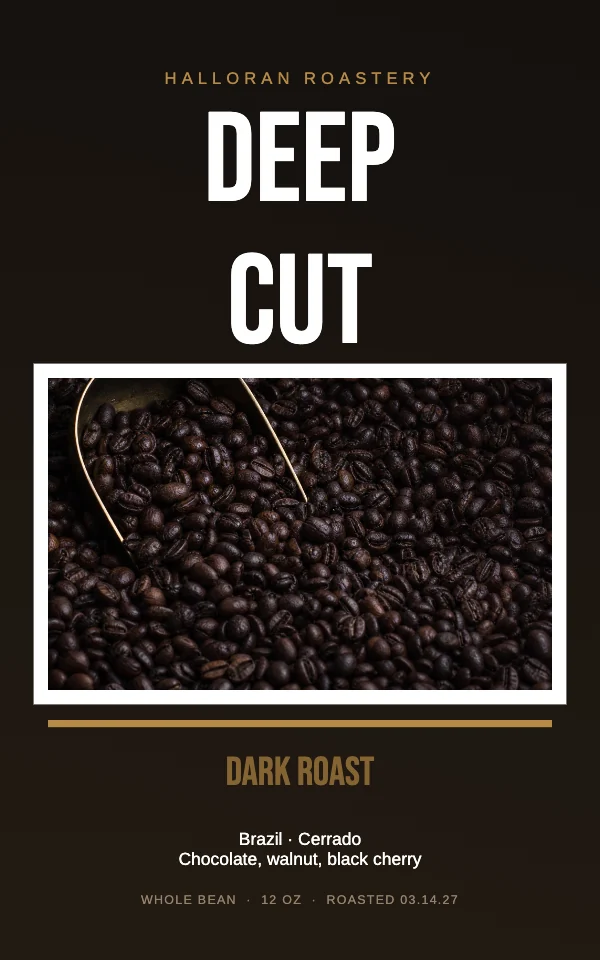 Bold Coffee Bag Label
 Rustic Hang Tag
The die line is the whole job
A label is not a rectangle of artwork. It is three concentric shapes, and a label converter needs all three:
| What it is | Typical | |
|---|---|---|
| Bleed | artwork beyond the cut, so the blade has somewhere to be wrong | 0.125 in outside the die |
| Die line | the actual cut path | the finished label |
| Safe area | where type and logos may live | 0.0625–0.125 in inside the die |
Labels are cut with a physical die or a plotter, and both wander a little — more than a guillotine does on a flat sheet, because the material stretches on the roll. So the safe area on a label is proportionally tighter than on a card, and it is where most first-time label jobs go wrong: a border that looked even in the file arrives thick on one side.
On a rounded-corner label, the corner radius eats more than you expect. A 0.125 inch radius removes a visible amount of a small label's corner, and anything positioned relative to the corner — a logo, a lot number, a small rule — should be measured from the safe area, not from the die.
The hang tag, and the hole
Two extra constraints that only apply to tags.
The punch is a real object. A standard hang tag hole is 0.1875 to 0.25 inch across, and it needs at least 0.25 inch of clear material between the hole and the edge or the tag tears off the string. Nothing may be printed inside the hole or in the ring around it.
A tag is printed on both sides more often than not — the front sells and the back carries price, size, care or a code. Design both, and remember that on a thin stock a dark back can show through a light front.
Kiss-cut versus die-cut, on a sticker sheet
The words matter because they are what you order.
Kiss-cut cuts through the sticker but not the backing sheet, so the shapes stay on the sheet and peel off individually. That is what a sticker sheet is.
Die-cut cuts through everything, giving you loose stickers with the backing cut to the same shape.
An 8.5 × 11 kiss-cut sheet needs a gap between shapes — 0.125 inch minimum, more if the artwork is busy — and a margin at the sheet edge, because the cutting head cannot reliably reach the last eighth of an inch. Crowding the sheet to fit two more stickers is what produces a sheet where the outer row is cut short.
Curved surfaces, and the label that looked fine flat
A label designed flat and applied to a jar, a bottle or a coffee bag is being wrapped, and a wrap does three things a flat proof does not show: it hides the outer edges from any single viewing angle, it curves horizontal rules so they read as sagging, and it compresses the sides visually so type near the edges gets foreshortened.
The practical rules: keep the important content in the middle 60% of the width; avoid long horizontal rules near the top and bottom; and if the container is small, print the artwork, cut it out and tape it on before ordering anything. A paper mock-up on the actual container catches more than any amount of on-screen review.
Questions
What is a die line?
The cut path — the exact outline the blade or die follows. A label file needs the die line, plus bleed outside it and a safe area inside it. The templates draw all three as real elements.
How much bleed does a label need?
0.125 inch outside the die line, all the way round. Labels move more during cutting than flat sheets do because the material stretches on the roll, which is also why the safe area is tighter than on a card.
What is the difference between kiss-cut and die-cut?
Kiss-cut goes through the sticker but not the backing, so shapes stay on a sheet and peel individually. Die-cut goes through everything and gives you separate stickers. A sticker sheet is kiss-cut.
Can I print labels at home?
Yes, on sheet label stock, and the practical route is to buy a standard sheet layout and match your artwork to it. Print a test on plain paper first and hold it against the label sheet up to a light — that catches misalignment before you waste the stock.
How big should a hang tag hole be?
0.1875 to 0.25 inch across, with at least a quarter inch of material between the hole and the edge of the tag, or it tears out. Keep artwork clear of the hole and the ring around it.
What resolution do labels need?
300 DPI, without exception. A label is held in the hand and often read at a few inches — closer than anything else on this site — so it is the least forgiving thing you can print. Small type and fine rules show every shortcut.
How do I design a label for a bottle or a jar?
Keep the important content in the middle 60% of the width, avoid long horizontal rules near the top and bottom, and mock it up: print it, cut it out, tape it on the real container. A curve does things to a layout that no flat proof shows.
What material should I choose?
Paper for a dry indoor product, and a synthetic or vinyl for anything that gets wet, refrigerated or handled a lot. Ask the converter for a material sample before a run — the same artwork looks substantially different on matte paper and on gloss vinyl.
Can I use these on products I sell?
Yes, including for products you sell. Free plan included, no watermark, no royalty, no credit, and the permission does not expire.
Where to go next
Put together an occasion
Every category
How printing works
Open any of these and it is already the right size. Bleed, margins and trim are set, and there is no watermark on anything you export — on any plan, ever.