
Crevano · Templates · Photo Collage Templates
Photo Collage Templates
6 printable photo collage sheets, from a 4 × 6 keepsake to a 12 × 12 scrapbook page — several photographs on one print, in one frame, instead of a wall of them. All at 300 DPI, none with bleed, and every frame on every sheet is a real grid cell, so a picture dropped on it crops to the shape rather than stretching to fit.
| Trim sizes | 11 × 14 in · 12 × 12 in · 8.5 × 11 in · 8 × 10 in · 5 × 7 in · 4 × 6 in |
|---|---|
| Bleed | none |
| Resolution target | 300 DPI |
| Templates | 6 |
| Pages | 6 |
No templates match that.
Photo collage templates (6)
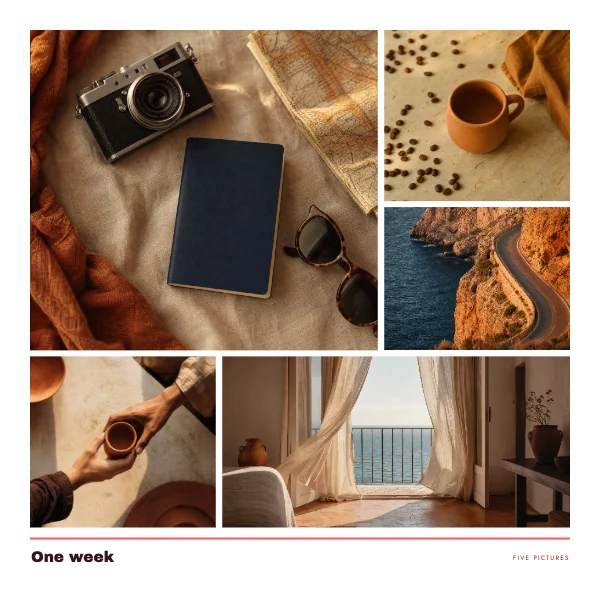 Scrapbook Photo Collage PagePro
 Four Frame Photo Collage PrintPro
 Five Frame Photo Collage PrintPro
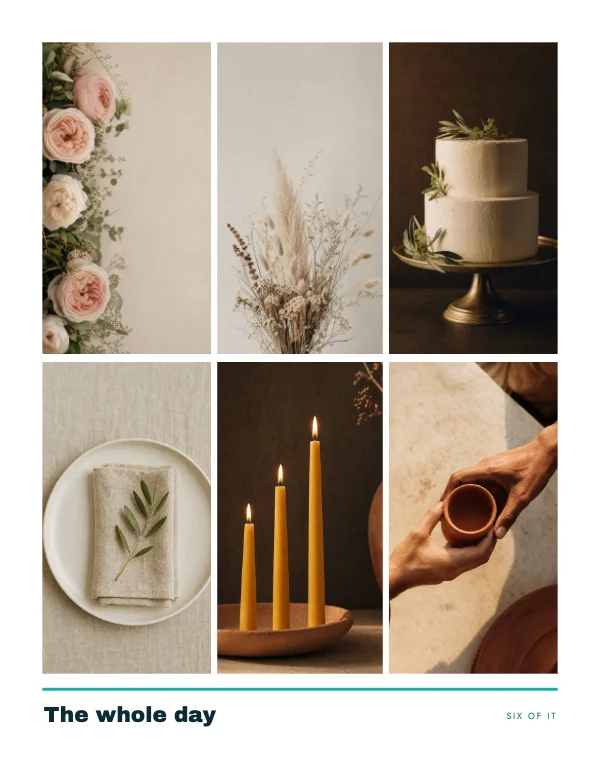 Six Frame Photo Collage SheetPro
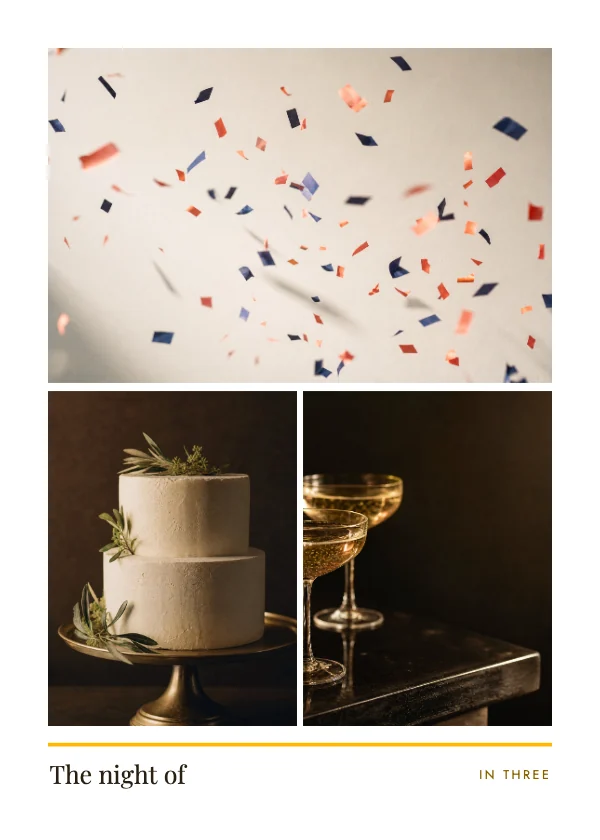 Three Frame Photo Collage PrintPro
 Two Frame Photo Collage Print
One print, one frame — which is the whole point
A gallery wall is five prints, five frames, five nails and an afternoon of measuring. A collage is one print in one frame, and it costs about what one of those five prints costs.
That is the reason to use one, and it is also the reason the layouts here are drawn the way they are. Every sheet is built at a size that a frame already exists for — 4 × 6, 5 × 7, 8 × 10, 8.5 × 11, 11 × 14 and the 12 × 12 scrapbook page — so the finished thing goes into something you can buy off a shelf rather than something you have to order. The commonest and cheapest of those is 8 × 10, which is why the four-frame layout is built at it.
The 12 × 12 is the exception and it is not a wall size: it is the scrapbook page, which is a standard album format with its own sleeves and its own albums. If you are building an album rather than hanging something, that is the sheet.
The frames are grid cells, and that is what stops the stretching
Drop a photograph onto a frame here and it fills the cell and crops itself to the cell's shape. It does not squash to fit, and it does not leave a gap. Resize the grid and every frame scales together, so the layout survives being changed.
That behavior is the difference between a collage that looks printed and one that looks assembled, and it is worth understanding because it decides which of your photographs go where.
A cover crop takes its resolution from the worse axis. When a wide photograph goes into a tall cell, the app fills the cell and throws away the left and right of the picture — so the pixels you end up with are the ones across the narrow direction, not the ones you counted when you looked at the file size. A picture goes soft in a tall cell long before it looks wrong on screen.
The practical version, per sheet:
- The 11 × 14 has two large cells at 4.84 × 6.32 in over three tall ones. A standard wide photograph lands at about 219 DPI in one of the top cells, so those two want something square-ish and the bottom three want portraits.
- The 8 × 10 is four cells at 3.36 × 4.35 in — portrait cells, so portrait photographs.
- The 8.5 × 11 carries six tall cells at 2.35 × 4.84 in. It is the one sheet here where a wide photograph will not hold 300 DPI anywhere, and it is also the sheet most likely to be printed at home.
- The 12 × 12 has one big cell at 6.96 in across, which needs about 2,086 pixels. It is the single frame in the set that only a large photograph will fill properly.
None of that is a rule you have to memorize. Place the picture, look at the resolution badge, and if it says the image is too enlarged, either use a bigger file or move it to a smaller cell — but knowing that the shape of the cell is doing half the work saves the guessing.
What resolution a collage actually needs, and it is less than you think
This is the one category where the usual warning inverts, and it is worth saying plainly because it is the reason a collage is a good use for phone photographs.
A full-bleed 8 × 10 print needs a 2,400 × 3,000 pixel photograph. A four-frame 8 × 10 collage needs four photographs of about 1,000 × 1,300 — because each of them is only printed 3.36 inches wide. The sheet is the same size; the pictures on it are a quarter of the area each.
So the photographs that are not good enough to print large are frequently perfect here. A phone photo at 1200 pixels is soft across a whole 8 × 10 and comfortable in a collage cell at the same size. Dividing a page into frames divides the resolution requirement with it.
The two exceptions are on this page and both are called out above: the big cell on the 12 × 12, and any wide photograph dropped into a tall cell on the six-frame sheet.
No bleed anywhere, and each sheet has its own reason
Not one of these carries bleed, and it is not the same decision six times.
- The 4 × 6 and the 5 × 7 go into a frame or an envelope rather than through a guillotine. 5 × 7 in particular is a size stationers already cut and envelopes already fit.
- The 8 × 10 and 11 × 14 are frame sizes, and a frame covers the outer eighth of an inch anyway — bleeding artwork into the part the rebate hides is work that is never seen.
- The 8.5 × 11 is the sheet you print at home, and a home printer cannot reach the edge of plain stock. Building it with bleed would guarantee a white margin where the design expected ink.
- The 12 × 12 goes into an album sleeve at full size.
If you are sending one to a print shop rather than printing it yourself, say the trim out loud and tell them there is no bleed. Crevano writes each page as a lossless 300 DPI image inside the PDF, which is good for print and is not a vector PDF — if the shop asks for crop marks or vector type, have that conversation before you send the file.
Captions, and the one that is worth adding
The 4 × 6 keepsake carries a caption strip under its two frames, and it is the most useful and most often skipped part of a collage.
A collage without words is a nice picture. A collage with a date on it is a record, and the date is the thing nobody remembers in five years. If you add one line, make it the when and the where rather than a title — "September, the back garden" outlasts "Good times". Set it small; the type on these sheets is drawn to sit under the frames rather than compete with them.
The same applies to a scrapbook page, where the caption is usually the only text on the spread and is doing the entire job of saying what you are looking at.
Questions
What size should a photo collage be?
Match it to a frame you can buy, which is why these are built at the sizes above. 8 × 10 is the default — it is the commonest frame on a shelf and the cheapest to print. 11 × 14 if you want it to read from across a room; 5 × 7 or 4 × 6 for a shelf or a card; 8.5 × 11 if you are printing it on your own printer; 12 × 12 if it is going into a scrapbook album rather than on a wall.
How many photos should go on one collage?
Fewer than you want to, and the number is decided by the size. On a 4 × 6, two. On a 5 × 7 or an 8 × 10, three or four. Six is the most any sheet here carries, and that is on a full letter page. Past that, each picture is too small to be looked at and the sheet reads as a pattern rather than as photographs — which is fine as decoration and is not what most people are after.
Do my photos need to be high resolution?
Less than you would need to print them individually, which is the quiet advantage of a collage. Each picture is printed a few inches wide rather than filling the page, so a photo of about 1,000 to 1,300 pixels is comfortable in most cells here. The exceptions are the large cell on the 12 × 12 page, which wants around 2,000 pixels across, and any wide photograph placed in a tall cell. The resolution badge in the studio tells you at the size you have actually placed it.
Will my photo get squashed to fit the frame?
No. Every frame here is a grid cell, so a picture fills the cell and crops itself to the cell's shape — it never stretches. What that means in practice is that a wide photograph in a tall cell loses its left and right edges, so put the photograph where its shape already fits, or move the crop after you place it.
Do I need bleed on a photo collage?
No, and none of these has it. They are all built to go into a frame, an envelope or an album sleeve rather than through a guillotine, and the 8.5 × 11 is built for a home printer, which cannot reach the edge of plain stock anyway. If a print shop asks, tell them the trim size and that there is no bleed.
Can I print a collage at home?
Yes, and the 8.5 × 11 six-frame sheet is drawn for exactly that — plain letter stock, no bleed, straight out of the printer with nothing to trim. The others are frame sizes, so printing them at home means cutting them down: print on letter or larger, cut to the trim with a guillotine or a craft knife and a steel rule, and cut the long edges first.
What is the difference between a collage and a scrapbook page?
Mostly where it ends up. A collage goes in a frame at a frame size. A scrapbook page is 12 × 12, which is a standard album format with sleeves and albums made for it, and it usually carries more writing. The 12 × 12 here is laid out as a pinwheel — one large frame with four turning around it — because that is what stops a square page reading as a grid of squares.
Can I use a collage for a photo book or a gift?
Yes. A collage sheet prints as a single page, so it drops into a photo book, a card, or a frame as a gift with no redesign. If you are making a book rather than a print, the square photo book cover under travel templates is the front face for one, and the wall art page has the single-photograph sizes.
Can I use these for a client, or sell what I make?
Yes, including client work. What you make is yours to use commercially, on the free plan as well as the paid one, with no watermark, no royalty, no credit required and no expiry, and it stays true if you cancel. Which templates sit on which plan is shown by the badge on every tile above, and set out on the plans page.
Where to go next
Put together an occasion
Every category
How printing works
Open any of these and it is already the right size. Bleed, margins and trim are set, and there is no watermark on anything you export — on any plan, ever.