
Crevano · Templates · Flyer Templates
Flyer Templates
Single-sheet flyers at 8.5 × 11, plus a 4 × 9 rack card — one per job rather than one per color scheme. A tear-off tab strip, an all-type hiring sheet, a coupon with a real cut line, an open house, a workshop, a class schedule. All 14 at 300 DPI, most with 0.125 inch of bleed, and all of them print on a home printer if you can live without the edge.
| Trim sizes | 8.5 × 11 in · 4 × 9 in |
|---|---|
| Bleed | none · 0.125 in |
| Resolution target | 300 DPI |
| Templates | 14 |
| Pages | 14 |
No templates match that.
Flyer templates (14)
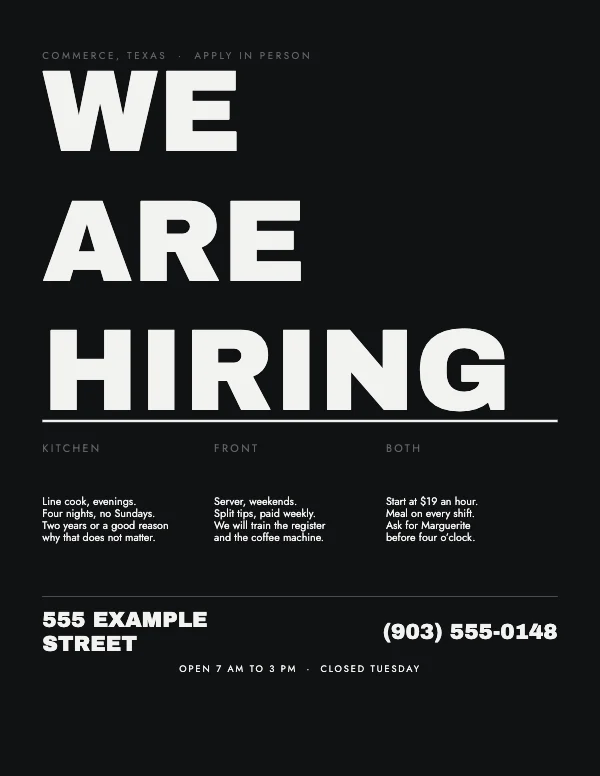 Typographic Hiring FlyerPro
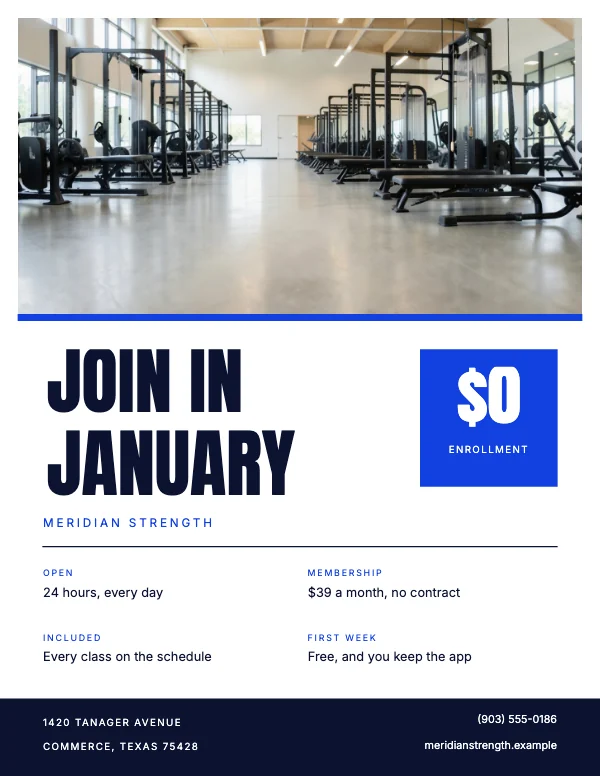 Gym Membership FlyerPro
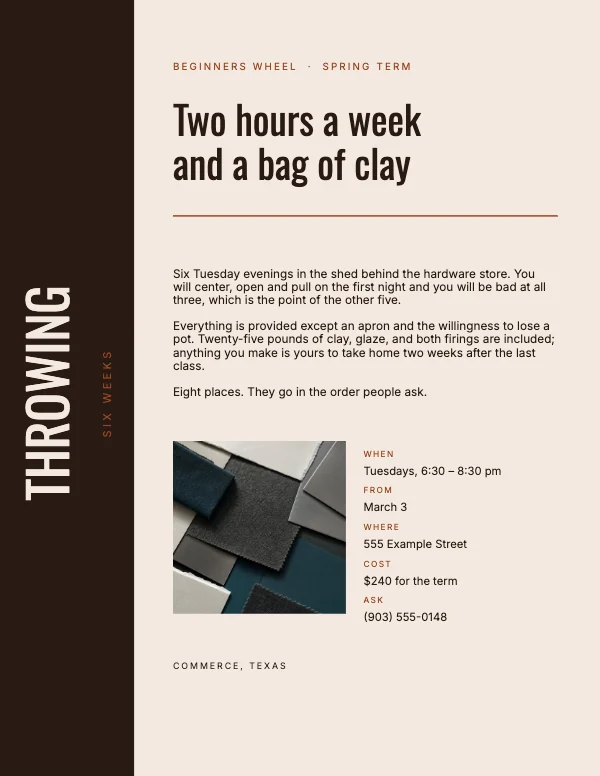 Warm Workshop FlyerPro
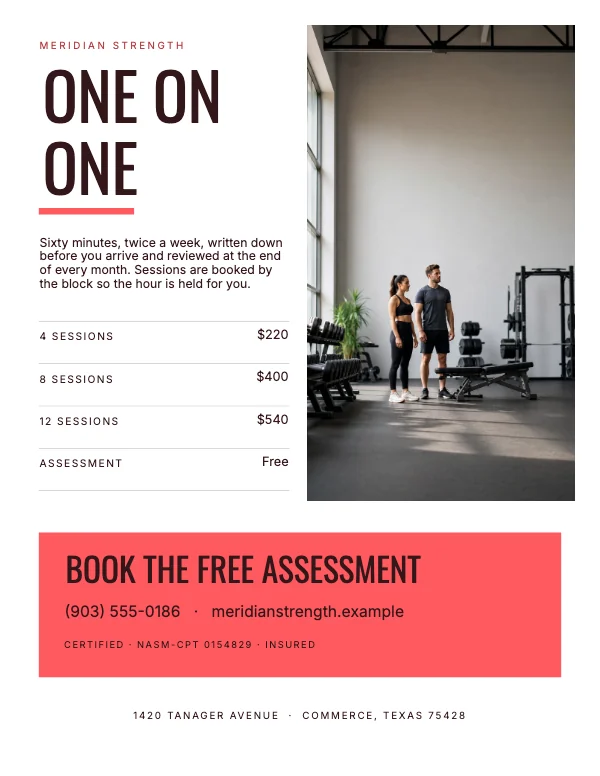 Personal Trainer FlyerPro
 Bold Service Flyer
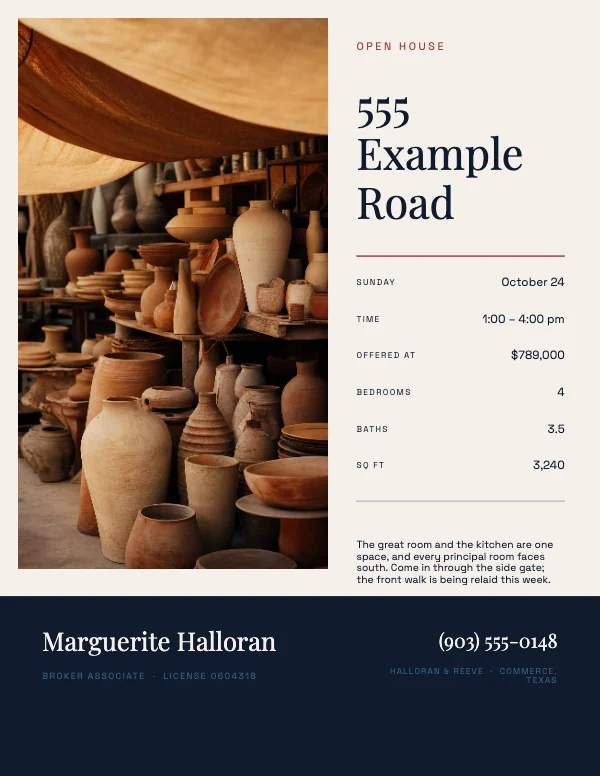 Modern Open House FlyerPro
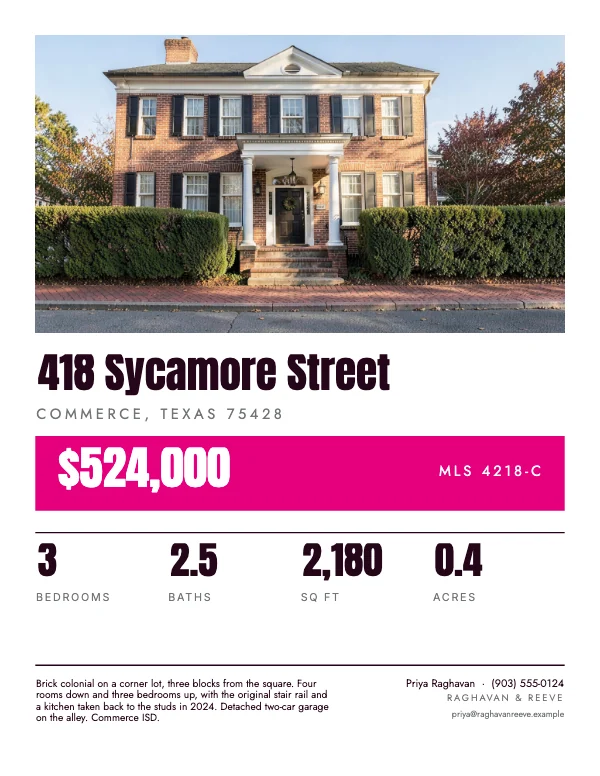 Real Estate Window CardPro
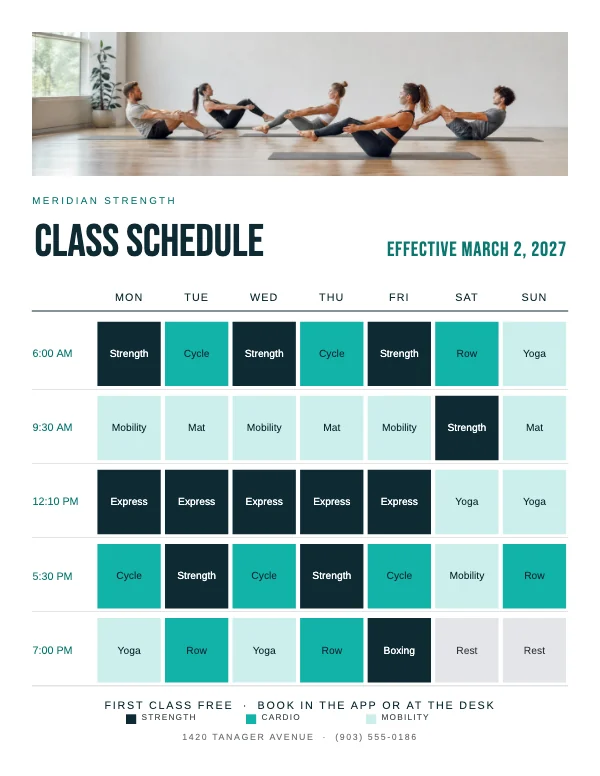 Class Schedule FlyerPro
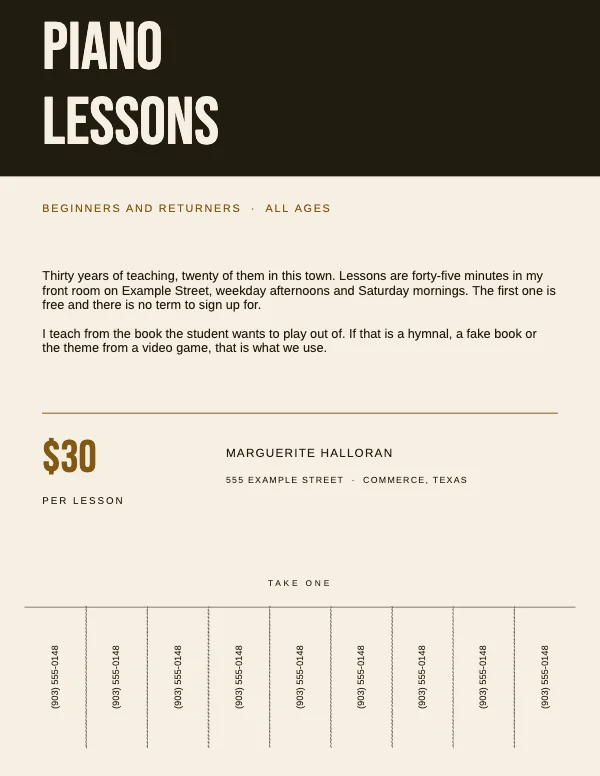 Utility Tear-Off Tab FlyerPro
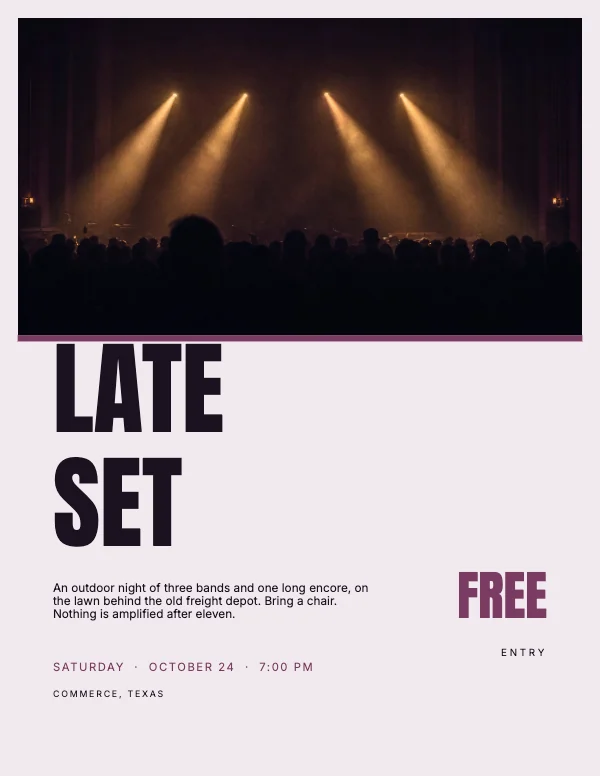 Bold Event Flyer
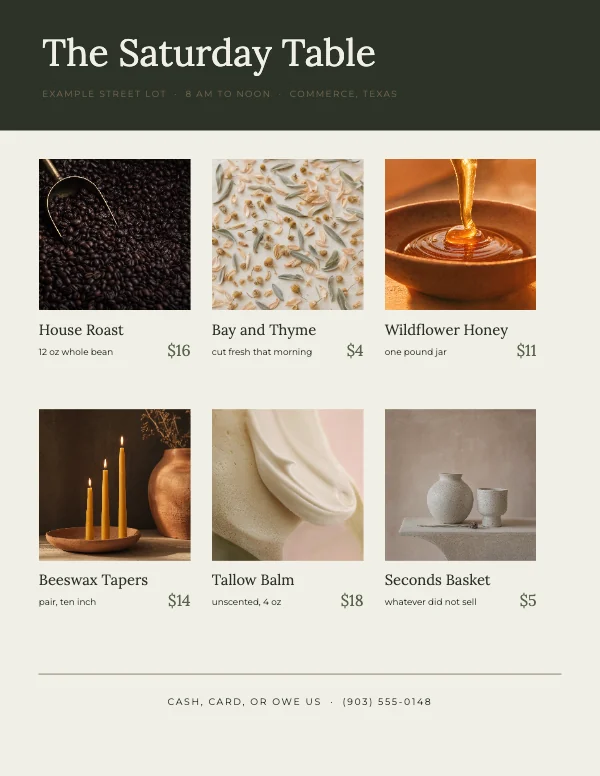 Editorial Product Grid FlyerPro
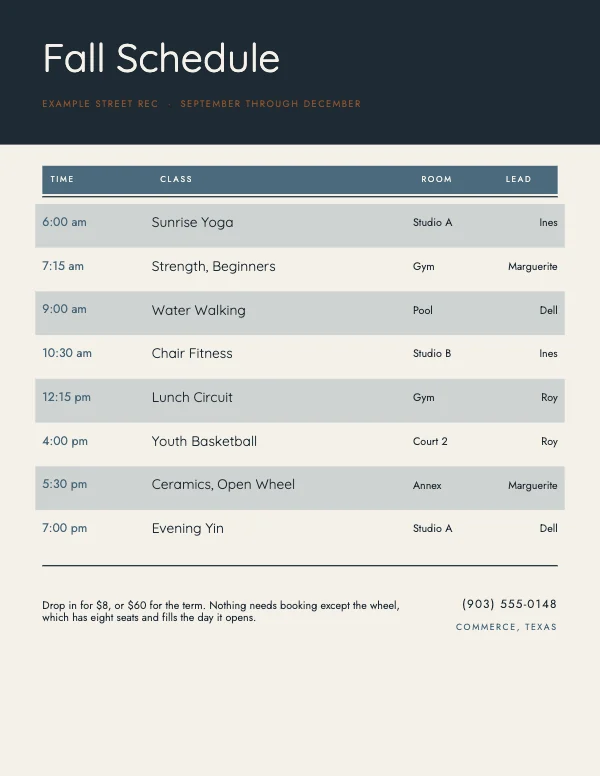 Clean Class Schedule Flyer
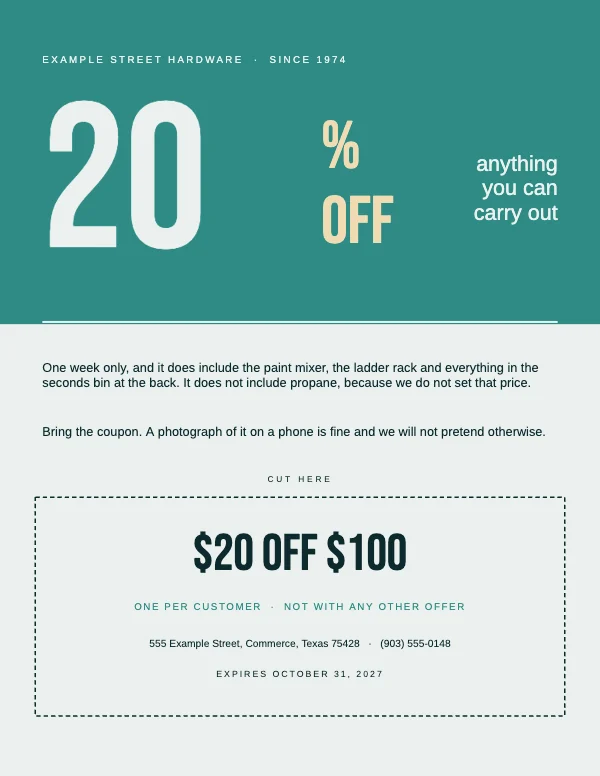 Retail Coupon Flyer
 Travel Agency Rack CardPro
Why the flyers here are 8.5 × 11
Because that is the sheet. It is what your printer has loaded, what a copy shop charges the least for, what fits a flyer box, a clipboard, a mailer and a community board without folding, and what comes back from a print shop the same day. A flyer that is any other size is a flyer somebody has to think about, and thinking is exactly what you are trying to avoid at the point of handing it over. The exception is the 4 × 9 rack card, which is sized for a display rack at a front desk rather than for a board.
The one time to break it: if the flyer is going in a window and competing with other paper, print the same design at 11 × 17 instead. That is a poster, and the templates over there are laid out for the distance.
The two ways to print a flyer, and they need different files
At home or on the office machine. Your printer cannot print to the edge — almost none can — so it leaves an unprintable margin of roughly 0.17 to 0.25 inch on each side. The fix is not to fight it: export without bleed, and design so nothing important is within a quarter inch of the trim. The templates already keep their content inside that. A flyer with a full-bleed color background printed at home comes out with a white frame around it, and the frame is uneven, which looks worse than no background at all.
If your printer offers borderless, know what it is doing: it scales the page up by two or three percent and lets the excess fall off the edges. Everything moves. It is fine on a photograph, and it is not fine on anything where a phone number sits near the bottom.
At a shop, or online. Export with bleed and send the PDF at 8.5 × 11 trim. A shop prints several up on a larger sheet and cuts them down, which is why the bleed exists and why the price per flyer drops so sharply with quantity. Two hundred flyers rarely costs twice what a hundred costs.
The tear-off tab strip, done properly
The tab flyer is the one that goes wrong most often, and it is entirely a geometry problem.
- The tabs are cut, not printed as a picture of tabs. The vertical slits stop about 0.5 inch below the bottom of the message so the flyer holds together on the board. The template draws the cut lines where they are meant to be.
- Every tab carries the whole answer. A phone number alone is not enough — a tab in somebody's pocket needs the what as well as the number. Two lines: what it is, and how to reach you.
- Rotate the text. Tabs read vertically, and a tab whose text runs horizontally in a 0.75-inch-wide strip fits about four characters.
- Cut them yourself with a steel rule, not with scissors. It takes two minutes for a stack of twenty and it is the difference between a flyer that looks made and one that looks improvised.
Type on a flyer that is on a wall
A flyer is read at two distances, and it has to survive both. From six feet across a hallway it has to say what it is; from arm's length it has to say the details. That is a hierarchy problem, not a size problem.
The reliable structure is three tiers and nothing else: what (largest, legible from across the room), when and where (middle, legible from a step away), how to respond (smallest, but never below 10 pt — a phone number in 8 pt on a wall is decoration). Everything else you were going to add is competing with one of those three.
And put the response mechanism where a hand goes: bottom third, or the tabs. People photograph flyers now more than they write anything down, so the bottom third of the sheet has to be readable in a phone photo taken at an angle in bad light. That is a real constraint and it argues for high contrast, not for a tasteful gray.
Paper, briefly
Standard copy paper is 20 lb and it is fine for a board. Anything you hand to a person wants at least 32 lb or a light cover stock — the weight is most of what makes a flyer feel like it came from a business rather than from a printer in a spare room. A matte or uncoated stock takes pen, which matters if people are meant to write on it; a gloss does not.
Questions
What size is a standard flyer?
8.5 × 11 inches in the US — letter size, the sheet in your printer. A5 and half-letter flyers exist and are cheaper per piece, but they get lost on a board and they cost the same to print two-up on a letter sheet, which you can do with any of these templates.
Do I need bleed on a flyer?
Only if color or a photograph runs to the edge of the sheet, and only if a shop is printing it. For home printing, export without bleed and keep everything a quarter inch inside the trim — a home printer cannot reach the edge anyway.
Can I print these at home?
Yes, all of them. They are 300 DPI, and every one but the 4 × 9 rack card is letter size; the rack card fits on a letter sheet and needs one trim. Export without bleed, choose "actual size" or 100% in the print dialog rather than "fit to page", and accept the unprinted margin your printer leaves.
Why did my flyer print smaller than the page?
Because the print dialog scaled it. "Fit to page" or "shrink oversized pages" resizes an 8.5 × 11 file to fit inside the printable area, which makes it about 96% of full size with a wider white border. Choose actual size, or 100%, every time.
What file should I send the print shop?
A PDF at 8.5 × 11 trim with bleed included, and say so in the message. Crevano writes each page as a lossless 300 DPI image inside the PDF.
If they want crop marks, Crevano can add them. The checkbox is called Add crop marks (for a commercial printer), it appears on PDF export only, it is off by default, and it needs bleed switched on — a crop mark describes a trim line, so it means nothing without paper to trim into. The marks sit outside the bleed area, so no mark ever lands inside the trim. They print as solid black rather than as registration marks — registration is a separation instruction for a press, and an RGB image PDF cannot honestly carry one, so if a shop specifically asks for registration marks that is a conversation to have first. Same for a vector file, which is not something we produce.
How do I make the tear-off tabs?
The tab template draws the cut lines. Print it, then cut up the vertical lines with a craft knife and a steel rule, stopping at the horizontal line. Put the full offer on every tab, not just a number, and set the tab text to run vertically.
How many flyers should I print?
More than you think for a board and fewer than you think for handing out. Boards absorb flyers slowly and a design gets stale; hand-outs go fast and get thrown away faster. Print a small run, watch what happens for a week, then reprint — the cost of a second short run is almost always less than the cost of two hundred flyers with last month's date on them.
Can I use these for a business, not just personally?
Yes, including commercially, on the free plan. Anything you make is yours to publish, print and sell, with no royalty and no credit, and that permission does not expire.
Is there a real estate version?
Yes — a listing flyer, an open house flyer and a four-page property brochure, collected with the copy that is specific to that job on the real estate templates page.
Where to go next
Put together an occasion
Every category
How printing works
Open any of these and it is already the right size. Bleed, margins and trim are set, and there is no watermark on anything you export — on any plan, ever.