
Crevano · Templates · Business Document Templates
Business Document Templates
20 documents across 45 pages, all at 8.5 × 11. The paperwork a small business actually sends out: an invoice, letterhead, a services proposal, a quarterly report, a one-pager, a price list and a resume. The multi-page documents carry a running head and folio on every page, so a section can be duplicated or cut and it still reads as one document.
| Trim size | 8.5 × 11 in |
|---|---|
| Bleed | none · 0.125 in |
| Resolution target | 300 DPI |
| Templates | 20 |
| Pages | 45 |
No templates match that.
Business document templates (20)
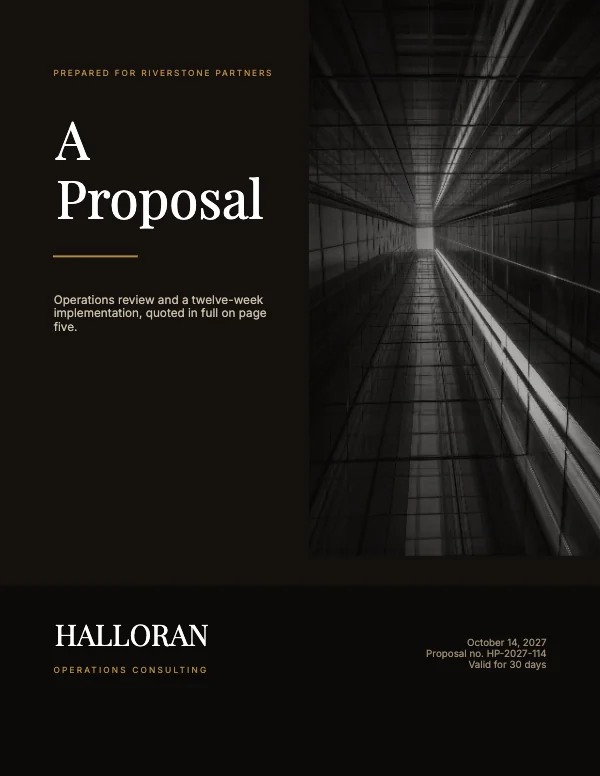 Professional Services Proposal
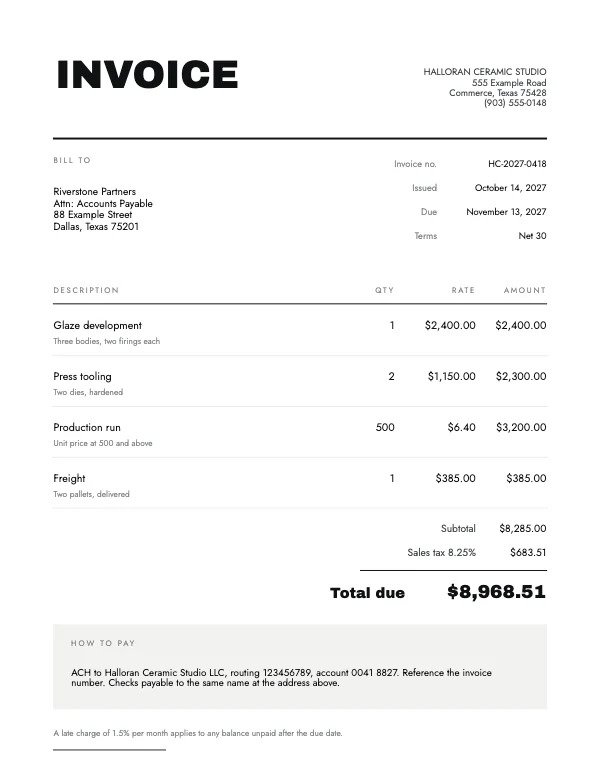 Minimalist InvoicePro
 Real Estate Property Listing BookPro
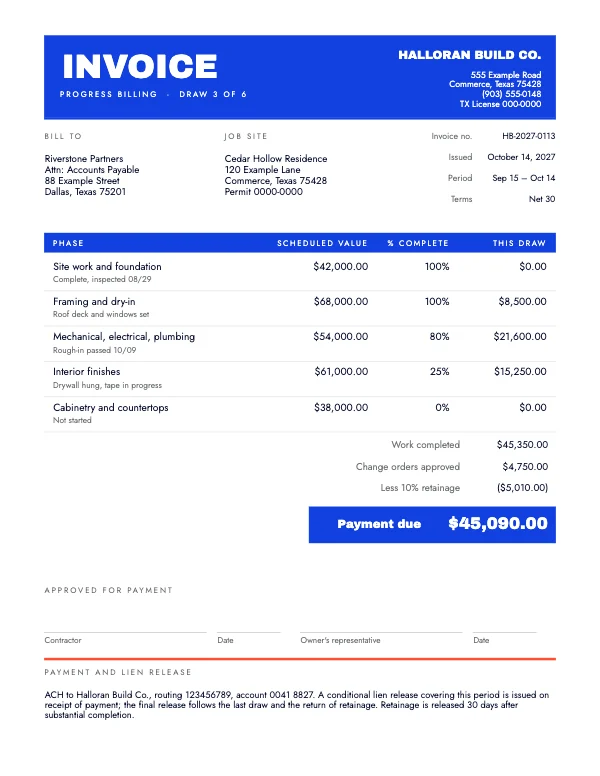 Contractor Progress InvoicePro
 Warm Real Estate Listing FlyerPro
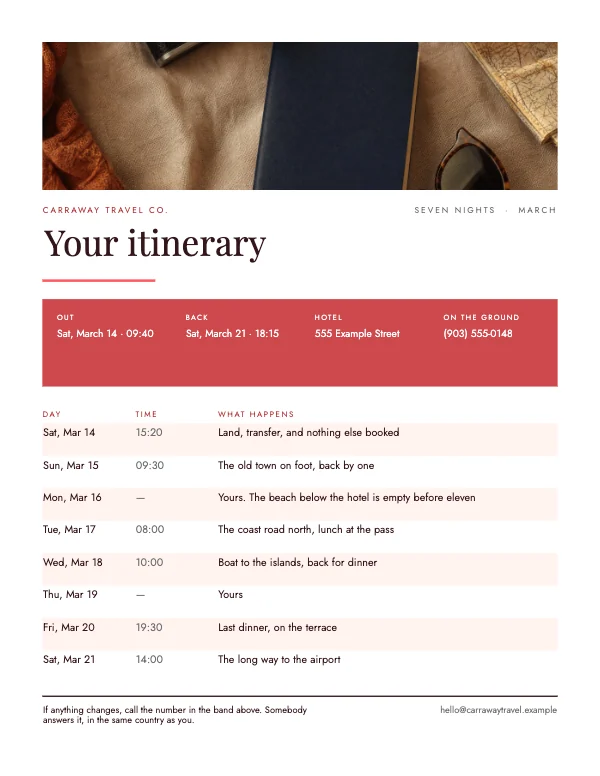 Travel Trip ItineraryPro
 Bold Real Estate Open House Flyer
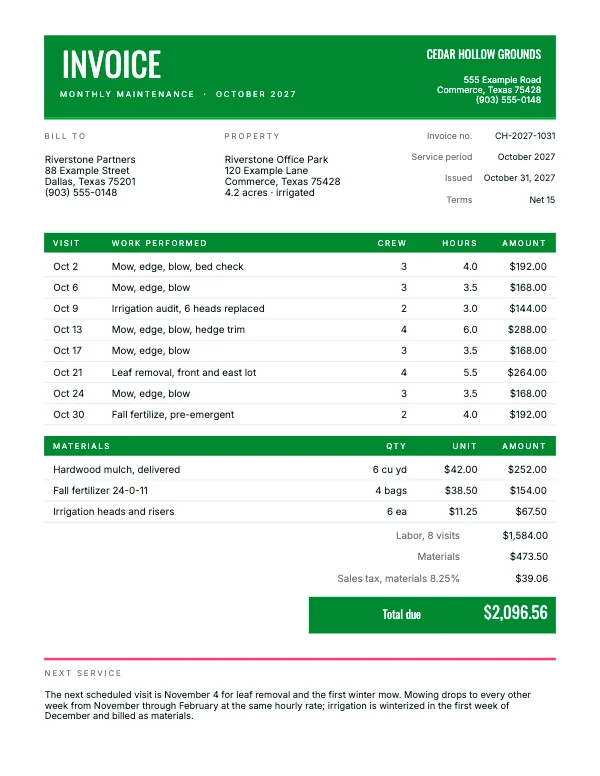 Landscaper Monthly InvoicePro
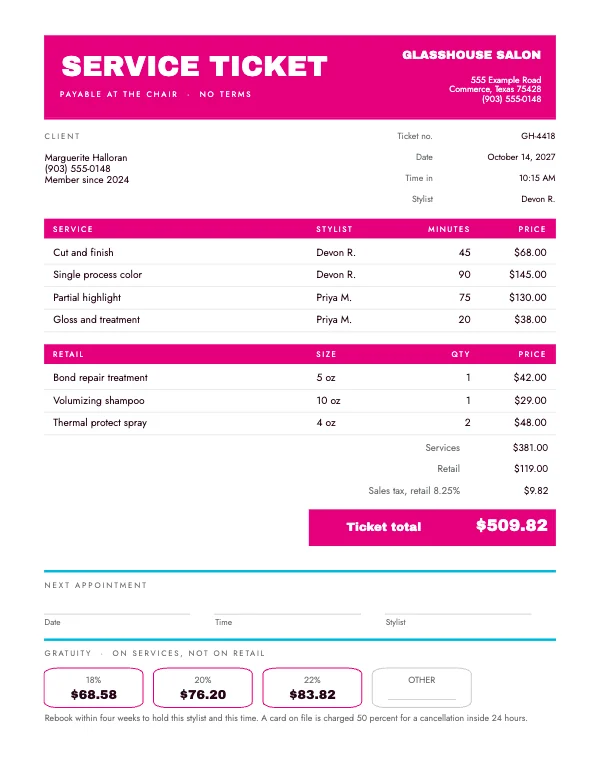 Salon Service TicketPro
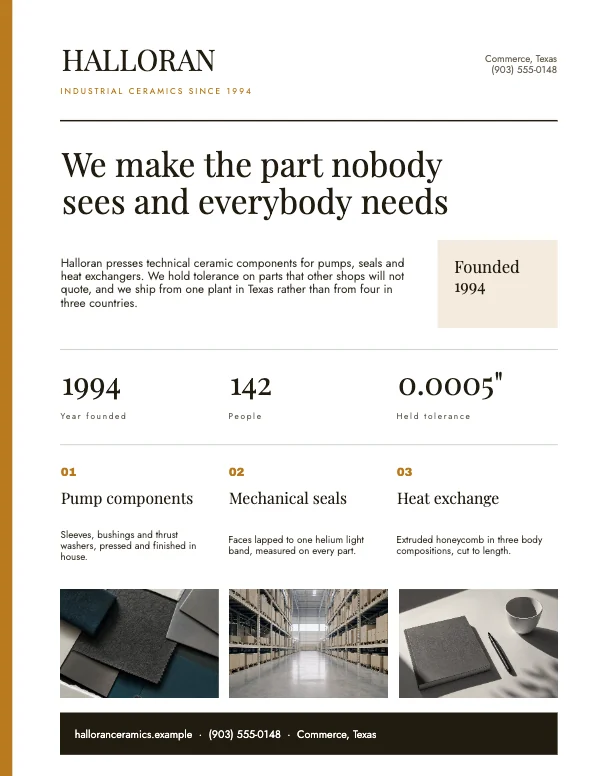 Clean Company One-PagerPro
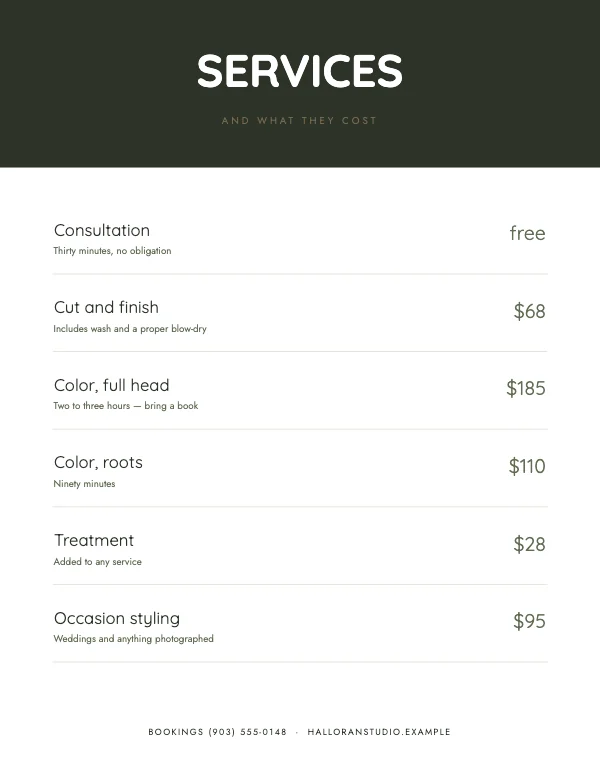 Clean Salon Price List
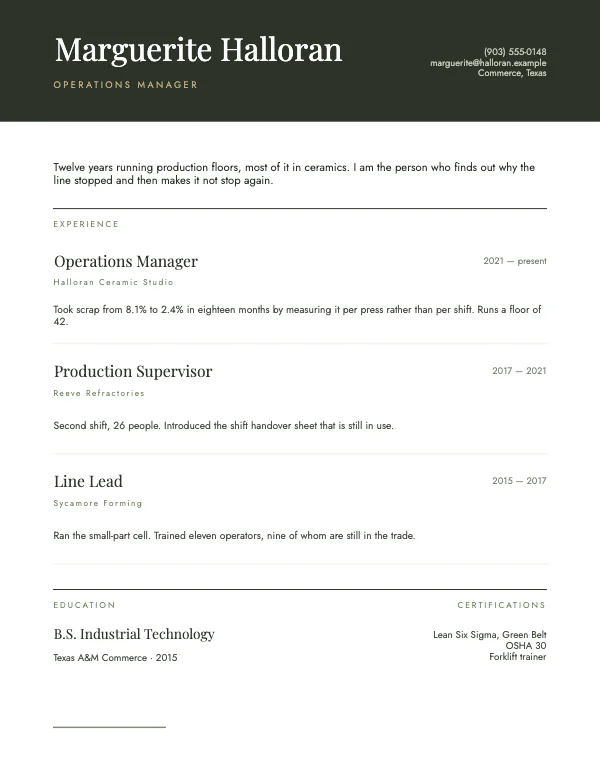 Modern Resume and Cover LetterPro
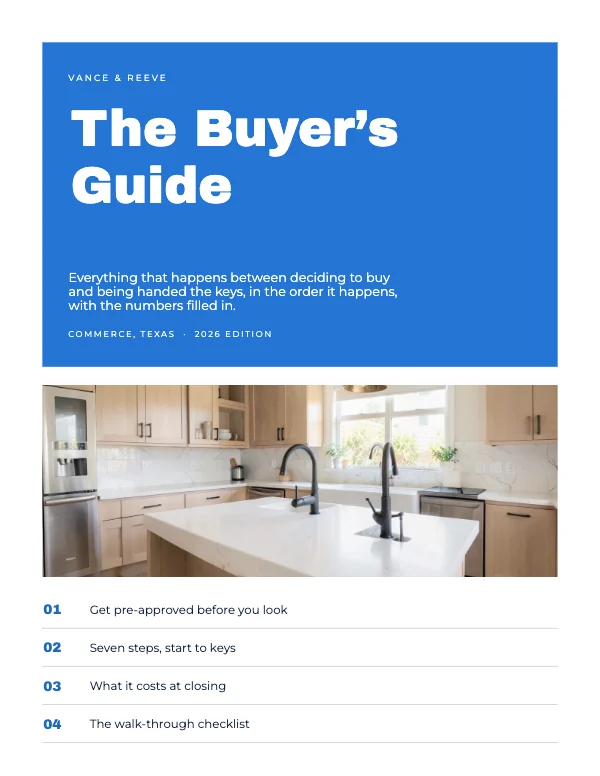 Real Estate Buyer’s GuidePro
 Modern Real Estate Property BrochurePro
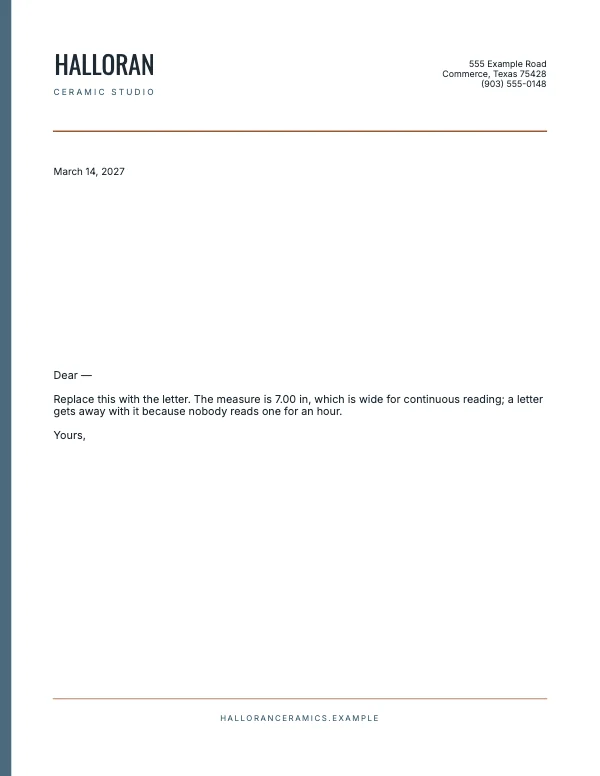 Professional Letterhead
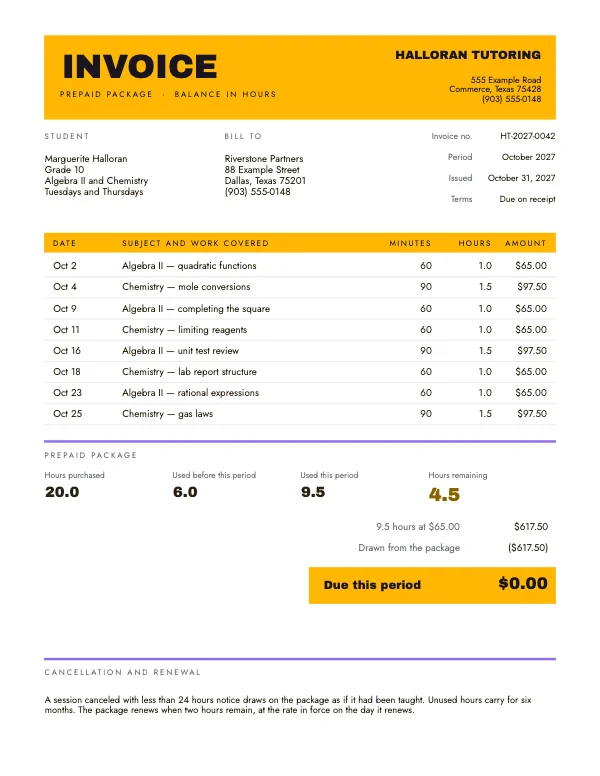 Tutor Session InvoicePro
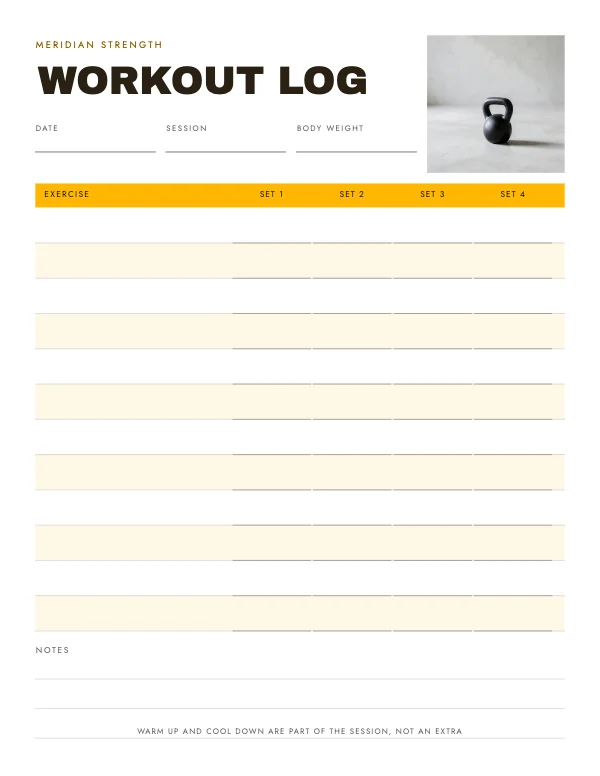 Workout Log SheetPro
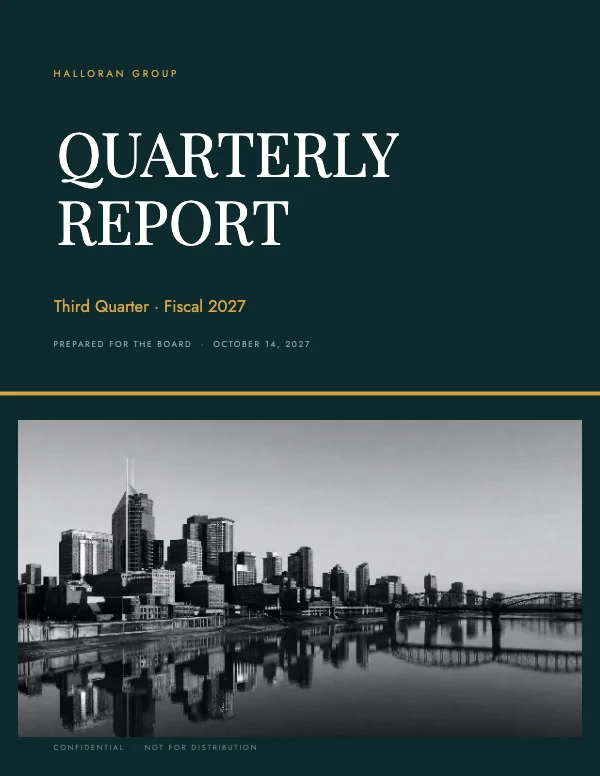 Corporate Quarterly Finance ReportPro
 Real Estate Comparative Market AnalysisPro
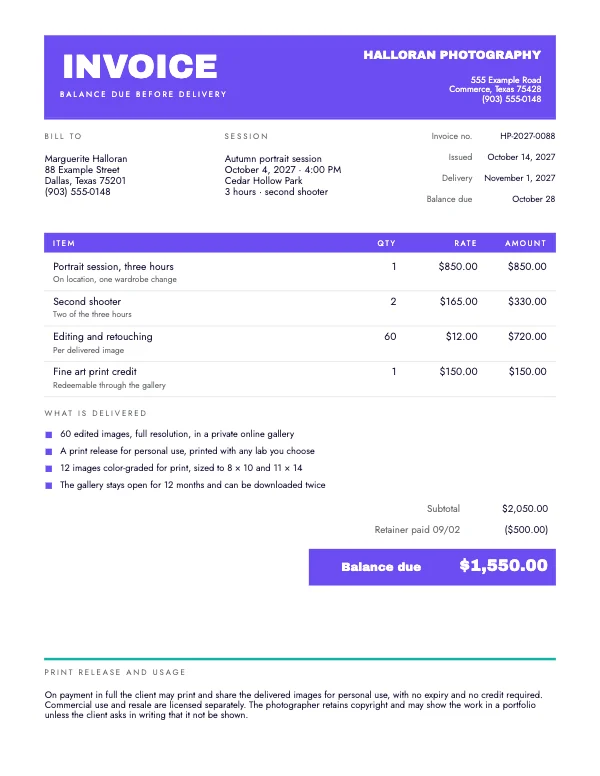 Photographer Session InvoicePro
A document is not a poster with more words
The multi-page ones here are built as documents, and that is a different thing from a nice-looking page repeated.
Every page in the quarterly report and the services proposal carries the same running head, the same folio position and the same margins. That sounds like housekeeping and it is the whole point: it means you can duplicate a page, delete a page, or reorder the middle and the result still reads as one document rather than as a stack of slides.
The margin is 8.5 × 11 with a wider inside edge, so a printed copy can be stapled or bound at the left without the type running into the fold.
Read this before you use these for anything a machine reads
Crevano exports each page as a lossless 300 DPI image inside a PDF. For a printed document that is genuinely excellent — no font substitution, no reflow on somebody else's machine, and it prints exactly as laid out.
It also means there is no live text in the export. That matters in three specific places:
- A resume submitted online. Applicant tracking systems parse text. They cannot read a picture, and a resume that parses as blank is rejected before a person sees it. Use these for the printed copy you hand over or mail, and keep a
.docxfor online applications. - An invoice a client's accounting software ingests. Some systems scan PDFs for totals. A picture defeats that, so send the number in the email too.
- Anything that must be searchable or read aloud. A screen reader cannot read an image.
None of this is a defect to work around quietly — it is the trade a 300 DPI raster makes, and it is the right trade for print and the wrong one for parsing.
The invoice, and the field people forget
An invoice needs a unique invoice number and a due date, not just a date. Both are separate text elements here because both get edited every time, and the due date is the one most often left as "Net 30" in the template without a real date beside it — which is exactly what makes a late payment ambiguous.
The one-pager and the price list do the same job differently
A one-pager is for somebody who has not decided yet: what you do, who it is for, what it costs to start. A price list is for somebody who has decided and wants the number.
Sending the wrong one is the commonest small-business mistake in this set. If a prospect asked "how much", they want the price list. If they asked "what do you do", the one-pager.
Questions
What size are these?
All 8.5 × 11 in portrait at 300 DPI — US Letter. No bleed, because a document printed on office paper is not trimmed at the edge.
Can I use these for a resume I submit online?
Not as the file you upload. The export is an image, so applicant tracking systems cannot read the text. Use it for the printed or emailed copy and keep a .docx for online forms.
Will my invoice numbers update automatically?
No — every field is a text element you edit. That is deliberate: an invoice number has to be under your control and match your own records.
Can I add or remove pages from the report?
Yes. Each page carries the same running head, folio and margins, so pages can be duplicated, deleted or reordered and the document still reads as one piece.
Can I put my own logo on the letterhead?
Yes. Drop it in as an image and it keeps its own proportions; the header space is sized for a horizontal wordmark, which is what most letterheads use.
Why is there no bleed?
Because these print on office paper and get no trim. Bleed exists for a blade, and no blade is involved. Turning it on would only shift everything inward.
Can I use these commercially?
Yes, including for client work and anything internal. No royalty, no credit, and the permission does not expire. That is true on the free plan as well as the paid one, and it stays true if you cancel.
Where to go next
Put together an occasion
Every category
How printing works
Open any of these and it is already the right size. Bleed, margins and trim are set, and there is no watermark on anything you export — on any plan, ever.