
Crevano · Templates · Book Cover Templates
Book Cover Templates
Covers, wraps and interior pages built to the numbers Amazon publishes: 6 × 9 and 8.5 × 11 at 300 DPI with 0.125 inch of bleed, full paperback wraps at 5 × 8, 6 × 9 and 8.5 × 11 with the spine and the barcode zone already drawn, and Kindle covers at 1600 × 2560 pixels. 38 templates across 39 pages.
| Trim sizes | 1600 × 2560 px · 17.5044 × 11 in · 17.3783 × 11 in · 17.3004 × 11 in · 17.2162 × 11 in · 12.8648 × 9 in · 12.7927 × 9 in · 12.7206 × 9 in · and more |
|---|---|
| Bleed | none · 0.125 in |
| Resolution target | 72 DPI · 300 DPI |
| Templates | 38 |
| Pages | 39 |
No templates match that.
Book cover templates (38)
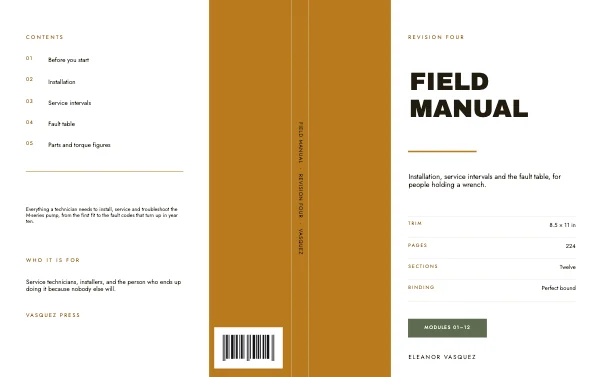 Technical Manual Book Cover WrapPro
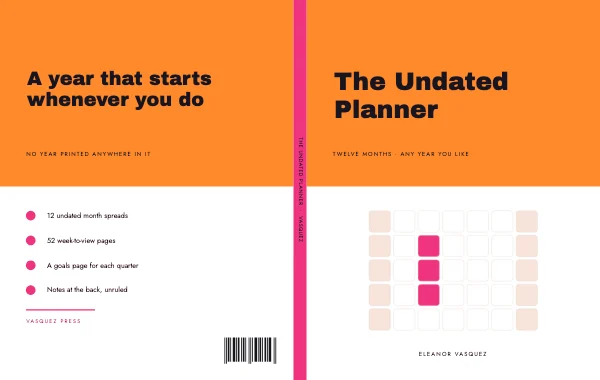 Undated Planner Book Cover WrapPro
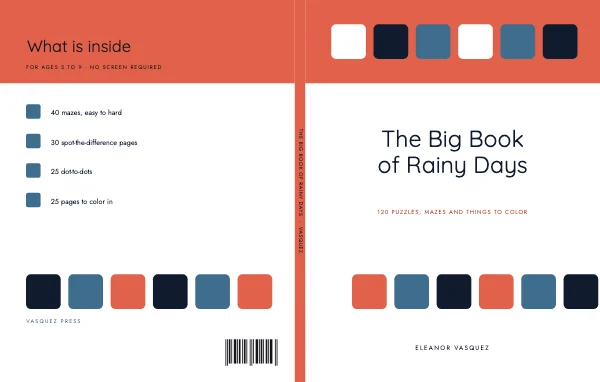 Kids Activity Book Cover WrapPro
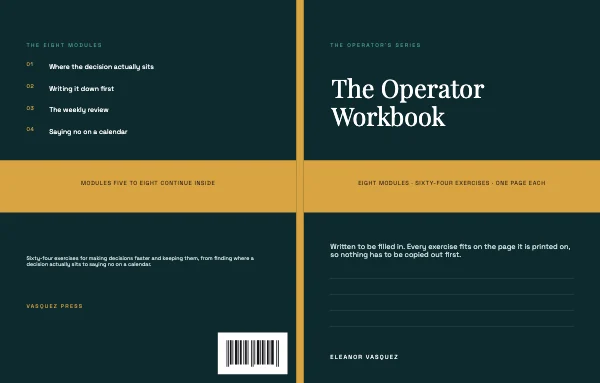 Course Workbook Book Cover WrapPro
 Thriller Book Cover WrapPro
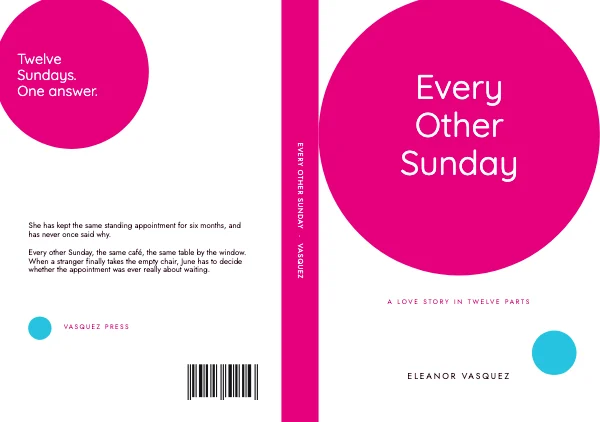 Romance Book Cover WrapPro
 Literary Book Cover WrapPro
 Memoir Book Cover WrapPro
 Self Help Book Cover WrapPro
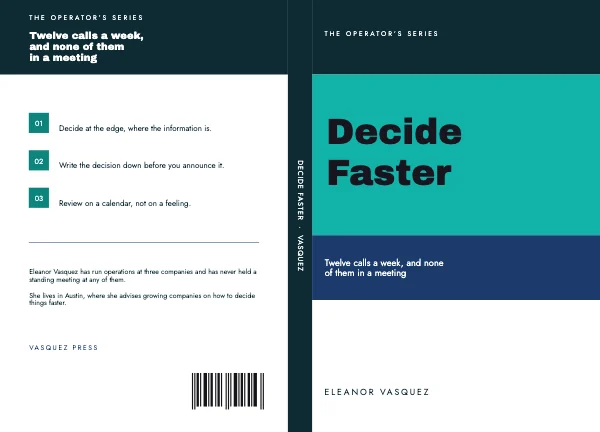 Business Book Cover WrapPro
 Editorial Book Cover WrapPro
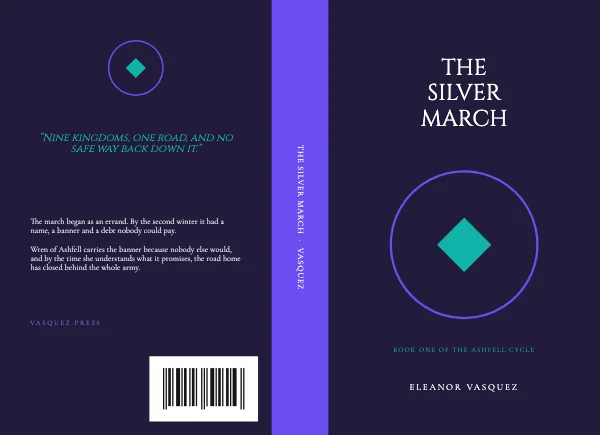 Epic Fantasy Book Cover WrapPro
 Cookbook Book Cover WrapPro
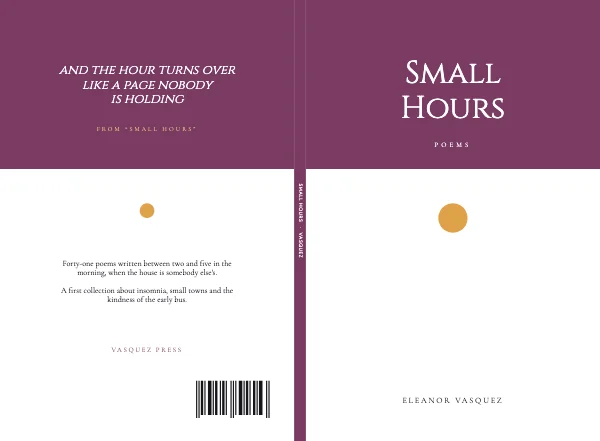 Poetry Book Cover WrapPro
 Children’s Book Cover WrapPro
 Cozy Mystery Book Cover WrapPro
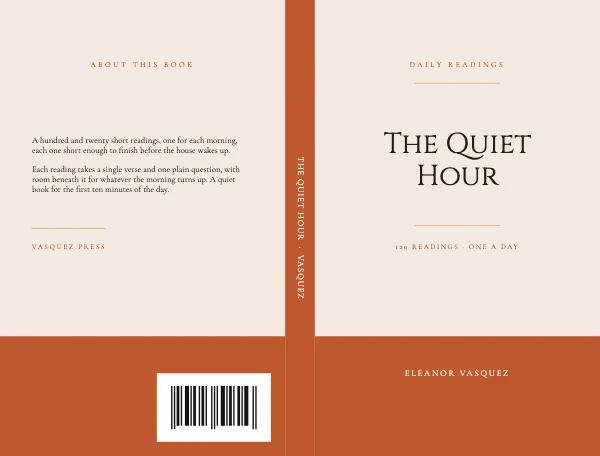 Daily Devotional Book Cover WrapPro
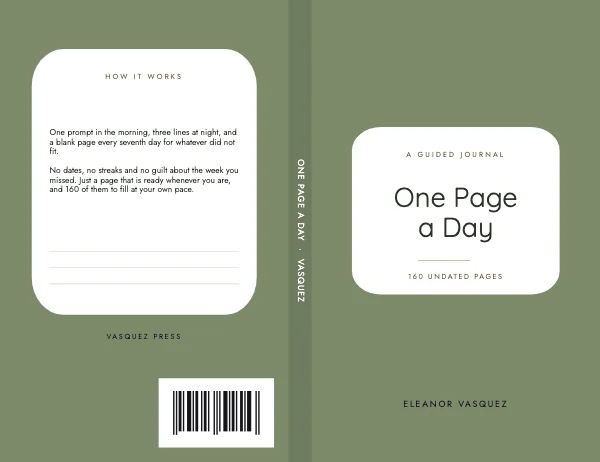 Guided Journal Book Cover WrapPro
 Travel Vacation Photo Book CoverPro
 Modern Workbook CoverPro
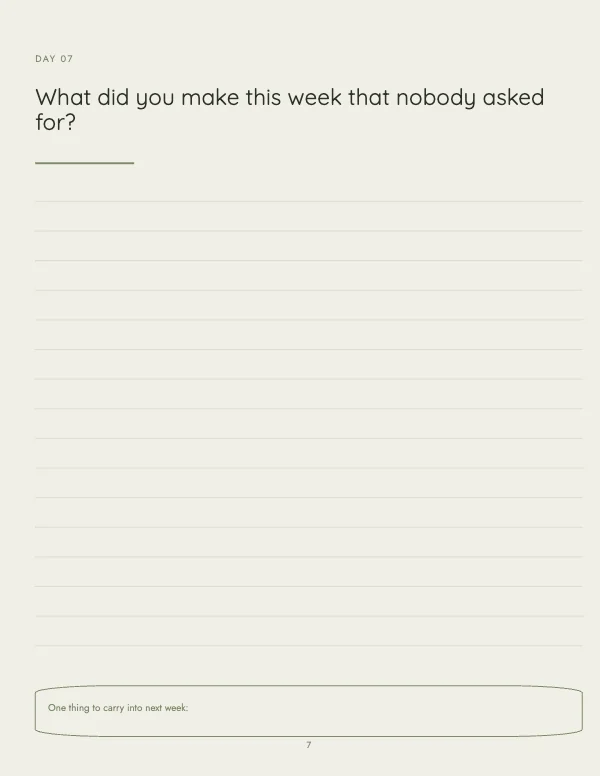 Soft Workbook Prompt Page
 Literary Novel Cover
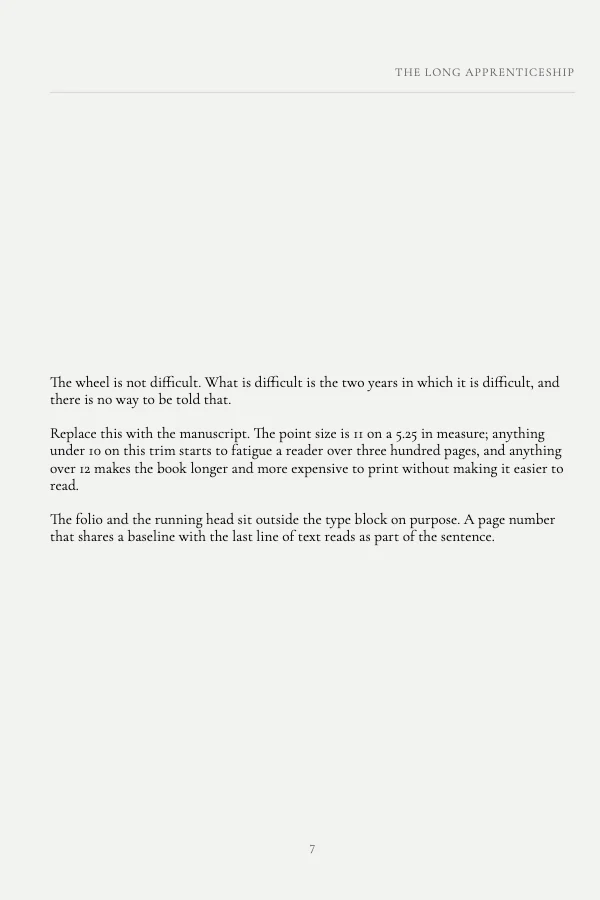 Classic Book Body PagePro
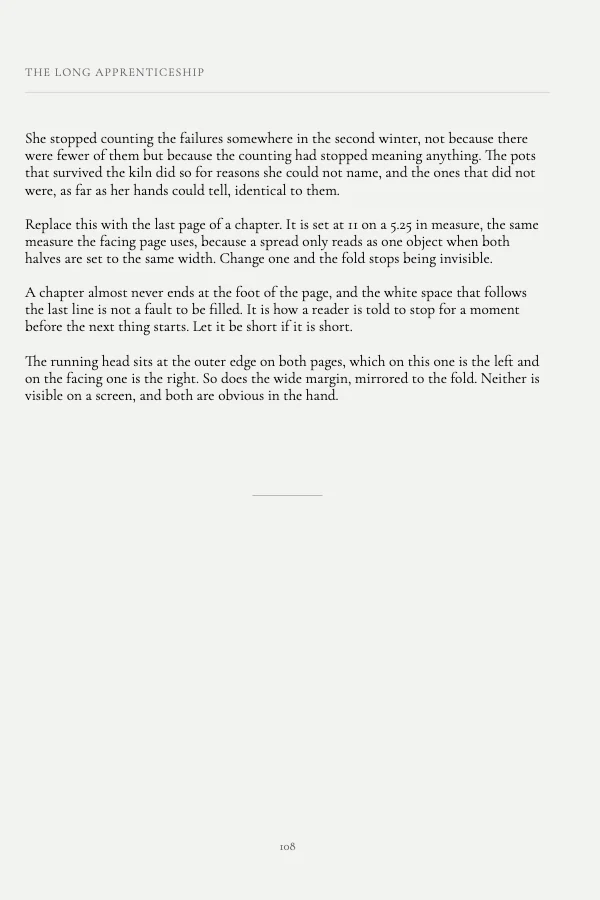 Classic Book Interior SpreadPro
 Traditional Book Title PagePro
 Literary Novel CoverPro
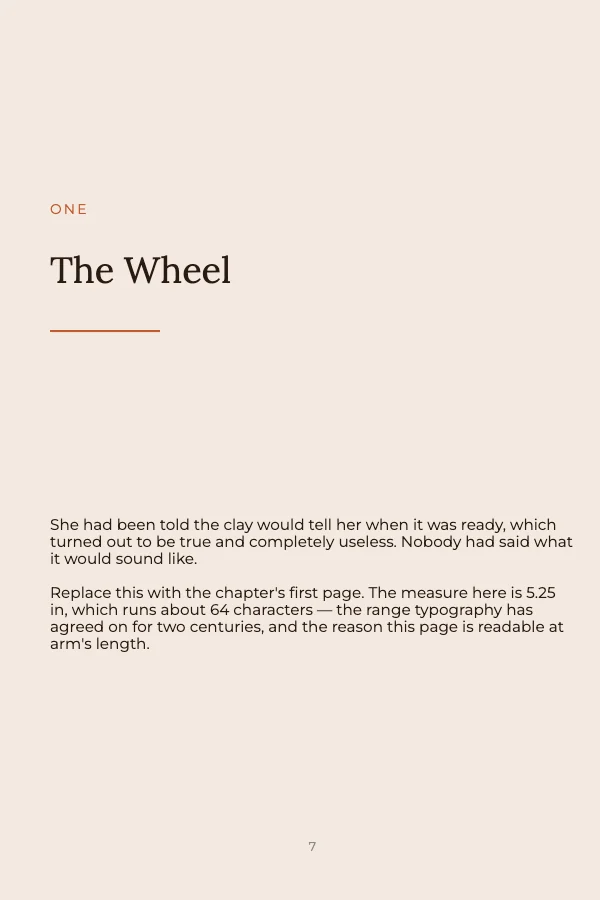 Warm Book Chapter OpenerPro
 Children’s Book Cover
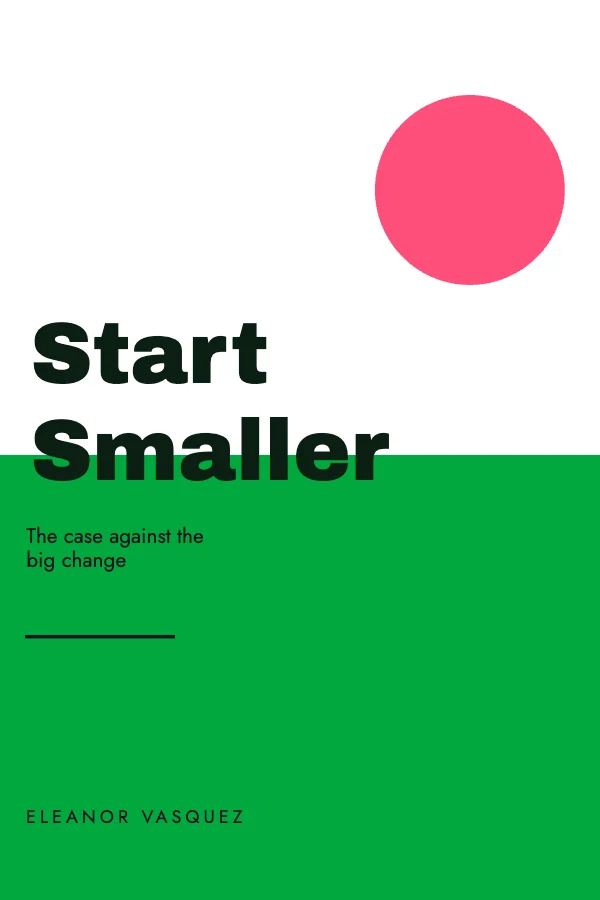 Self Help Book CoverPro
 Romance Book CoverPro
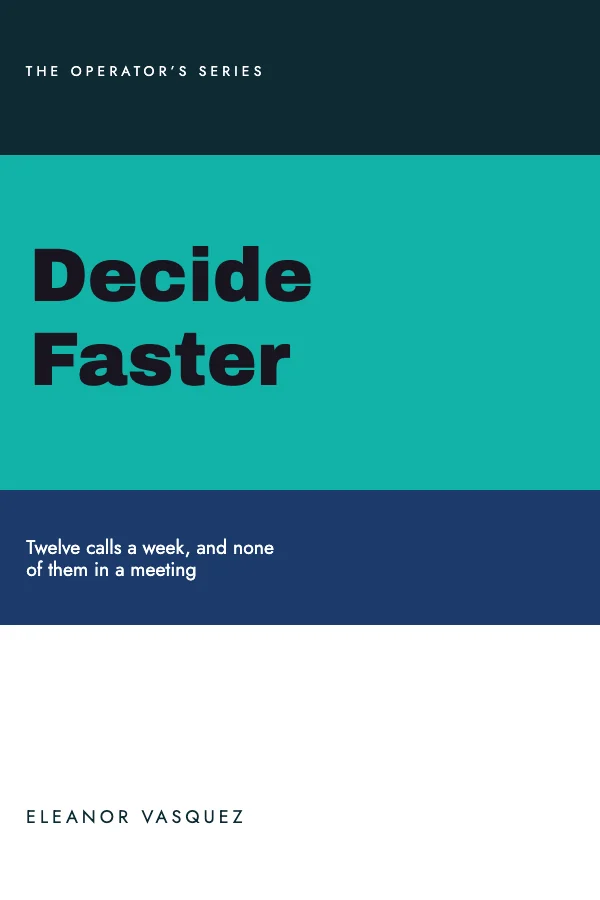 Business Book Cover
 Editorial Book Back Cover
 Poetry Book CoverPro
 Thriller Book CoverPro
 Memoir Book Cover
 Cookbook Book Cover
 Literary Kindle eBook CoverPro
 Modern Kindle eBook Cover
Trim, bleed and safe area — the three numbers that get covers rejected
A print-on-demand cover is rejected for one of three reasons far more often than for anything to do with design.
Trim is the finished book. 6 × 9 is the default US trade paperback and it is what most fiction and most nonfiction ships at. 8.5 × 11 is the workbook, journal and low-content size. The trim you choose is not a design decision you can revisit — it sets the interior, the page count, the spine width and the price, so choose it before you lay out anything.
Bleed is 0.125 inch on every outside edge and it applies to the cover whenever any color or image runs off the edge. On a full wrap, "outside edge" means top, bottom, and the two outer vertical edges — not the spine, which is in the middle of the sheet.
Safe area is where the rejection actually comes from. Amazon's preview will pass a file whose text sits 0.1 inch from the trim, and then the printed book comes back with the author name shaved. Keep every piece of text at least 0.25 inch inside the trim on all four sides, and treat the spine as having only about 0.0625 inch of usable clearance on each side of its own edges. The templates draw all of this.
The spine, and the arithmetic behind it
The spine is the part that cannot be guessed, because it is a function of the page count and the paper, and it changes the moment the interior does.
spine width (inches) = page count × caliperCaliper is the thickness of one page of the paper you chose, and there are four stocks with three different numbers. The one people get wrong is cream, which is meaningfully thicker than white:
| Paper | Caliper, inches per page | 300-page spine |
|---|---|---|
| White | 0.002252 | 0.6756 in |
| Cream | 0.0025 | 0.7500 in |
| Premium color | 0.002347 | 0.7041 in |
| Standard color | 0.002252 | 0.6756 in |
The same 300-page book is 0.0744 inch wider on cream than on white — comfortably enough to push spine type off the spine and onto the front panel. Choose the paper before you build the wrap.
And do not add a cover allowance. Several third-party spine calculators add +0.06 inch. That is IngramSpark's formula; KDP rejects against its own arithmetic — page count times caliper, nothing added.
Three consequences worth knowing before you start:
- Build the interior first. The spine needs a real page count, and inventing one is how a cover gets built twice. Any reflow of the interior — a font change, a margin change, one added page — invalidates the cover silently, because nothing about the cover file complains.
- Spine text needs more pages than you think. KDP permits spine text at 79 pages, but a 79-page spine is 0.1779 inch, and after the 0.0625 inch of required clearance on each edge there is 0.0529 inch of type height left — under 4 pt. Readable 8 pt spine type needs roughly 105 pages. Below that, leave the spine blank; it looks deliberate, and a title cut in half does not.
- Nobody buying online sees the spine. It is worth getting right and it is not worth padding a book for.
Crevano builds the wrap for you at 6 × 9 and 8.5 × 11. Give it the page count and the paper and it lays out both panels and the spine at the computed width, with spine guides that stay guides — they never export. It flags an odd page count, one under KDP's 24-page minimum or over its 828 maximum, and under 79 pages it tells you KDP allows no spine text at all.
Those two trims are the only ones with a preset. Every other trim computes correctly and you place the panels yourself: set the document width to (2 × trim width) + spine + 0.25 and take the middle number from the caliper table above. The 6 × 9 wrap template in this set is 12.4504 × 9 in, which is that arithmetic already done for one particular page count.
The barcode zone, and the one place nothing may go
Print-on-demand prints a barcode onto the back cover, and it prints it whether or not you left room for it. The reserved area is 2.0 × 1.2 inches, sitting 0.25 inch in from the trim at the bottom right of the back panel. The back-cover template in this set draws that plate as a real element.
What that means in practice: no text, no logo, no face, no part of a photograph you care about inside that rectangle. A flat area of a single color underneath it is ideal, because the barcode is printed with a white box around it and a busy photograph behind it turns into a visible patch.
Interiors: the gutter, and why the inside margin is bigger
The interior pages in this set are laid out with an asymmetric margin, and that is not a style choice.
The gutter is the inside margin, at the binding edge, and it has to be wider than the outside one because part of it disappears into the curve of a perfect-bound spine. The thicker the book, the more it swallows — so the gutter is a ladder set by page count, not a preference:
| Pages | Minimum gutter |
|---|---|
| 24–150 | 0.375 in |
| 151–300 | 0.5 in |
| 301–500 | 0.625 in |
| 501–700 | 0.75 in |
| 701–828 | 0.875 in |
The outside margin is 0.25 inch, or 0.375 inch if the interior has bleed. Crevano applies these floors, and when it raises one it says so rather than correcting quietly — a margin that moved without telling you is how a laid-out book comes back reflowed.
A book laid out with equal margins reads with the text creeping into the fold on every right-hand page, and it is the single most obvious sign of a self-laid-out interior.
The margin swaps sides on facing pages: on a left-hand page the gutter is on the right, and on a right-hand page it is on the left. The interior-spread template shows the pair together for exactly that reason — a spread is the unit a reader sees, not a page.
Interiors also do not need bleed unless an image runs off the edge. Most text interiors do not, and turning bleed on for a text interior means uploading a larger file that gets trimmed back to the same book.
Kindle covers are a different product
The 1600 × 2560 pixel templates are not print files and should not be treated as one. There is no trim, no bleed and no spine; there is an aspect ratio of 1:1.6, a pixel size, and a hard fact — the cover is chosen at thumbnail size. It is decided at roughly 160 pixels tall in a search result, next to eleven others.
So the test is not whether it is a good cover. The test is whether, at the size of a fingernail, the title is legible and the genre is obvious. Squint at the thumbnail in the grid above; if you cannot read the title, neither can a shopper. That usually means fewer words, more contrast and a much larger title than feels comfortable on a full screen.
Photographs, and why interiors come back soft
Interiors are the place where resolution disappoints most often, because a photograph that looked fine on a 6 × 9 screen page is being printed at 6 × 9 inches, and 6 inches at 300 DPI needs 1,800 pixels across. A picture 900 pixels wide is 150 DPI at that size — visibly soft on paper, and invisible on screen.
Crevano shows the number on every selected photograph, at the size you are actually using it, with the axis that ran out named. Watch it while you lay out rather than after you export. The short side is the one that fails, and it is usually not the one you were watching.
What to send
A PDF at the trim size with bleed included for the cover, and a PDF at trim for a text interior. Crevano writes each page as a lossless 300 DPI image inside the PDF. Print-on-demand services run their own preview against the file — put a real file into their previewer before you commit to anything, because that previewer is the only thing that can actually answer "will this pass."
If your printer asks for crop marks or a vector PDF, ask before you send; those are two specific requirements worth agreeing on in advance.
Questions
What size should a book cover be?
Match your trim. A 6 × 9 paperback cover is 6 × 9 per panel plus 0.125 inch of bleed on the outside edges; a full wrap is both panels plus the spine. 8.5 × 11 is the workbook and journal size. Kindle covers are 1600 × 2560 pixels and have nothing to do with trim.
How do I calculate the spine width?
Page count × caliper, with nothing added. White and standard color are 0.002252 inch per page, cream is 0.0025, premium color is 0.002347. A 250-page book is 0.563 inch on white and 0.625 on cream. Ignore any calculator that adds 0.06 inch — that is IngramSpark's formula, not KDP's. Build the interior first; the page count has to be real.
How much bleed does a book cover need?
0.125 inch on every outside edge. On a full wrap that means top, bottom and the two outer vertical edges, not the spine. Text should stay at least 0.25 inch inside the trim on all sides.
Where does the barcode go?
Bottom right of the back cover, in a 2.0 × 1.2 inch area set 0.25 inch in from the trim. Leave it empty and ideally flat in color — the barcode is printed over whatever is there, with a white box around it.
Do interior pages need bleed?
Only if an image runs off the edge of the page. Most text interiors do not. Set the inside margin wider than the outside one, because the binding eats part of it.
Can I use these for Amazon KDP?
Yes — the trims, the bleed and the barcode zone are built to the numbers Amazon publishes, and anything you make is yours to publish and sell commercially with no royalty and no credit. Always run your finished PDF through Amazon's own previewer before you approve it; that is the only check that counts.
Why does my interior photo look soft in print?
Because 6 inches at 300 DPI needs 1,800 pixels and the picture probably has fewer. Screens hide this completely. Use a larger source, or make the picture smaller on the page, and watch the DPI badge as you resize rather than after you export.
Can I put text on the spine?
If the book is thick enough. A 79-page spine leaves under 4 pt of usable type height after the required clearance — unreadable. Around 105 pages gets you readable 8 pt. Below that, leave it blank.
What file do I upload?
A PDF at the trim size, with bleed included for the cover. Crevano's PDF holds each page as a lossless 300 DPI image. Upload it to the service's own previewer and look at every page before you approve — the previewer is the only thing that can tell you it passed.
Where to go next
Sizes in this category
Put together an occasion
Every category
How printing works
Open any of these and it is already the right size. Bleed, margins and trim are set, and there is no watermark on anything you export — on any plan, ever.