
Crevano · Templates · Wall Art · Coral and Butter 12 × 12 Scrapbook Photo Collage Page
Coral and Butter 12 × 12 Scrapbook Photo Collage Page
The 12 × 12 in scrapbook page, on the app’s pinwheel layout: one large frame with four turning around it, which is what stops a square page reading as a grid of squares. The big cell is 6.96 in across and needs 2,086 pixels, so it is the one frame on this sheet that only a large square photograph will fill. No bleed.
No templates match that.
| Trim size | 12 × 12 in |
|---|---|
| Bleed | none |
| Resolution target | 300 DPI |
| Pages | 1 |
| Elements | 4 |
| Editable text elements | 2 |
| Photographs | 0 |
This is a Pro template. The full template library will be on the paid plan, and the paid plan is not open for sign-ups yet — nothing here is withheld in the meantime. What the plans will cost →
The page in this template
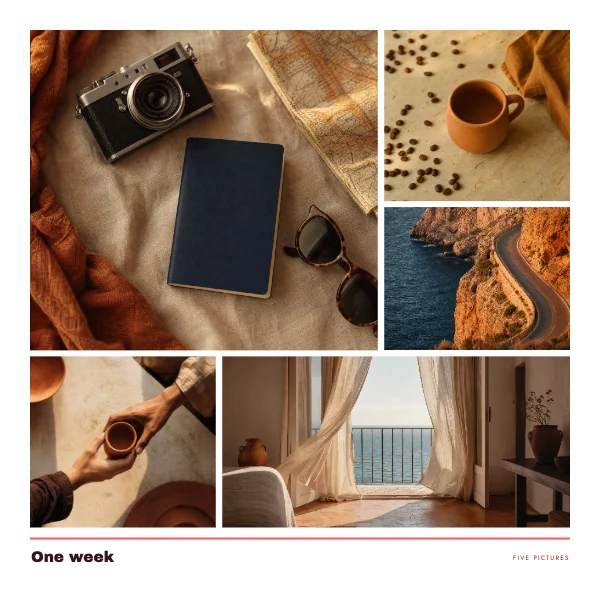
What you get when you open it
The template opens in the studio as a 1-page document at 12 × 12 in, with the trim, the margins and the 300 DPI target already set. 4 elements are on it and every one is separate: 2 of them are live text you retype rather than artwork you work around.
The safe margin is 0.6 in top, 0.6 in bottom, 0.6 in left, 0.6 in right. Nothing you want to keep should cross it.
Where to go next
Its category
How printing works
Open any of these and it is already the right size. Bleed, margins and trim are set, and there is no watermark on anything you export — on any plan, ever.